Free Shipping on Domestic Orders $75+

Logitech K480 Easy-Switch Dial Replacement

What you need

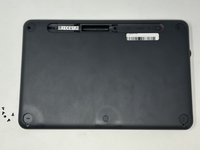
  1. Logitech K480 Easy-Switch Dial Replacement, Back Cover: step 1, image 1 of 1
    • Flip the keyboard over.

    Ask FixBot
    Add Comment

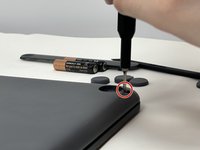
  2. Logitech K480 Easy-Switch Dial Replacement: step 2, image 1 of 3 Logitech K480 Easy-Switch Dial Replacement: step 2, image 2 of 3 Logitech K480 Easy-Switch Dial Replacement: step 2, image 3 of 3
    • Remove the four rubber feet with a spudger.

    Ask FixBot
    Add Comment

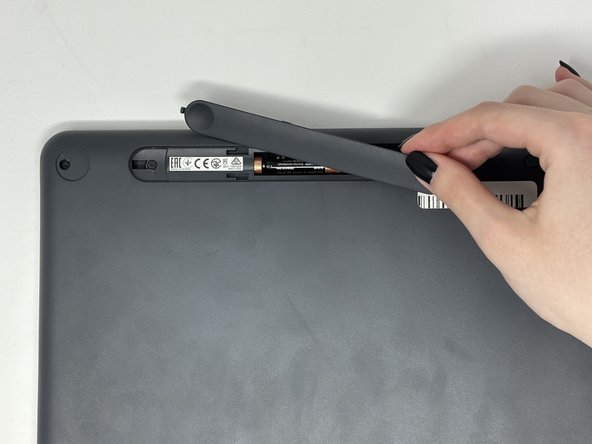
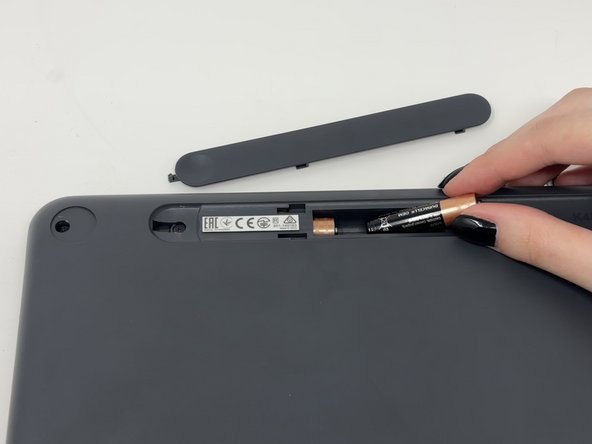
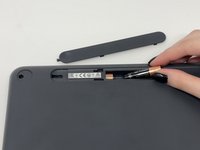
  3. Logitech K480 Easy-Switch Dial Replacement: step 3, image 1 of 3 Logitech K480 Easy-Switch Dial Replacement: step 3, image 2 of 3 Logitech K480 Easy-Switch Dial Replacement: step 3, image 3 of 3
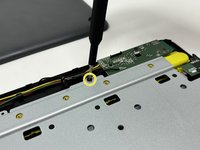
    • Slide open battery panel.

    • Remove the batteries.

    Ask FixBot
    Add Comment

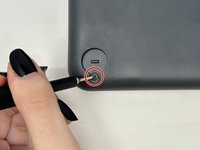
  4. Logitech K480 Easy-Switch Dial Replacement: step 4, image 1 of 2 Logitech K480 Easy-Switch Dial Replacement: step 4, image 2 of 2
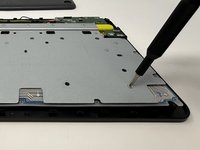
    • Remove the three 4 mm screws under the rubber feet using a Phillips #0 screwdriver.

    Ask FixBot
    Add Comment

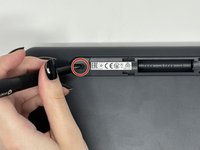
  5. Logitech K480 Easy-Switch Dial Replacement: step 5, image 1 of 2 Logitech K480 Easy-Switch Dial Replacement: step 5, image 2 of 2
    • Remove the two 4 mm screws from beneath the battery cover using a Phillips #0 screwdriver.

    Ask FixBot

    Add Comment

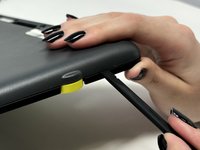
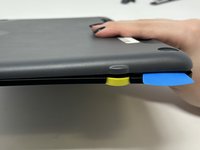
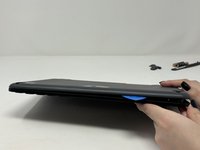
  6. Logitech K480 Easy-Switch Dial Replacement: step 6, image 1 of 3 Logitech K480 Easy-Switch Dial Replacement: step 6, image 2 of 3 Logitech K480 Easy-Switch Dial Replacement: step 6, image 3 of 3
    • Starting by the dial, slide the spudger between the front and back panels until it lifts and snaps.

    • Slide a blue pick in to keep the pieces apart while you work on other areas.

    • Continue prying along the edges until you have enough opened that you can pull both pieces apart gently with your hands.

    • The loud snaps are the clips that hold the pieces together. They're not breaking and you do not need to be alarmed.

    Ask FixBot

    Add Comment

  7. Logitech K480 Easy-Switch Dial Replacement, Metal Plate: step 7, image 1 of 3 Logitech K480 Easy-Switch Dial Replacement, Metal Plate: step 7, image 2 of 3 Logitech K480 Easy-Switch Dial Replacement, Metal Plate: step 7, image 3 of 3
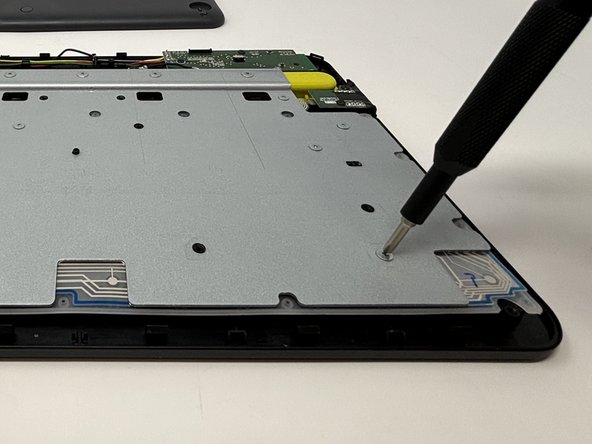
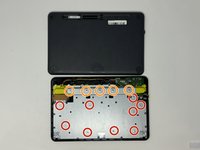
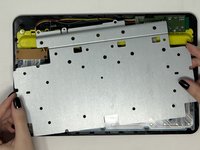
    • Remove the eight 3 mm screws using a Phillips #00 screwdriver

    • Remove the five 2 mm silver screws from the metal plate using a Phillips #00 screwdriver.

    • Remove the single 4 mm black screw by the motherboard using a Phillips #00 screwdriver.

    Ask FixBot
    Add Comment

  8. Logitech K480 Easy-Switch Dial Replacement: step 8, image 1 of 2 Logitech K480 Easy-Switch Dial Replacement: step 8, image 2 of 2
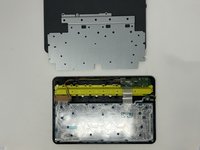
    • Lift up and remove the metal plate.

    Ask FixBot
    Add Comment

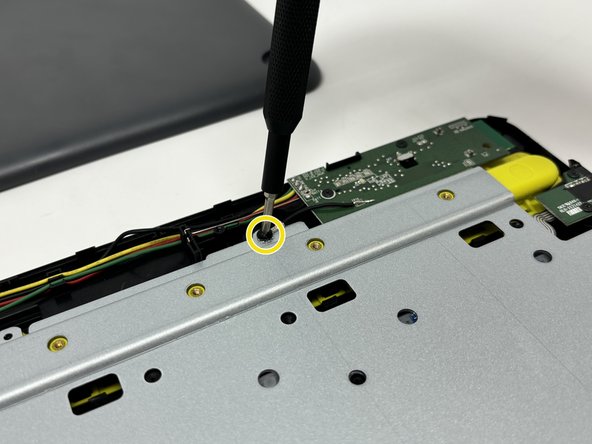
  9. Logitech K480 Easy-Switch Dial Replacement, Easy-Switch Dial: step 9, image 1 of 1
    • Remove the two black 4 mm screws from the dial motherboard located on the upper right corner of the device with the Phillips #00 screwdriver.

    Ask FixBot

    Add Comment

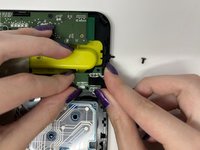
  10. Logitech K480 Easy-Switch Dial Replacement: step 10, image 1 of 2 Logitech K480 Easy-Switch Dial Replacement: step 10, image 2 of 2
    • Lift the Easy-Switch motherboard up to pop it out from the dial.

    Ask FixBot

    Add Comment
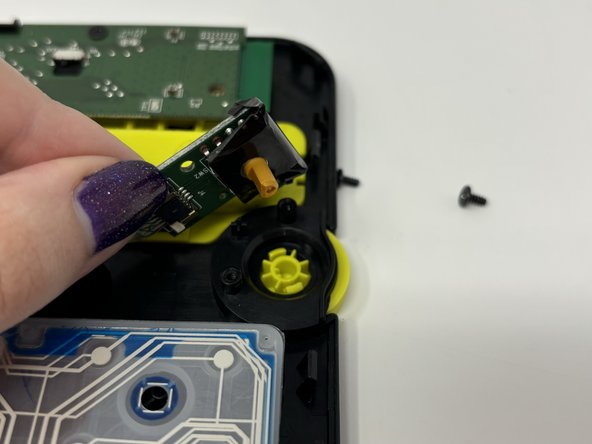
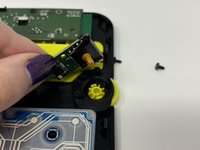
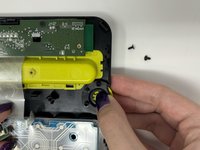
  11. Logitech K480 Easy-Switch Dial Replacement: step 11, image 1 of 3 Logitech K480 Easy-Switch Dial Replacement: step 11, image 2 of 3 Logitech K480 Easy-Switch Dial Replacement: step 11, image 3 of 3
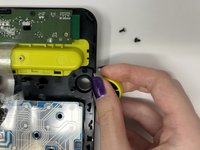
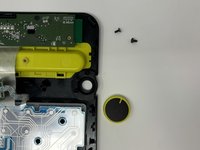
    • Pop out the Easy-Switch dial by gently pressing your finger on the underside of of the dial.

    Ask FixBot

    Add Comment

Conclusion

To reassemble your device, follow these instructions in reverse order.

Cancel: I did not complete this guide.

One other person completed this guide.

Marie Sewell

Member since: 09/04/24

324 Reputation

2 Guides authored

1 Guide Comment

Very good tutorial, it's a shame we don't know where to get the Logitech K480 Easy-Switch Dial part. Sincerely.

Herve SPADACINI - Reply Share

Add Comment

View Statistics:

Past 24 Hours: 0

Past 7 Days: 6

Past 30 Days: 39

All Time: 573