Introduction
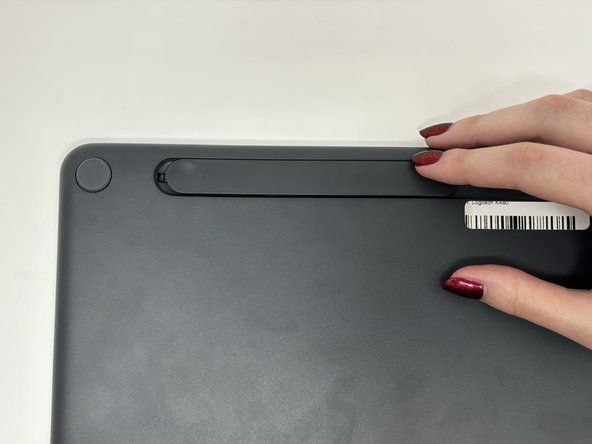
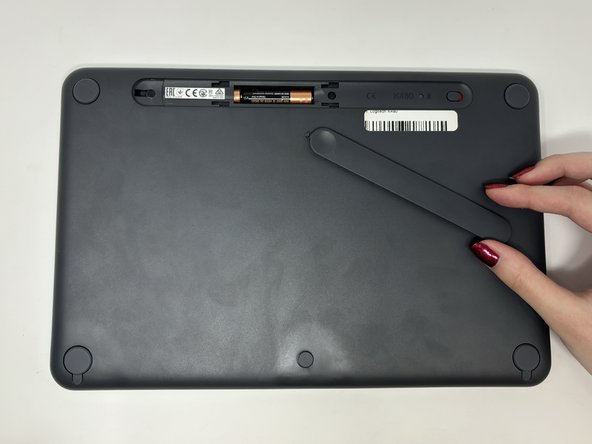
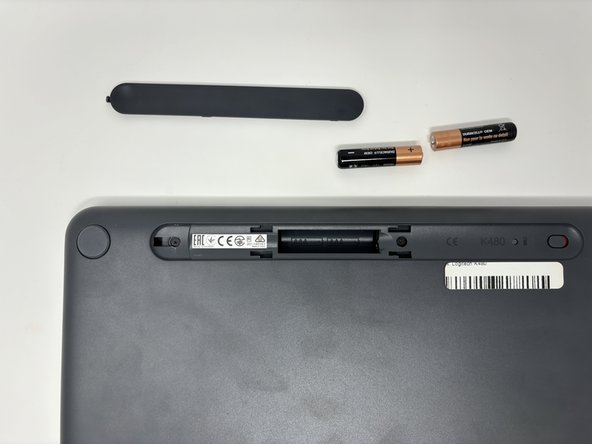
If the LED lights on your Logitech K480 keyboard are not working and the keyboard is not connecting, you may need new batteries. Additionally, if our troubleshooting pages (Keystrokes Won't Register and Bluetooth Won't Connect) don't help, follow this guide to replace the batteries. For this guide, you will only need two replacement AAA batteries. Be sure to consult proper guidelines on disposing of dead batteries.

 Ask FixBot




Conclusion
To reassemble your device, follow these instructions in reverse order.

