Introduction
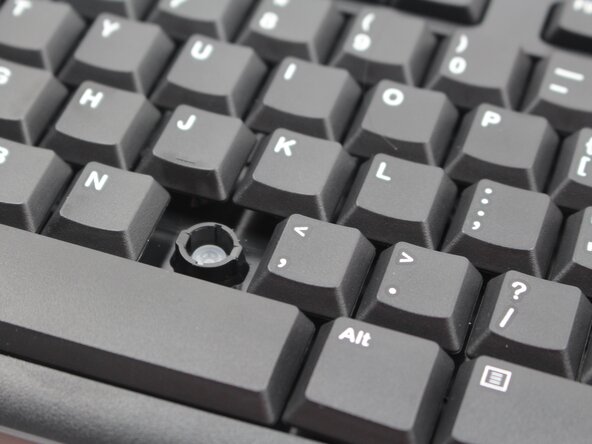
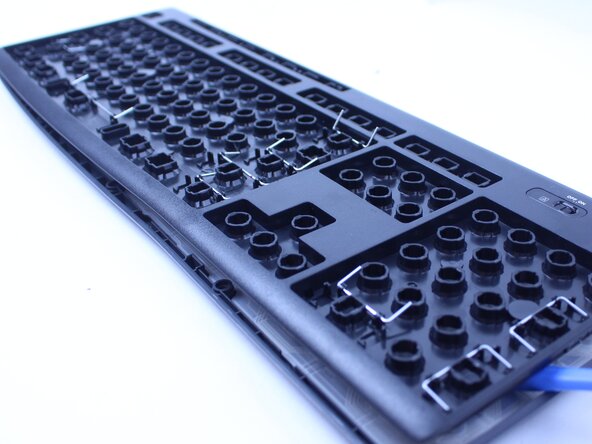
This guide will walk you through the process of replacing the gasket in a Logitech K270 wireless keyboard. Over time, the internal gasket may wear out or degrade, leading to reduced typing comfort, inconsistent key response, or increased noise. Replacing the gasket can restore the keyboard's performance and extend its lifespan.
What you need
-
-
-
Flip the keyboard over and remove all screws with a Phillips #0 screwdriver.
 Ask FixBot
-
-
-




Conclusion
To reassemble your device, follow these instructions in reverse order.

Team

Sam Houston State, Team 7-4, Thornton Spring 2025 Member of Sam Houston State, Team 7-4, Thornton Spring 2025
SHSU-THORNTON-S25S7G4
4 Members
24 Guides authored
