Introduction
If you find yourself looking to replace your Logitech Harmony 1100 screen because it is cracked or malfunctioning, use this guide to help. Sometimes individual pixels can have issues that effect the entire display but this is likely just an issue with the screen and not the device. You will not need any spacial skills to complete this, only the tools listed.
What you need
-
-
-
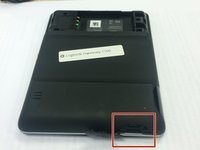
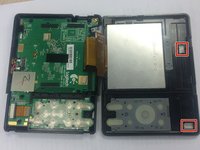
Remove the battery cover by pushing down on the circled areas and pushing outward.
-
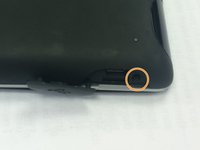
Remove the battery by lifting up the battery on the corner exposed by the indent in the case
 Ask FixBot
-
-
-
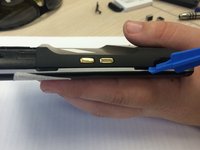
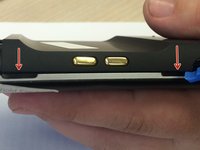
Open the connector port on the side.
-
Remove screw with a PH00 screwdriver head.
-
-
-
-
-
-
Pop out the plastic screen backing on front of device.
-
Loosen the screen backing by pushing back on the plastic clips that hold the screen backing in place.
-
-
-
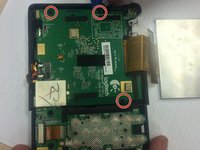
Use the PH00 Phillips head from the iFixit Tool Kit to remove the 3 screws from the circuit on the back half of the device.
-
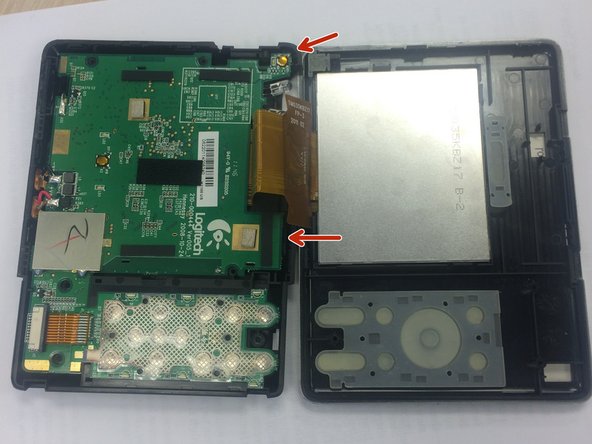
Use the edge of the larger circuit board to flip the board over to the left.
-
-
-
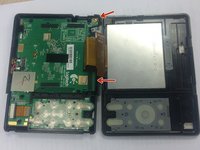
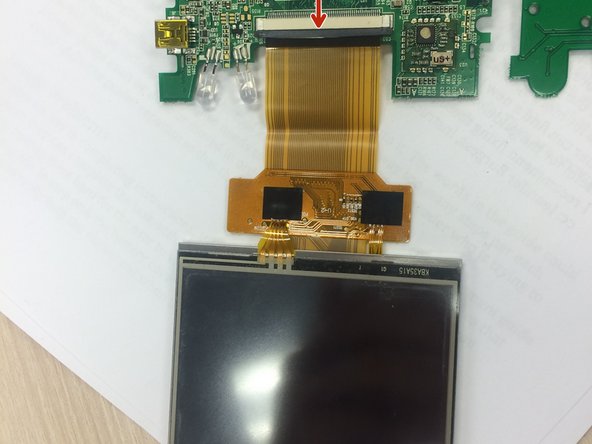
Find the wire that attaches to the screen.
-
Push the dark grey bar that is used to lock the screen in place, outward from the beige bar to disconnect it.
-
Remove the screen wire.
-
-







Cancel: I did not complete this guide.
3 other people completed this guide.

Team

Ohio State, Team 1-5, Burgess Spring 2016 Member of Ohio State, Team 1-5, Burgess Spring 2016
OSU-BURGESS-S16S1G5
4 Members
24 Guides authored
1 Guide Comment
Depending on the vintage of the original motherboard and new screen, you may find the replacement screen image is upside down. Activation points remain where they should be, not where the screen displays. There is no fix for this without the Harmony desktop software.
