Introduction
The Logitech G Pro Wireless connects to a LIGHTSPEED USB Receiver (M/N: C-U0008). The mouse can be paired to replacement receivers of the same model.
Note: The mouse will NOT pair to Logitech Unifying Receivers or PRO LIGHTSPEED USB Receivers.
This guide uses the Logitech G Hub software available to download from the official website.
The Logitech Connection Utility available here could also be used instead of Logitech G Hub.
The official guide to pairing the device to a replacement receiver can be found here.
 Ask FixBot
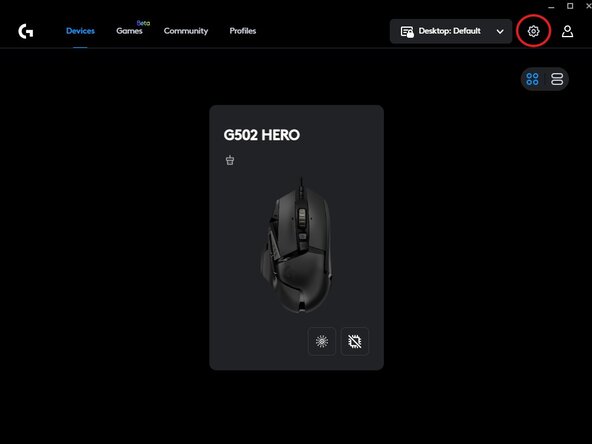

If the USB Receiver gets unpaired from the mouse, follow the same steps to repair it again.

Team

UMass Dartmouth, Team 2-2, Petersen Spring 2023 Member of UMass Dartmouth, Team 2-2, Petersen Spring 2023
UMASSD-PETERSEN-S23S2G2
3 Members
84 Guides authored
