Introduction
This guide will show you how to replace the SSD on your Lenovo Thinkpad T480 laptop. Backup your data before replacing if possible.
What you need
-
-
Disable the battery, and unplug your device before you begin. Flip laptop over on its back.
-
-


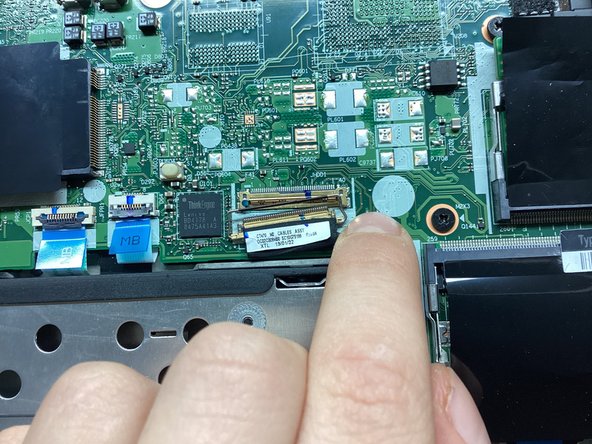

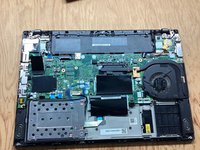

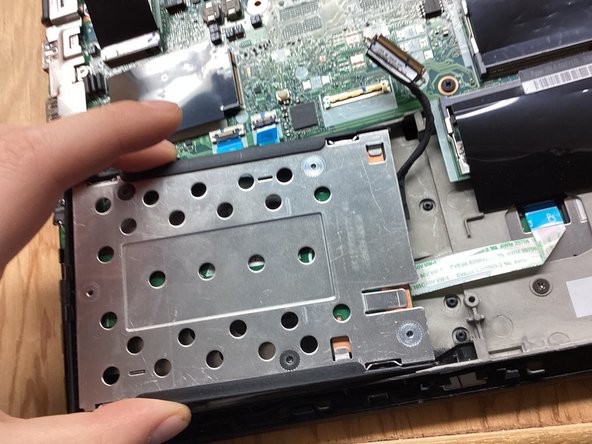
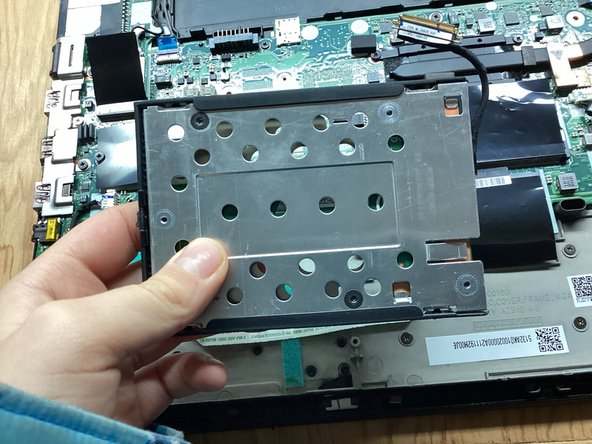
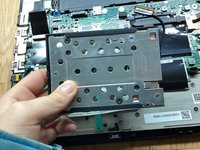


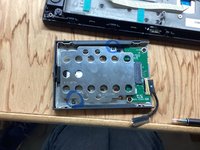
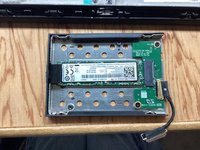


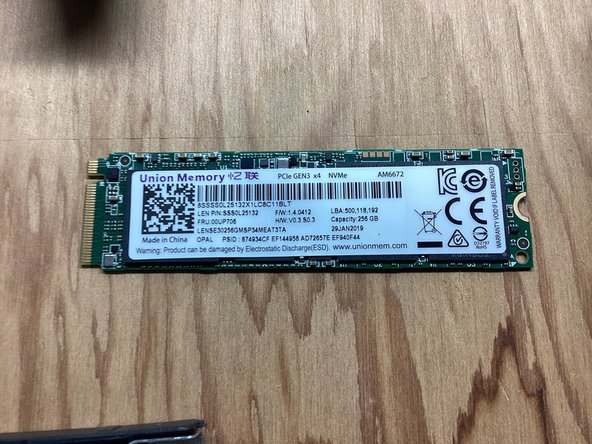
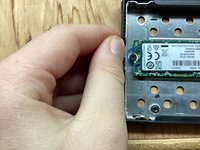
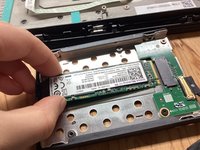
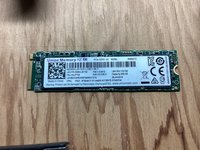
To reassemble your device, follow these instructions in reverse order.
Cancel: I did not complete this guide.
4 other people completed this guide.


2 Guide Comments
Super useful
There's a slightly safer (as in, less likely to leave little plastic tabs all over your desk) approach to getting the base off. It's documented very well in the official T480 Hardware Maintenance Manual.
https://download.lenovo.com/pccbbs/mobil...
If that link breaks, search online for "T480 hmm".
Find the "Base cover assembly" section and note where they tell you to push down with your thumb, and pull up with your fingers. The numbered arrows show you the order in which to approach things.
