Introduction
This guide goes over the steps to remove the front camera from the tablet.
What you need
-
-
Remove the back cover of the tablet by inserting a nylon or metal spudger in the small hole between the screen and rear cover near the volume button. Slide the tool along the edge of the tablet to release the internal clasps.
-
-
-
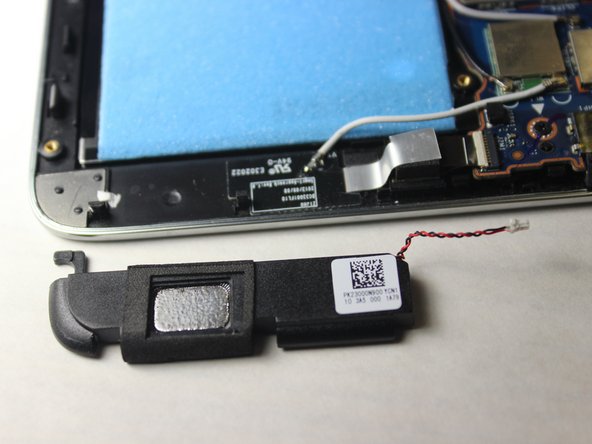
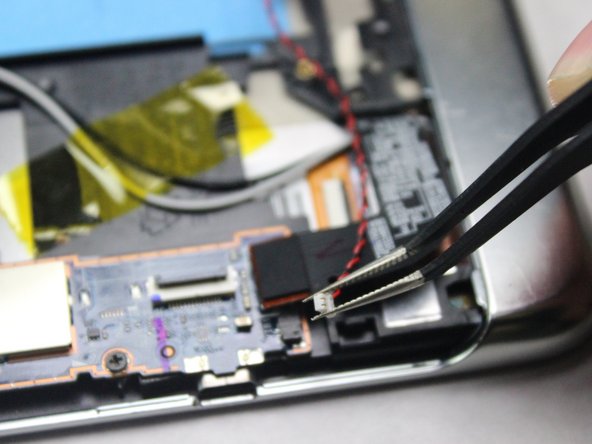
Remove the red and black connector cable linking the speakers to the motherboard with tweezers by pulling the connector to the left with a light degree of force.
-
-
-
-
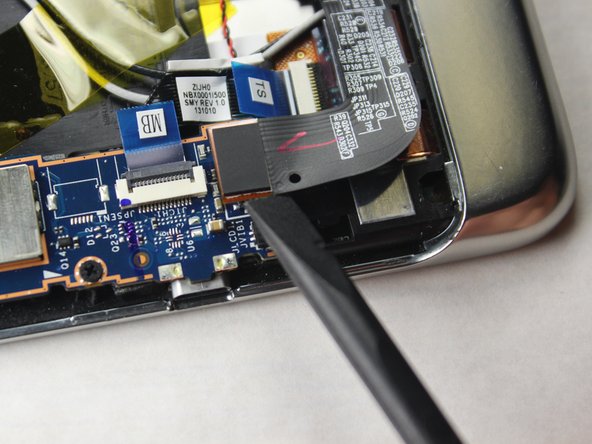
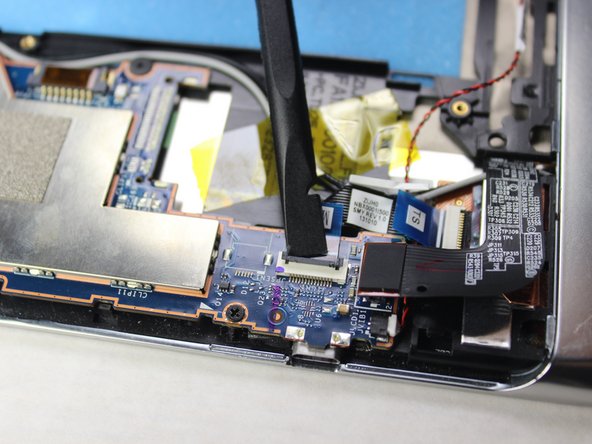
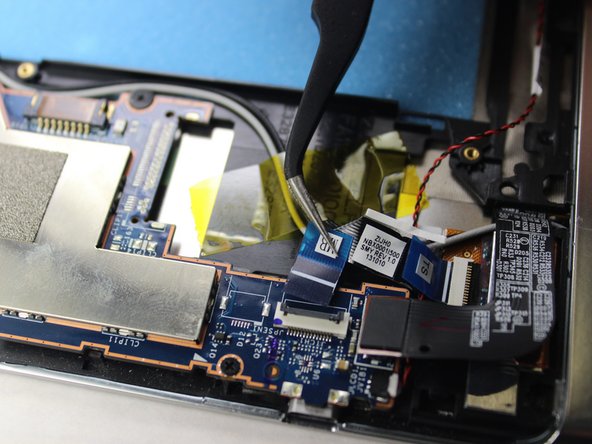
Locate the LCD cable connector and gently pry it directly up with a spudger.
-
-












To reassemble your device, follow these instructions in reverse order.
To reassemble your device, follow these instructions in reverse order.
Cancel: I did not complete this guide.
3 other people completed this guide.


Team

