Free Shipping on Domestic Orders $75+

Lefant M210 Wheel Assembly Replacement

What you need

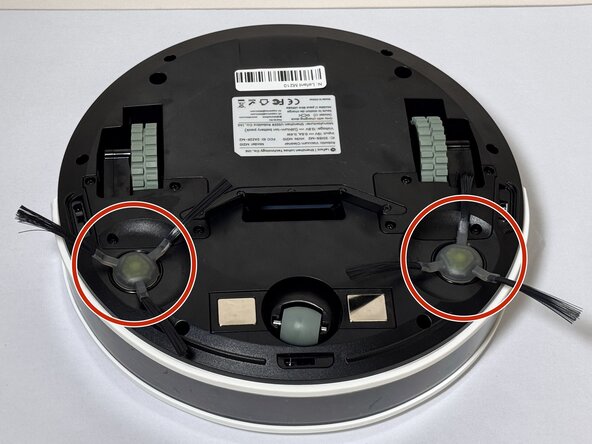
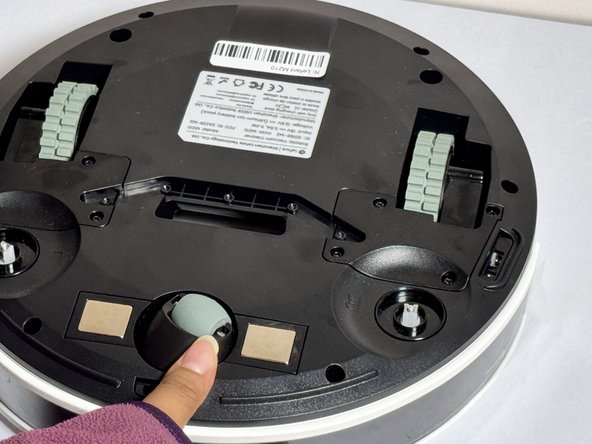
    1. Lefant M210 Wheel Assembly Replacement, Brush: step 1, image 1 of 2 Lefant M210 Wheel Assembly Replacement, Brush: step 1, image 2 of 2
      • Turn off the Lefant M210 and disconnect it from the charging dock.

      • Flip the unit over so the bottom faces upward.

      • Locate the circular brush assemblies on the left and right sides of the underside.

      • Place the unit on a clean, flat surface to prevent scratching.

      Ask FixBot

      Add Comment

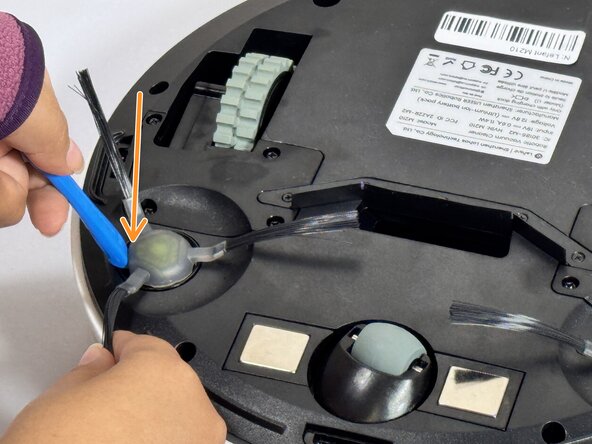
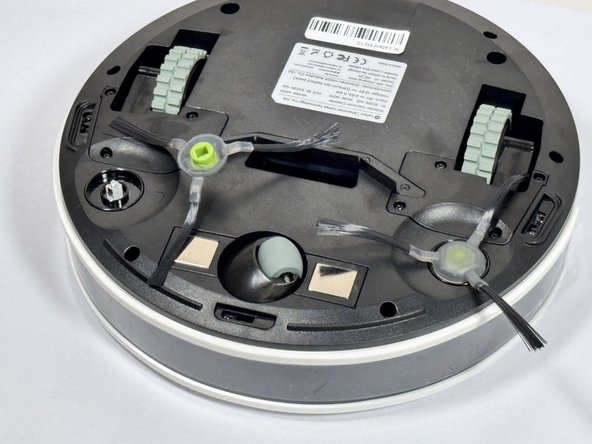
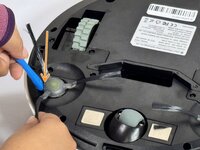
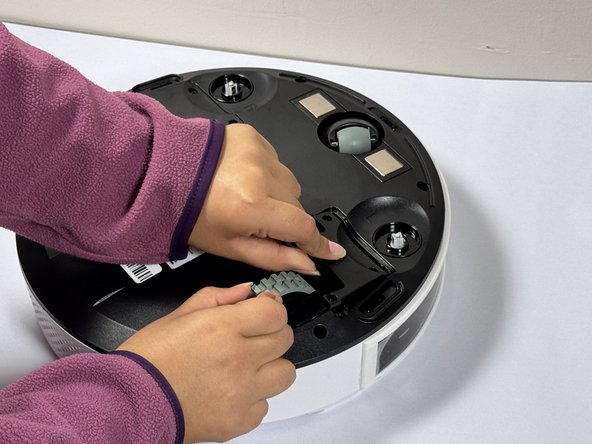
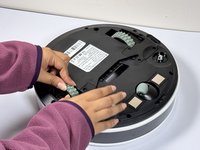
    2. Lefant M210 Wheel Assembly Replacement: step 2, image 1 of 3 Lefant M210 Wheel Assembly Replacement: step 2, image 2 of 3 Lefant M210 Wheel Assembly Replacement: step 2, image 3 of 3
      • Insert the iFixit Opening Tool (or similar pry tool) under the circular edge of the brush assembly.

      • Apply gentle downward pressure on the opposite end of the tool to lever the brush component out of its housing.

      • Remove the brush assembly completely and set it aside.

      • If replacing both brush assemblies, repeat this process on the other side.

      • Avoid using excessive force, which may damage the mounting clips.

      Ask FixBot

      Add Comment

      • Position the new brush assembly above the square mounting peg.

      • Align the square cavity on the bottom of the brush with the corresponding square peg in the vacuum housing.

      • Press down firmly on the brush assembly until you hear or feel it click into place.

      • Gently tug on the brush to verify it is securely seated.

      • The brush should sit flush with the housing and not move when pulled gently.

      Ask FixBot

      Add Comment

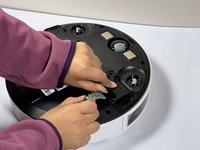
    1. Lefant M210 Wheel Assembly Replacement, Wheel Assembly: step 4, image 1 of 1
      • Use a Phillips screwdriver to remove four screws near each wheel.

      Ask FixBot

      Add Comment

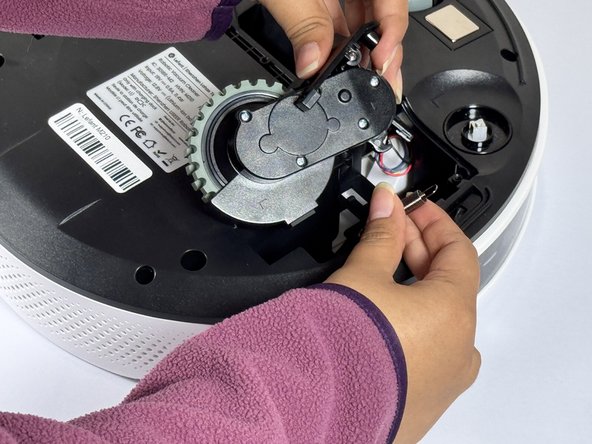
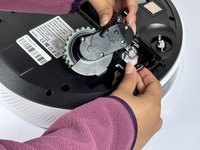
    2. Lefant M210 Wheel Assembly Replacement: step 5, image 1 of 2 Lefant M210 Wheel Assembly Replacement: step 5, image 2 of 2
      • Remove the plastic cover next to each wheel.

      • Grip both sides of the wheel and pull upwards.

      • The wheels of the device require some force to remove.

      • Don't pull the wheels too hard as they are attached to cables and may be damaged if yanked.

      Ask FixBot

      Add Comment

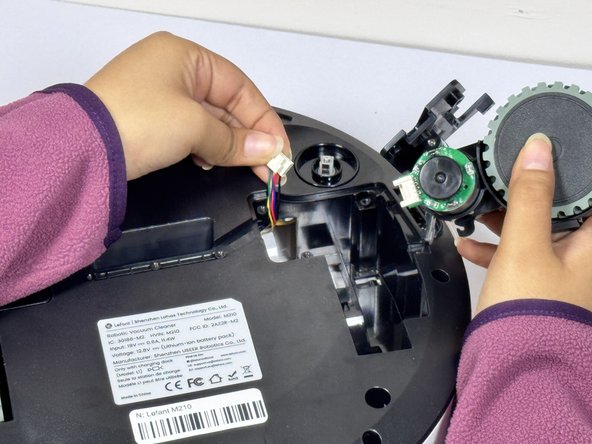
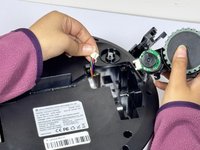
    3. Lefant M210 Wheel Assembly Replacement: step 6, image 1 of 3 Lefant M210 Wheel Assembly Replacement: step 6, image 2 of 3 Lefant M210 Wheel Assembly Replacement: step 6, image 3 of 3
      • Hold the wheel up and detach the connector to release it from the device.

      Ask FixBot

      Add Comment

Conclusion

To reassemble your device, follow these instructions in reverse order.

Cancel: I did not complete this guide.

Adrian pg

Member since: 09/09/24

147 Reputation

1 Guide authored

Team

CSU Los Angeles, Team 2-4, Kershman Fall 2024 Member of CSU Los Angeles, Team 2-4, Kershman Fall 2024

CSULA-KERSHMAN-F24S2G4

4 Members

48 Guides authored

0 Guide Comments

Add Comment

View Statistics:

Past 24 Hours: 4

Past 7 Days: 34

Past 30 Days: 131

All Time: 2,116