Introduction
This replacement guide will teach you how to remove and replace the back facing camera to your Leader Impression i10A-LE tablet. This fix can take anywhere from 15-25 minutes.
What you need
-
-
-
Start with your Leader Impression i10A-LE with the word "Impression" closest to you and the camera in the top left corner.
 Ask FixBot
-
-
-
Start by prying the back off by using plastic opening tools.
-
Using the plastic tools slide the flat end into the device.
-
Gently pry the back piece until you hear a popping noise.
-
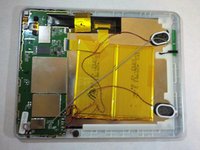
Once the back is loose, remove it from the device and set aside.
-
-
-
Tool used on this step:Tweezers$4.99
-
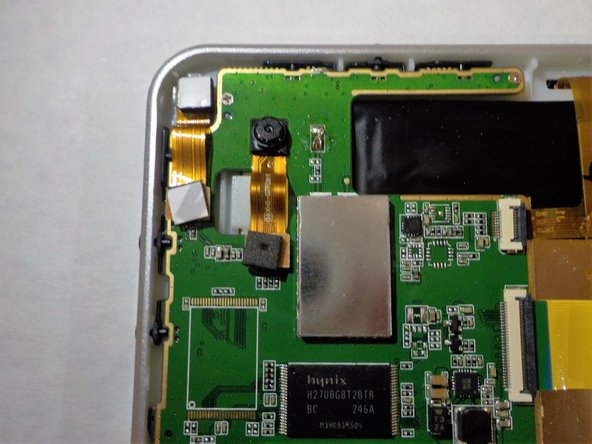
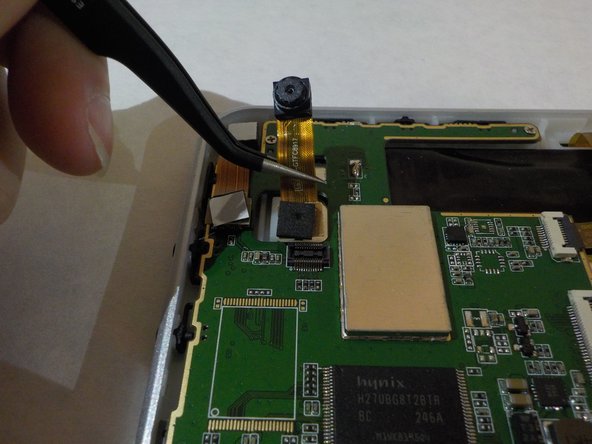
Once the back is off, locate the back facing camera.
-
The camera will be in the top left corner.
-
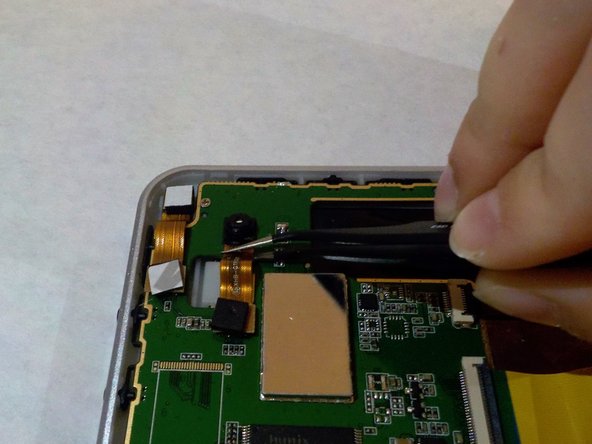
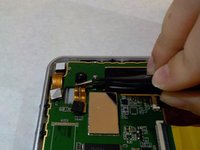
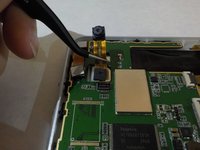
Using the precision tweezers that are bent, gently grab the strip below the camera.
-
slowly lift up until the camera lifts from its spot.
-
-
-
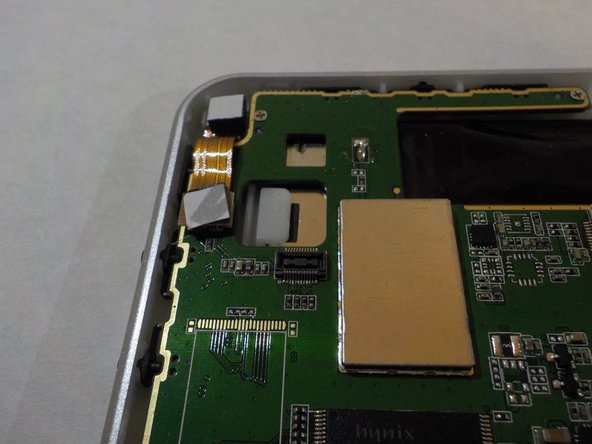
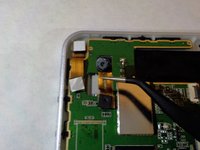
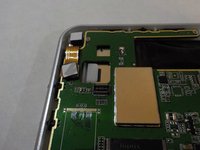
Continue slowly lifting with the bent precision tweezers.
-
The bottom half of the camera strip will pop out.
-
-




To reassemble your device, follow these instructions in reverse order.
Cancel: I did not complete this guide.
One other person completed this guide.

Team

Western Carolina University, Team 1-3, Virtue Fall 2016 Member of Western Carolina University, Team 1-3, Virtue Fall 2016
WCU-VIRTUE-F16S1G3
5 Members
60 Guides authored
