
LG Watch Urbane Screen Replacement

Luis Guinand and one other contributor
Last updated on Nov 30, 2015
Views: 2.9K
View statistics:
- Past 24 Hours:
- 3
- Past 7 Days:
- 23
- Past 30 Days:
- 104
- All Time:
- 2,937
Comments: 6
4 comments on steps, 2 guide comments.
Go to guide commentsCompleted: 1 2
1 person has marked this guide "completed." Will you be next?
2 people have marked this guide "completed." Including you — great job!
Favorites: 1 2
1 person has favorited (and subscribed to) this guide. Will you be next?
2 people have favorited (and subscribed to) this guide — including you!
Needs Better Images
Better photos will improve this guide. Help out by taking, editing, or uploading new ones!
Action Shots
Be an action hero! This guide needs images that better demonstrate how to perform specific actions.
Introduction
Go to step 1 ↓In order to replace your screen you are going to need the proper tools. There are screws that need to be unscrewed and components that need to be pried open carefully. The tools needed will be plastic opening tools, PH #000 screwdriver and tweezers. With these prepared everything should be ready to start the replacement of the screen for the LG Watch Urbane.
What you need
Tools


-
-
Tool used on this step:Tweezers$4.99
-
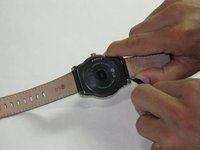
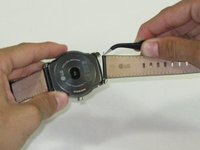
Push on the band in order to expose the pins
-
Using tweezers, remove the pins, one on each side, in order to only leave the face of the watch.
 Ask FixBot
-
-
-
Using plastic opening tools, carefully pry open the back cover of the the watch.
-
-
-
Tool used on this step:Magnetic Project Mat$19.95
-
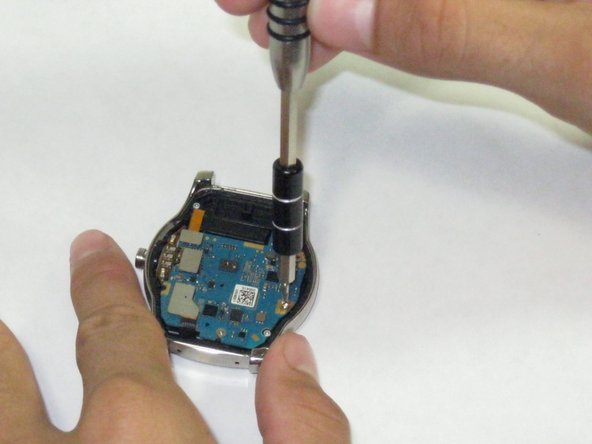
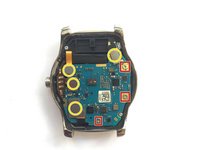
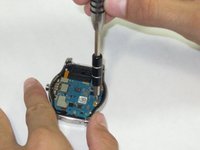
Using a PH000 screwdriver, remove the three screws in order to release the motherboard from the watch.
-
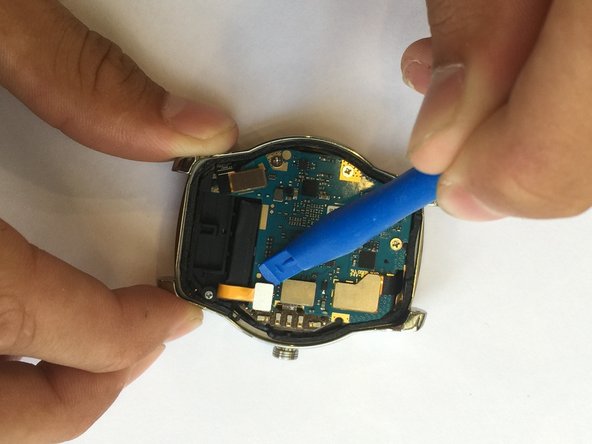
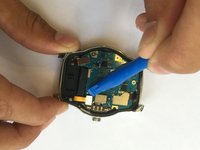
Using plastic opening tools, remove the four connectors attached to the motherboard
-
-
-
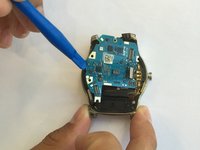
Using the plastic opening tools, carefully lift up the motherboard.
-
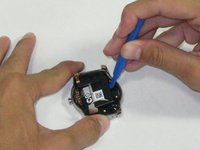
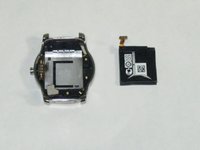
IGNORE THIS STEP IF ONLY REMOVING MOTHERBOARD: Use the plastic opening tools to carefully remove the battery
-
-
-
-
Tool used on this step:Magnetic Project Mat$19.95
-
Now that you have removed the motherboard and battery, it is time to remove the dock connector.
-
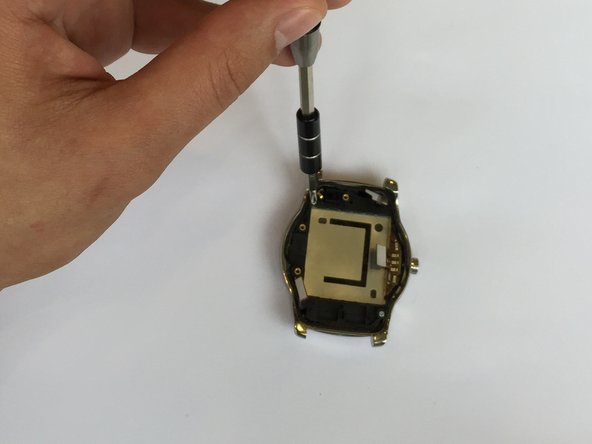
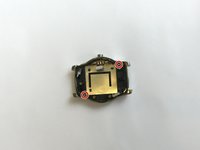
Using a PH000 screwdriver, remove the two screws in order to release the dock connector from the watch.
-
-
-
Once the screws are removed, the dock connector is free to be moved.
-
Gently lift the dock connector away from the frame and you will now be able to see the screen.
-
The watch's screen is stuck to the back of the glass with an adhesive so be tedious when pulling it off.
-
-








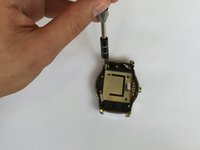

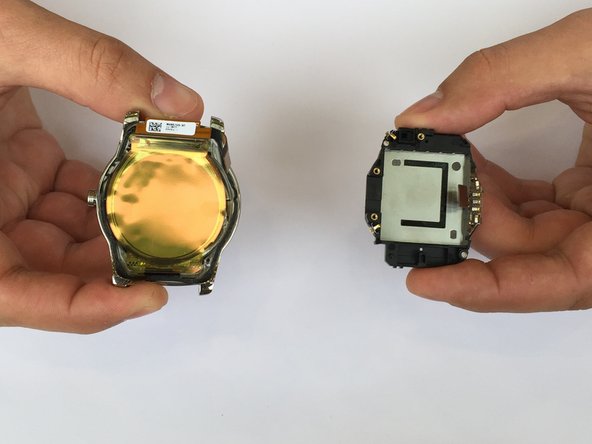
To reassemble your device, follow these instructions in reverse order.
Cancel: I did not complete this guide.
One other person completed this guide.

Team

USF Tampa, Team 1-4, Remmell Fall 2015 Member of USF Tampa, Team 1-4, Remmell Fall 2015
USFT-REMMELL-F15S1G4
4 Members
48 Guides authored
2 Guide Comments
where i can find watch urbane display ?
Does anyone know where to buy the display?
