
LG WM3050CW Control Panel Replacement

Bill Gilbert and 2 other contributors
Last updated on Jun 1, 2023
Views: 176
View statistics:
- Past 24 Hours:
- 0
- Past 7 Days:
- 17
- Past 30 Days:
- 26
- All Time:
- 176
Comments: 2
2 comments on steps.
Completed: 0 1
No one has marked this guide "completed." Will you be the first?
1 person has marked this guide "completed." It's you — great job!
Favorites: 0 1
No one has favorited (and subscribed to) this guide. Will you be the first?
1 person has favorited (and subscribed to) this guide — and that's you!
Introduction
Go to step 1 ↓Use this guide to replace the control panel in your LG WM3050CW Washing Machine.
What you need
Tools


-
-
-
Turn off the main water supply
-
Unplug your washer
-
Disconnect all water connections at the rear of your washer
 Ask FixBot
-
-
-
-
-
Use a Phillips driver to remove the two bottom 16.5 mm-long screws securing the top panel brackets.
-
-
-
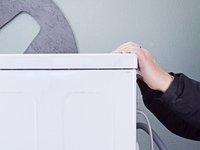
Slide the top panel 1-2 inches towards the rear of the device to disconnect its clips.
-
-
-
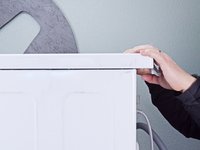
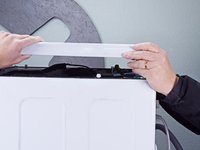
Tilt the top panel upward to completely disconnect it from the chassis.
-
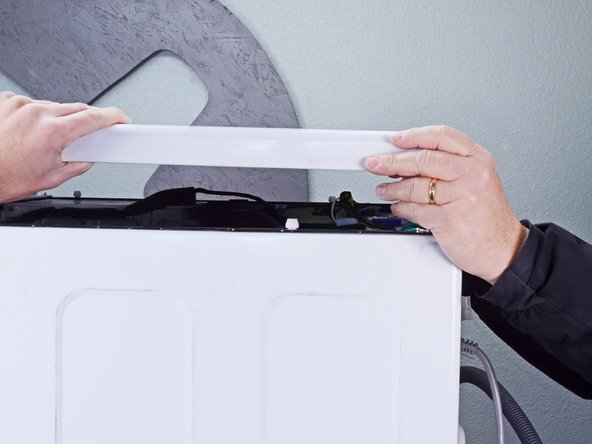
Remove the top panel.
-
-
-
-
-
Pull the detergent drawer away from the chassis as far as it will go.
-
-
-
Press down on the "Push" button to disengage the clips securing the detergent drawer.
-
Pull the drawer out of its slot on the chassis and remove it.
-
-
-
-
-
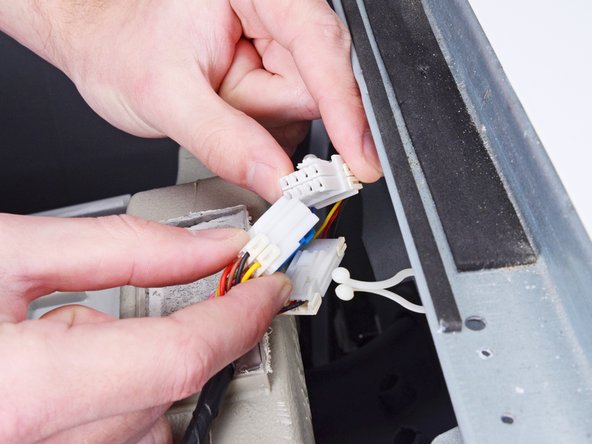
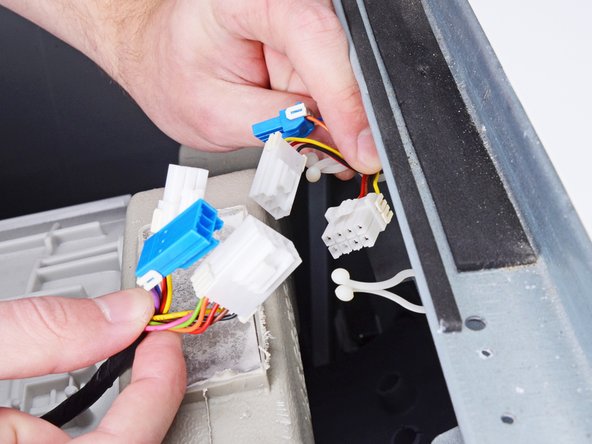
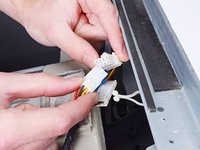
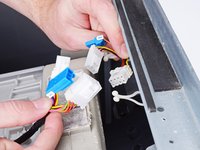
Disconnect the three harness connectors for the control panel.
-
-
-
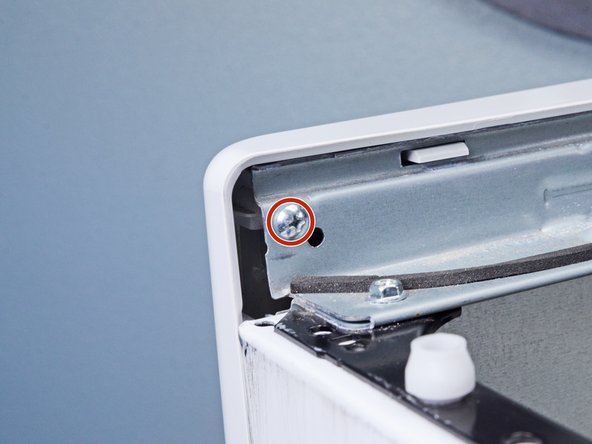
Use a Phillips driver to remove the 16.4 mm-long screw securing the control panel.
-
-
-
-
Use a Phillips driver to remove the two 26.3 mm‑long screws securing the detergent dispenser.
-
-
-
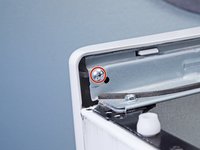
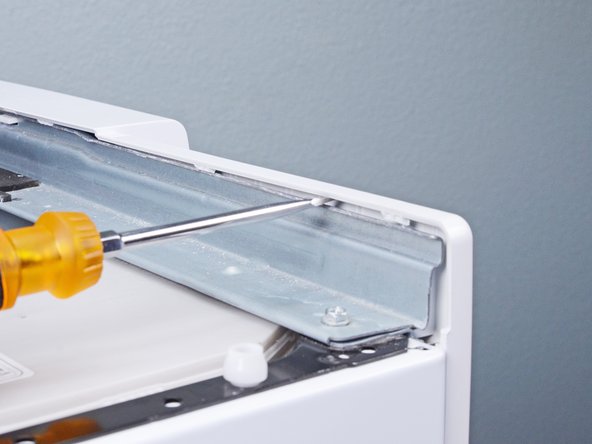
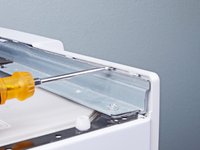
Insert a flathead screwdriver between the chassis and the top left corner of the control panel.
-
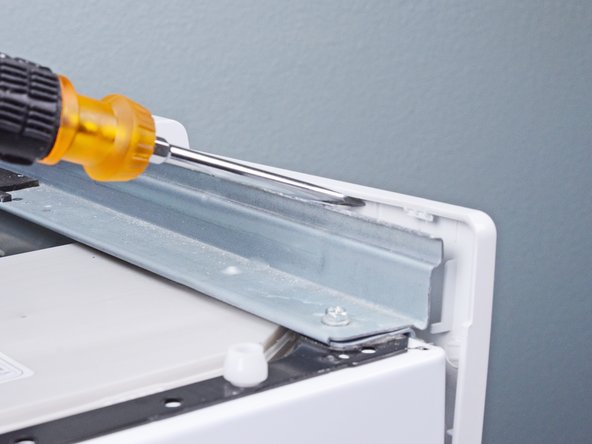
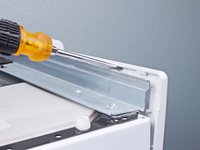
Twist the screwdriver to release the clips securing the control panel.
-
Repeat this procedure for the remaining clips along the control panel.
-
-
-
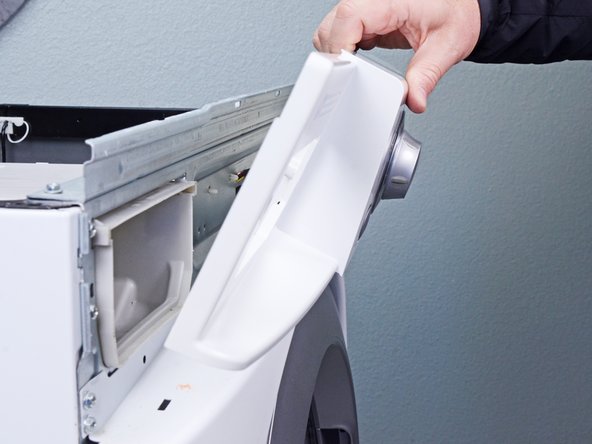
Lift the control panel upward to completely separate it from the chassis.
-
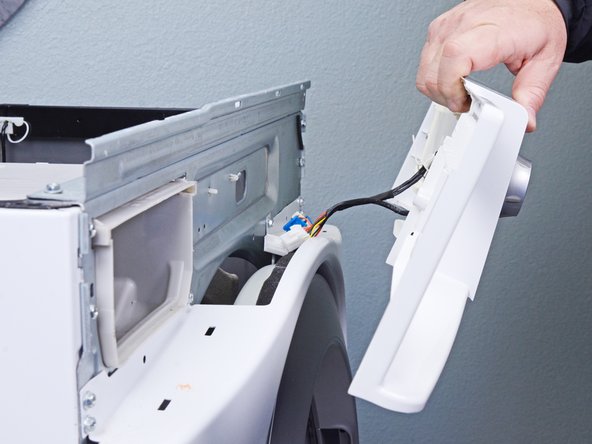
Pull the control panel away from the chassis, making sure to thread the cables through its slot in the chassis.
-
Remove the control panel.
-
-









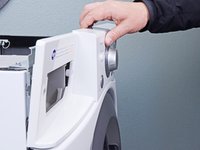
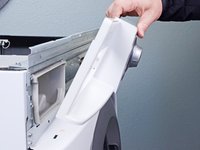
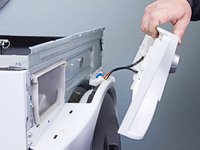
To reassemble your device, follow these instructions in reverse order.


