
LG Vortex Screen Replacement

Last updated on Jan 16, 2026
Views: 3.5K
View statistics:
- Past 24 Hours:
- 1
- Past 7 Days:
- 16
- Past 30 Days:
- 45
- All Time:
- 3,499
Comments: 4
4 comments on steps.
Completed: 0 1
No one has marked this guide "completed." Will you be the first?
1 person has marked this guide "completed." It's you — great job!
Favorites: 0 1
No one has favorited (and subscribed to) this guide. Will you be the first?
1 person has favorited (and subscribed to) this guide — and that's you!
Incorrect Tools
Help make this guide better by using the correct tools in images and/or text.
Markup Mishap
This guide needs better markups. Help out by correcting or making some markup annotations.
Needs More Images
A few more images would make this guide's procedures crystal clear.
Step Trimmer
This guide has unnecessary steps. Trim them to be more concise!
Better Introduction
Improve this guide by completing or revising its introduction.
Introduction
Go to step 1 ↓Follow the initial Disassembly of LG Vortex guide before you start the replacement of the screen. This guide gives step-by-step instructions on how to replace the LCD screen.
What you need
Tools


-
-
-
Find the two thumbnail ridges on the side and top of the phone. One is next to the micro SD slot and the other at the top of the phone
-
Once the ridges are located, use the blue plastic opening tool to pry the back cover away from the rest of the phone.
-
Remove the back cover and set it to the side.
-
-
-
Remove the battery using the blue plastic opening tool.
-
There is a small thumbnail ridge at the top left corner of the battery for ease of removal.
-
Put the battery aside.
-
-
-
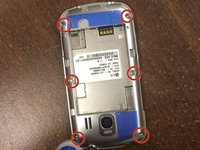
Use the precision screwdriver to remove the 6 screws along the edges of the phone.
-
There are 2 screws at the top in each corner, 2 in the middle on the sides, and 2 in the bottom corners.
-
-
-
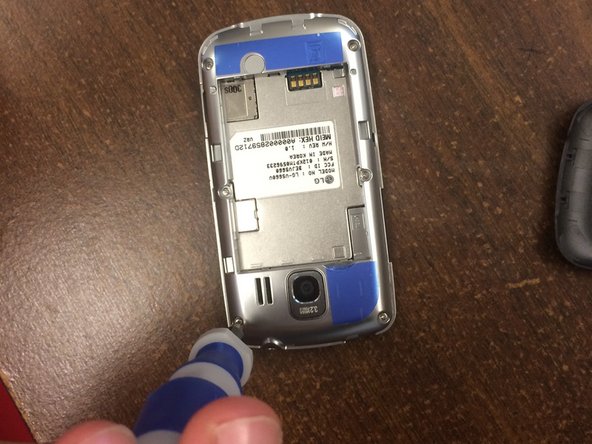
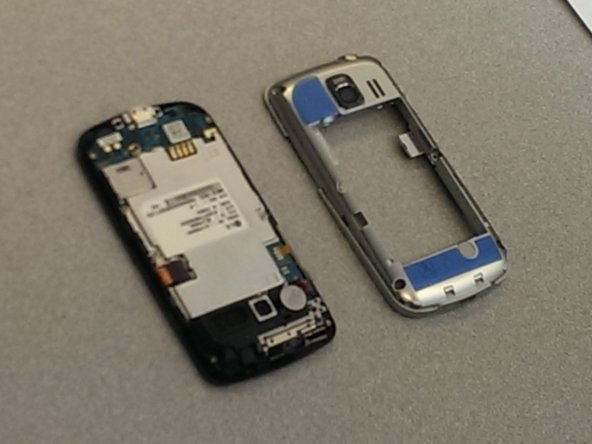
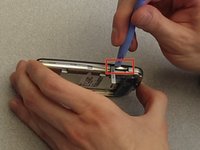
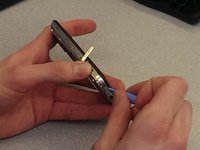
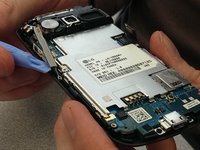
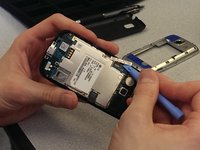
Use the blue plastic opening tool to remove the back frame from the rest of the phone.
-
Pry at the micro SD slot. Push the cover for the SD slot away from the front of the phone and pry the back frame away from the rest of the phone.
-
Pry your way around the entire phone to separate the face from the frame.
-
-
-
-
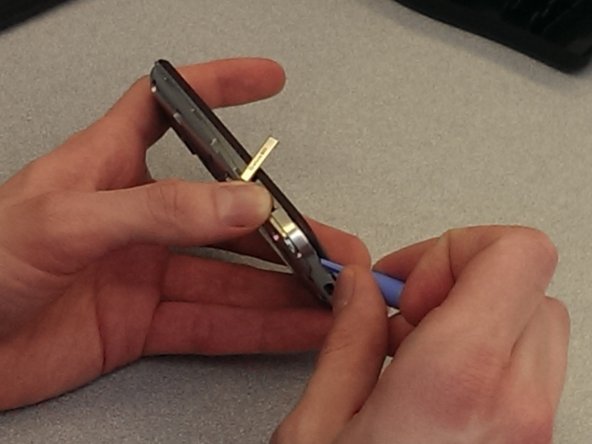
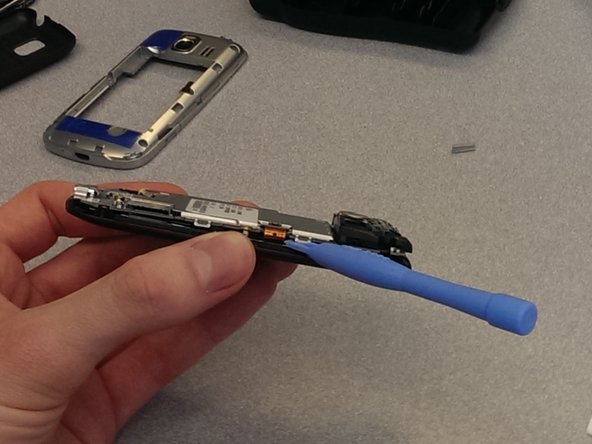
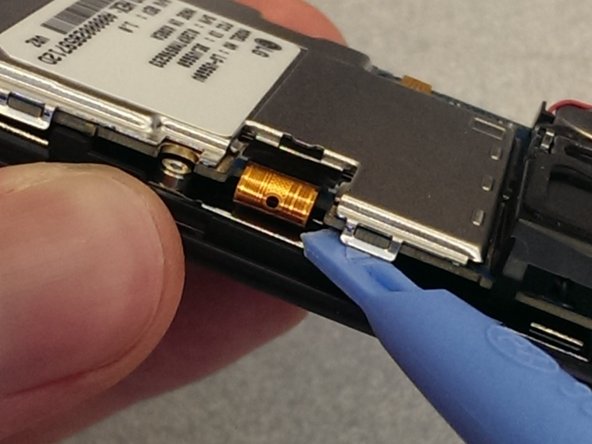
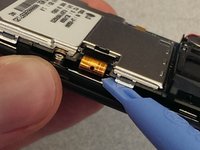
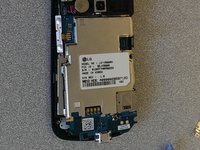
Unclip the screen connector that is connecting the screen to the system board. It is on the right side of the phone, and looks like a thin piece of bronze plastic.
-
-
-
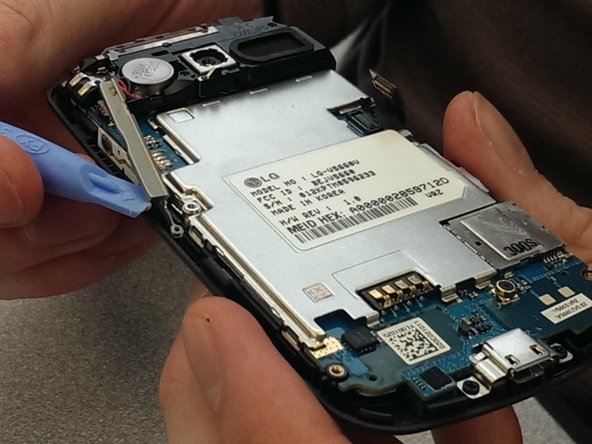
Pull the volume button away from the case and set aside. It is located on the left side of the phone, and is held to the frame by a small nub.
-
-
-
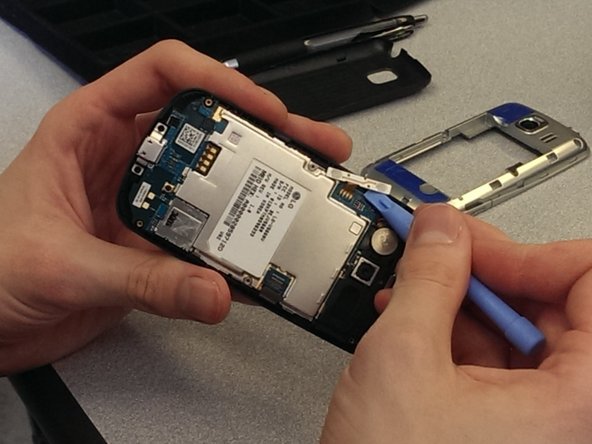
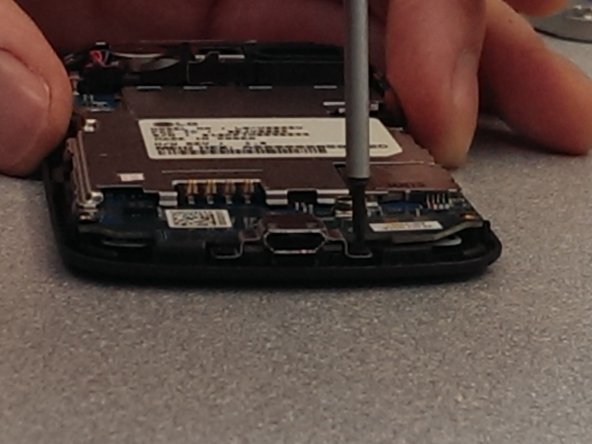
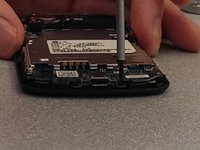
Unscrew the two short black screws at the bottom of the phone, which are holding the USB port to the frame.
-
Place the screws in a safe place
-
-
-
-
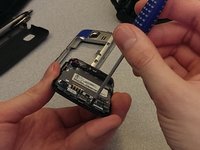
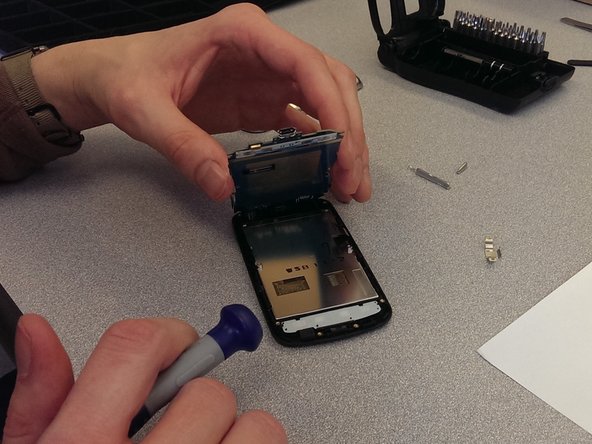
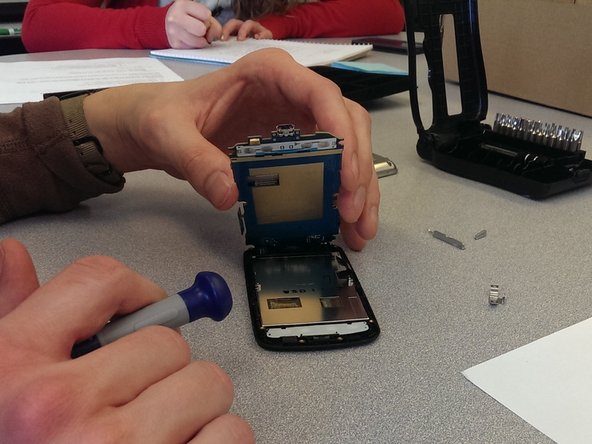
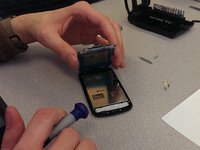
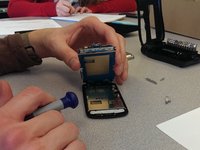
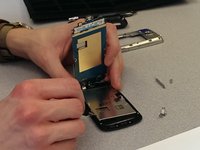
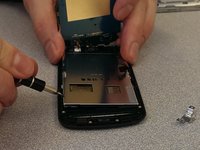
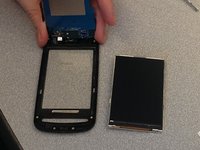
Loosen the screen from the frame at one of four corners using a flat head screwdriver.
-
Look for small rectangle holes and use these to pry the LCD screen away from the face of the phone (the frame).
-
Remove the LCD screen.
-
-

 Ask FixBot











To reassemble your device, follow these instructions in reverse order.

Team

Ohio State, Team 1-3, Buehl Spring 2014 Member of Ohio State, Team 1-3, Buehl Spring 2014
OSU-BUEHL-S14S1G3
4 Members
36 Guides authored
