
LG Tribute HD Front Camera Replacement

Aalia Mohammed and 3 other contributors
Last updated on Jun 22, 2018
Views: 704
View statistics:
- Past 24 Hours:
- 2
- Past 7 Days:
- 14
- Past 30 Days:
- 67
- All Time:
- 704
Comments: 0
No one has left comments on this guide. Will you be first?
Go to guide commentsCompleted: 1 2
1 person has marked this guide "completed." Will you be next?
2 people have marked this guide "completed." Including you — great job!
Favorites: 0 1
No one has favorited (and subscribed to) this guide. Will you be the first?
1 person has favorited (and subscribed to) this guide — and that's you!
Introduction
Go to step 1 ↓This guide will teach you how to properly repair or replace the front camera in the LG Tribute HD LS676. The front camera may need cleaning if the lens has been damaged by water, dirt or sand. There may also be connectivity issues to the motherbaord which will require disconnecting and reconnecting the ribbon cable from the camera to the motherboard. However, if the front lens is broken or damaged causing the camera not to turn on, then is has to be replaced.
What you need
Tools


-
-
-
Insert a fingernail, or plastic opening tool, into the cutout on the back cover and pry outward to remove.
 Ask FixBot
-
-
-
Pull the battery out of the phone.
-
Remove the SD Card by sliding the card out as shown.
-
-
-
-
-
-
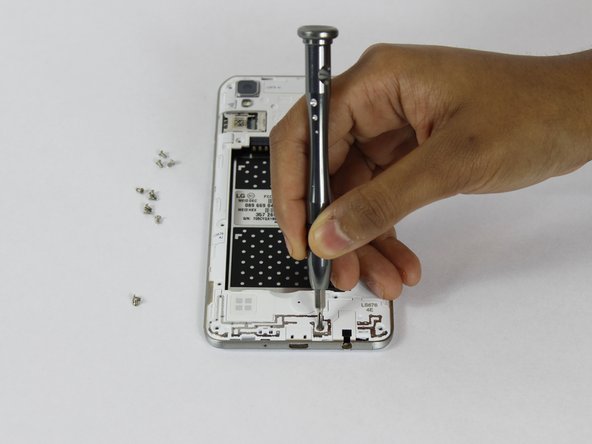
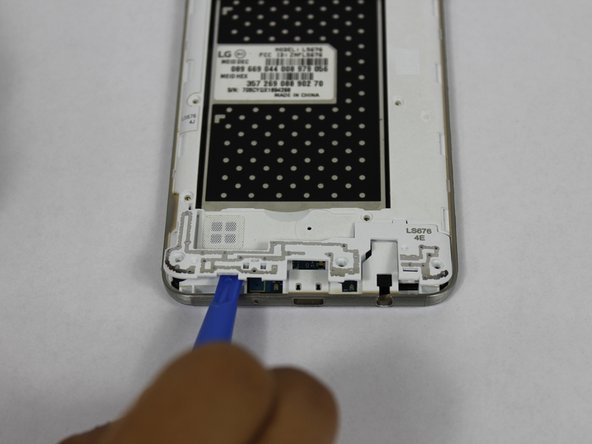
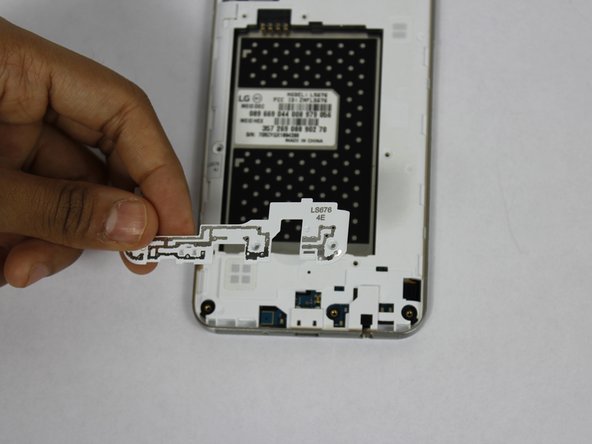
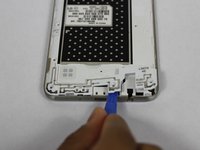
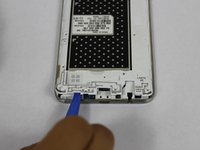
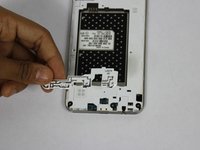
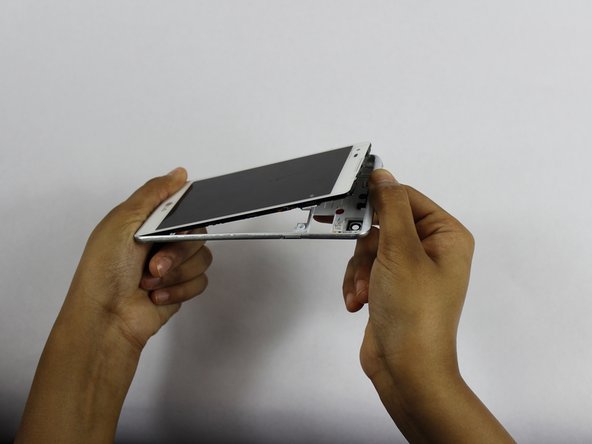
Using a plastic opening tool, remove the antenna extender from the mid-frame.
-
-
-
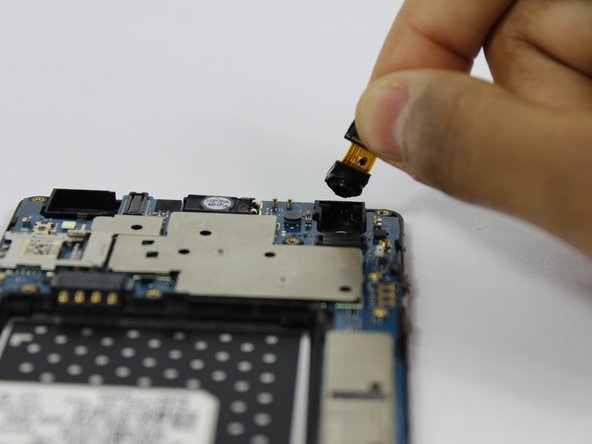
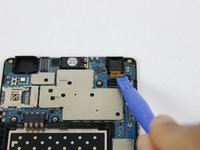
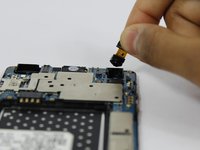
Use a plastic opening tool to disconnect the front camera from the motherboard and pull out to remove.
-





To reassemble your device, follow these instructions in reverse order.
Cancel: I did not complete this guide.
One other person completed this guide.

Team

USF Tampa, Team S1-G3, Nance Spring 2018 Member of USF Tampa, Team S1-G3, Nance Spring 2018
USFT-NANCE-S18S1G3
4 Members
120 Guides authored
