
LG Tribute 5 Display Replacement

Logan Reid Howell and 3 other contributors
Last updated on Jun 17, 2019
Views: 873
View statistics:
- Past 24 Hours:
- 2
- Past 7 Days:
- 15
- Past 30 Days:
- 68
- All Time:
- 873
Comments: 0
No one has left comments on this guide. Will you be first?
Go to guide commentsCompleted: 5 6
5 people have marked this guide "completed." Will you be next?
6 people have marked this guide "completed." Including you — great job!
Favorites: 0 1
No one has favorited (and subscribed to) this guide. Will you be the first?
1 person has favorited (and subscribed to) this guide — and that's you!
Introduction
Go to step 1 ↓This guide will walk you through replacing the display and touch screen on your LG Tribute 5. This can resolve issues such as an unresponsive touch screen, a display that is damaged or does not work, or a cracked glass display. Use caution when handling a cracked display to prevent cuts.
What you need
Tools


-
-
-
Using an iFixit opening tool, gently pull outward on the cutout on the bottom left corner of the phone to remove the back cover.
 Ask FixBot
-
-
-
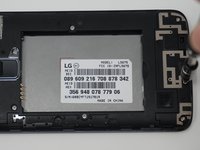
Gently lift the battery out from the compartment.
-
Use an iFixit opening tool to slide out the SD card and nano sim card from the device as shown.
-
-
-
-
-
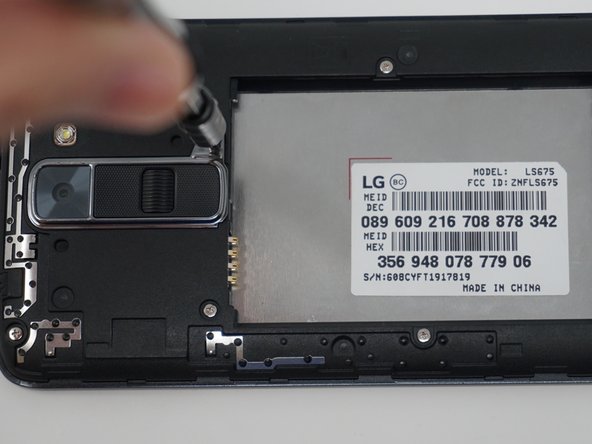
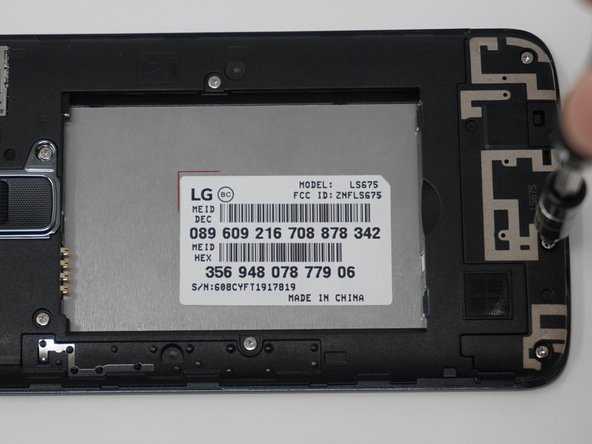
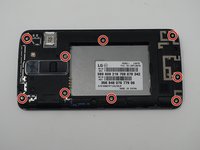
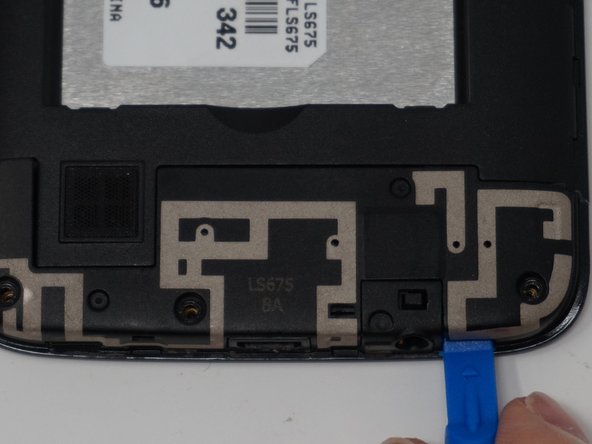
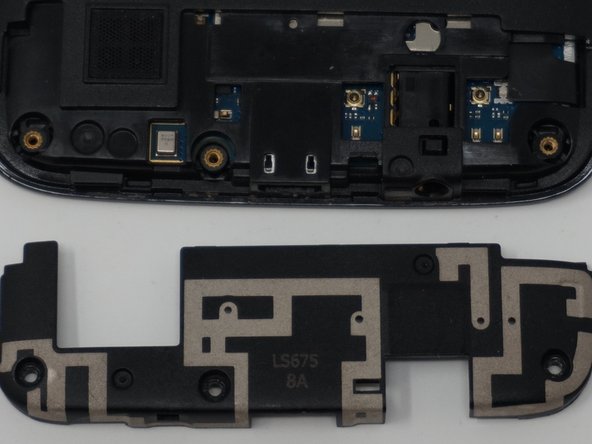
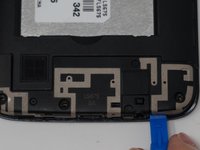
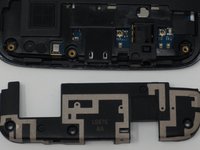
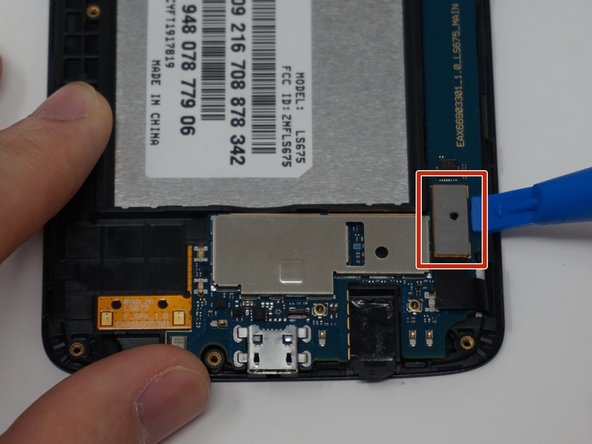
Using an iFixit opening tool, remove the antenna extender located at the bottom.
-
-




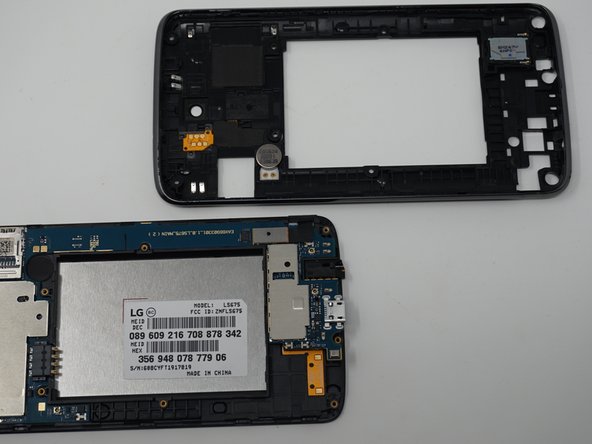
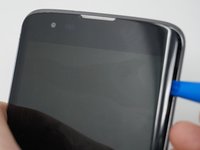

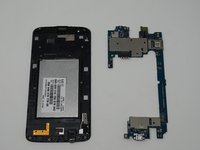
To reassemble your device, follow these instructions in reverse order.
Cancel: I did not complete this guide.
5 other people completed this guide.

Team

UW Tacoma, Team S1-G6, Cardinal Spring 2019 Member of UW Tacoma, Team S1-G6, Cardinal Spring 2019
UWT-CARDINAL-S19S1G6
3 Members
60 Guides authored
