Introduction
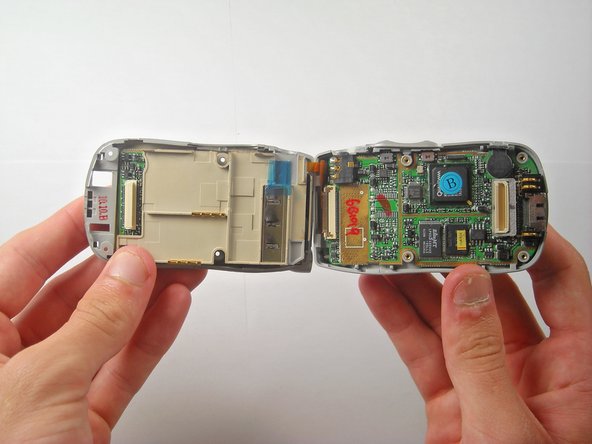
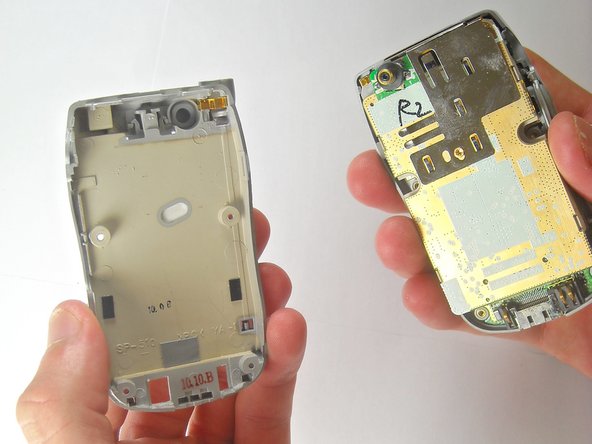
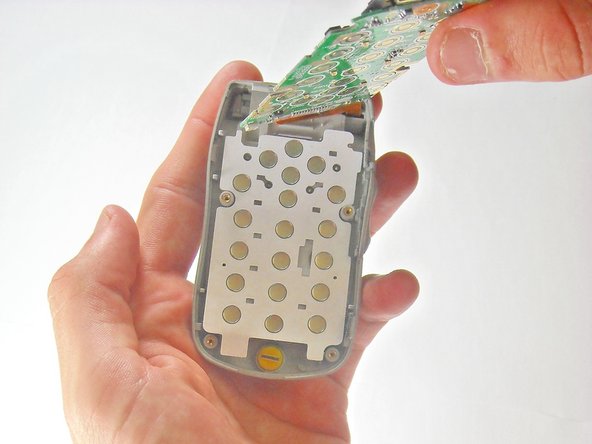
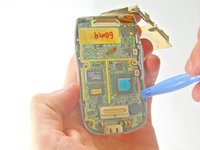
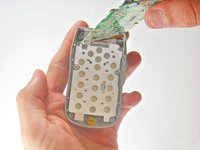
If you're having difficulty inputting numbers into your LG TP 1100 phone, this guide will show you how to replace the keypad. The keypad of this phone allows the input of numbers to your device by pressing the desired button.
If the phone won't power on no matter what button is pressed, it's most likely an issue with the battery rather than the keypad, and the battery should either be removed and reinserted or replaced.
With time, pressing a specific button may not enter the desired number. This could be due to an alignment issue or foreign object trapped beneath the keypad, in which the device should be disassembled to rectify the issue. If the keypad still doesn't work, this means it has to be replaced.
Before beginning the steps provided in this guide, power down the device completely and make sure to disconnect it from any external power source.
What you need

 Ask FixBot






To reassemble your device, follow these instructions in reverse order.

Team

Cal Poly, Team 27-91, Amido Spring 2010 Member of Cal Poly, Team 27-91, Amido Spring 2010
CPSU-AMIDO-S10S27G91
5 Members
72 Guides authored
