Introduction
Before continuing, make sure the device is powered down.
What you need
-
-
-
To remove the back, insert thumbnail into MicroUSB port, and pull up to loosen back.
-
Use nail to loosen case on all four sides. Once loose, remove back case.
 Ask FixBot
-
-
-
-
-
-
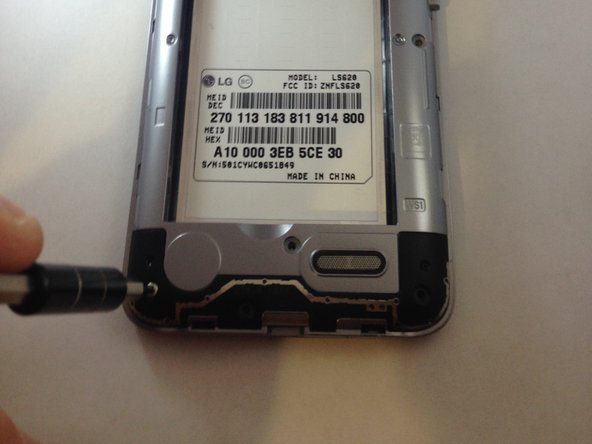
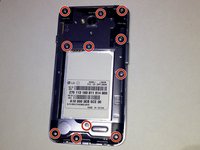
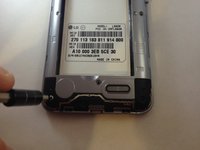
Once the back cover and battery are removed, use the Phillips #J000 screwdriver to remove all 11 screws located around the plastic midframe.
-
-
-
Using the plastic opening tool, carefully pry and separate the plastic midframe from the rest of the phone.
-
-



To reassemble your device, follow these instructions in reverse order.
Cancel: I did not complete this guide.
6 other people completed this guide.

Team

Marist, Team 1-5, Laflen Spring 2016 Member of Marist, Team 1-5, Laflen Spring 2016
MARS-LAFLEN-S16S1G5
2 Members
60 Guides authored
