Introduction
If you need to install a new front camera on your LG Phoenix 2, use this guide to disassemble and replace the damaged front camera. For this guide you will need a plastic opening tool and a Phillips #000 screwdriver head. These steps will be straightforward and easy to follow, but the pieces should be handled with care, so as to not damage or misplace any needed components.
What you need
-
-
-
Insert a fingernail into the notch on the bottom right corner of the phone.
-
Remove the back cover off of the device.
 Ask FixBot
-
-
-
-
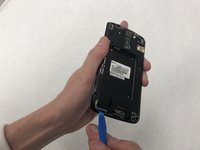
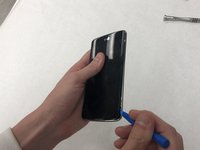
Insert the opening tool in between the phone screen and the silver trim.
-
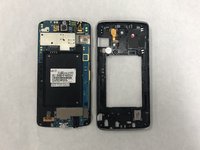
Pop off the silver trim.
-
-
-
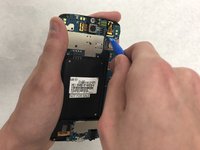
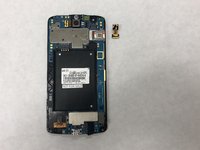
Insert the opening tool under the bottom of the front camera connection to the motherboard.
-
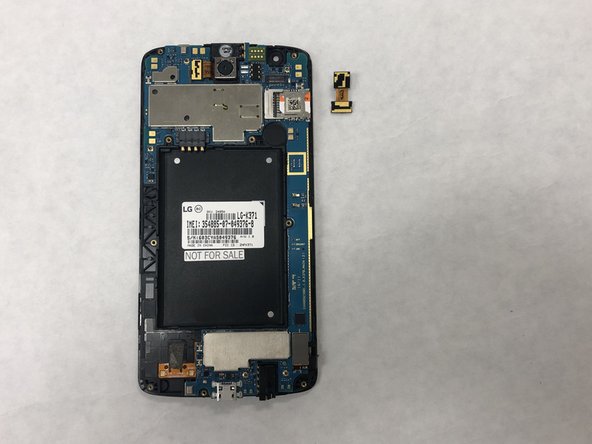
Pop off the front camera.
-
-


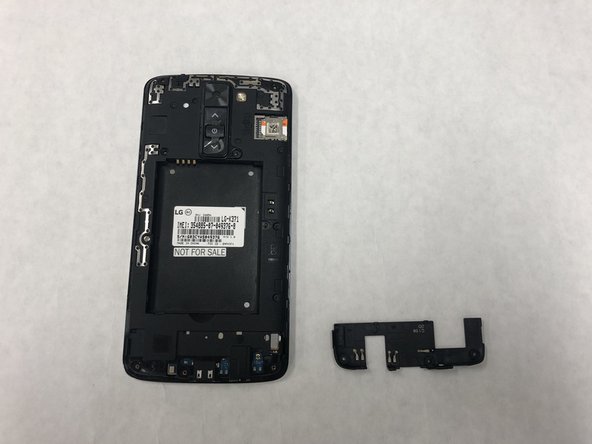


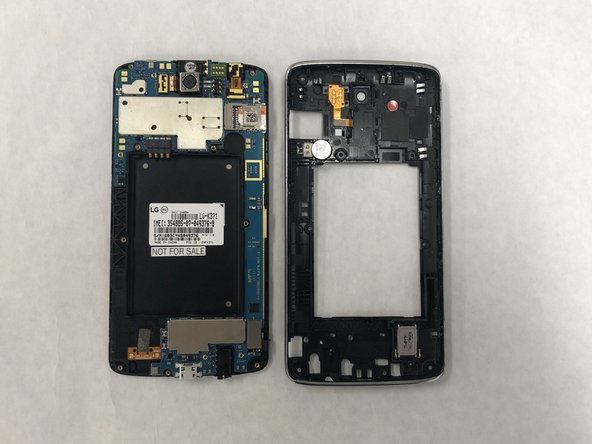

To reassemble your device, follow these instructions in reverse order.

Team

IUPUI, Team S7-G7, Wilson Fall 2018 Member of IUPUI, Team S7-G7, Wilson Fall 2018
IUPUI-WILSON-F18S7G7
4 Members
36 Guides authored
