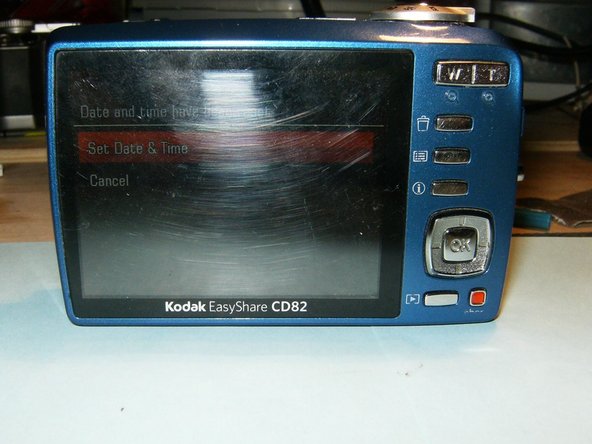
Kodak EasyShare CD82 LCD Display Screen Replacement

What you need

  1. Kodak EasyShare CD82 LCD Display Screen Replacement, LCD Screen: step 1, image 1 of 3 Kodak EasyShare CD82 LCD Display Screen Replacement, LCD Screen: step 1, image 2 of 3 Kodak EasyShare CD82 LCD Display Screen Replacement, LCD Screen: step 1, image 3 of 3
    • Remove the batteries and the memory card from the device.

    • Remove the 2 screws located at the bottom of the device.

  2. Kodak EasyShare CD82 LCD Display Screen Replacement: step 2, image 1 of 3 Kodak EasyShare CD82 LCD Display Screen Replacement: step 2, image 2 of 3 Kodak EasyShare CD82 LCD Display Screen Replacement: step 2, image 3 of 3
    • Remove the 2 screws on the side, to the left of the camera lens.

    • Remove the 2 screws on the side, to the right of the camera lens.

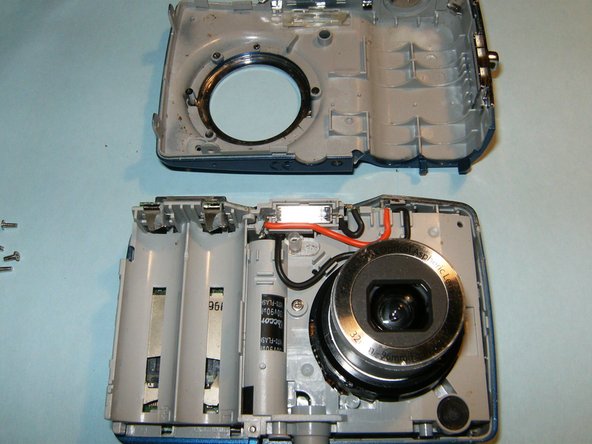
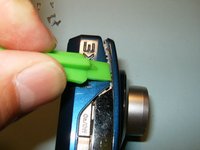
    • Pry the casing from the device starting at the battery compartment and following the seem around the camera.

  3. Kodak EasyShare CD82 LCD Display Screen Replacement: step 3, image 1 of 3 Kodak EasyShare CD82 LCD Display Screen Replacement: step 3, image 2 of 3 Kodak EasyShare CD82 LCD Display Screen Replacement: step 3, image 3 of 3
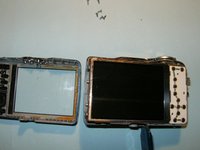
    • Remove the front panel from the device first, then remove the back panel.

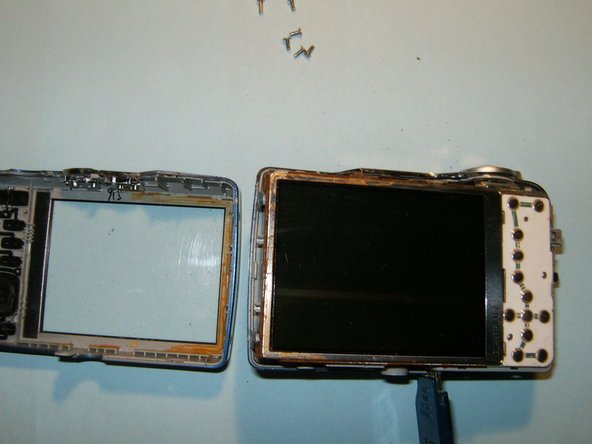
    • Do not remove the LCD screen from the device once it becomes visible.

  4. Kodak EasyShare CD82 LCD Display Screen Replacement: step 4, image 1 of 3 Kodak EasyShare CD82 LCD Display Screen Replacement: step 4, image 2 of 3 Kodak EasyShare CD82 LCD Display Screen Replacement: step 4, image 3 of 3
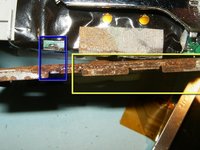
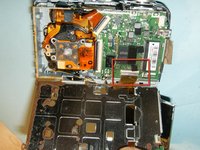
    • Flip the LCD screen away from the top of the device to reveal the ribbon cable.

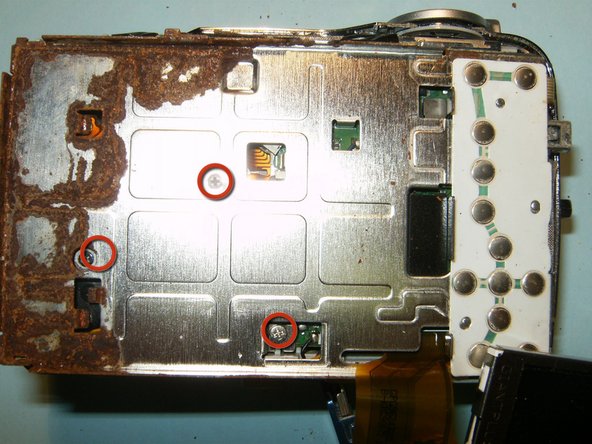
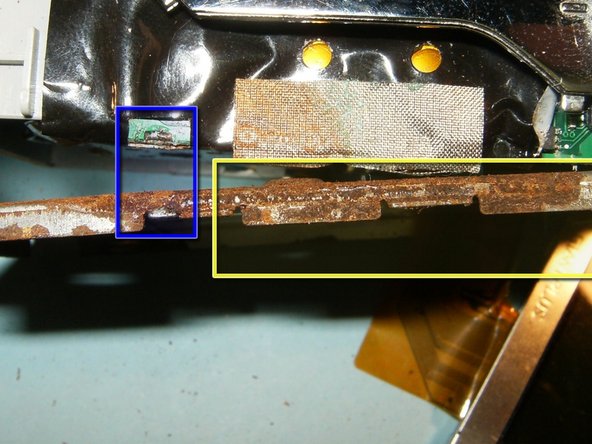
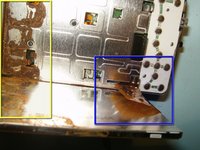
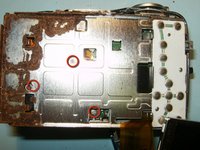
    • This is water damage the has afflicted the camera.

    • Remove the 3 screws from the LCD screen holder.

    • Pry the screen holder from the circuit board connector.

  5. Kodak EasyShare CD82 LCD Display Screen Replacement: step 5, image 1 of 2 Kodak EasyShare CD82 LCD Display Screen Replacement: step 5, image 2 of 2
    Tool used on this step:
    Tweezers
    $4.99
    Buy
    • Disconnect the logic board from the right side of the frame.

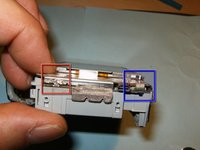
    • Remove the small ribbon cable that is connecting the button panel to the logic board, using a small pair of tweezers or hemostat.

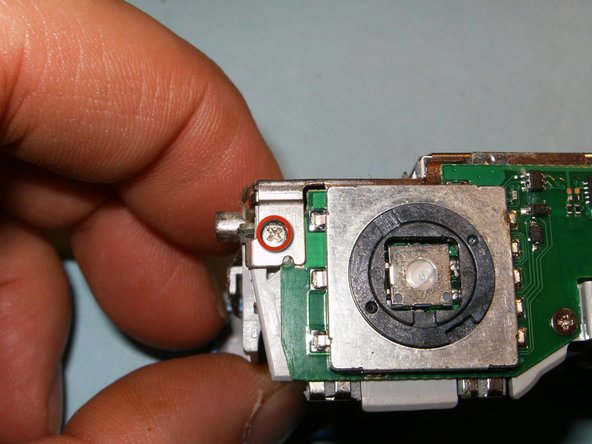
    • Remove the screw on the top right side of the device.

  6. Kodak EasyShare CD82 LCD Display Screen Replacement: step 6, image 1 of 2 Kodak EasyShare CD82 LCD Display Screen Replacement: step 6, image 2 of 2
    • Open the connector and move the black clip into the upward position, freeing the cable. Remove the LCD screen and the holder.

    • While the camera is disassembled, use isopropyl alcohol to remove rust and clean the device.

    • Follow these steps in reverse order to reassemble. The device should be fully functional upon completion.

Conclusion

To reassemble your device, follow these instructions in reverse order.

2 other people completed this guide.

oldturkey03

Member since: 09/29/10

836,854 Reputation

123 Guides authored

1 Guide Comment

Is there any repair for Kodak CD80 easy share camera…..as my camera is not working

Januchowdary - Reply

Add Comment

View Statistics:

Past 24 Hours: 0

Past 7 Days: 3

Past 30 Days: 16

All Time: 1,715