Free Shipping on Domestic Orders $75+

Kindle 10 Motherboard Replacement

What you need

    1. Kindle 10 Motherboard Replacement, Battery: step 1, image 1 of 2 Kindle 10 Motherboard Replacement, Battery: step 1, image 2 of 2
      • Gently use a metal spudger to pry, twist, and lift the bezel away from the display.

      Ask FixBot

      Add Comment

    2. Kindle 10 Motherboard Replacement: step 2, image 1 of 1
      • Remove the eight 2.6 mm screws using a T5 Torx screwdriver.

      Ask FixBot

      Add Comment

    3. Kindle 10 Motherboard Replacement: step 3, image 1 of 2 Kindle 10 Motherboard Replacement: step 3, image 2 of 2
      • Use the metal spudger to gently lift the screen out of the back frame.

      Ask FixBot

      Add Comment

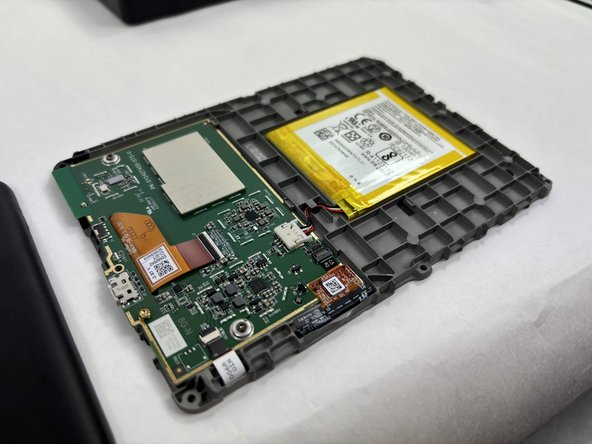
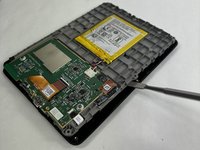
    4. Kindle 10 Motherboard Replacement: step 4, image 1 of 1
      • Detach the battery connector from the motherboard.

      • The battery pack may be glued on to the gray plastic frame. Take care when prying it out not to rip the battery, since it is made of a lithium polymer which is flammable and deforms easily.

      Ask FixBot

      Add Comment

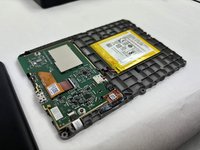
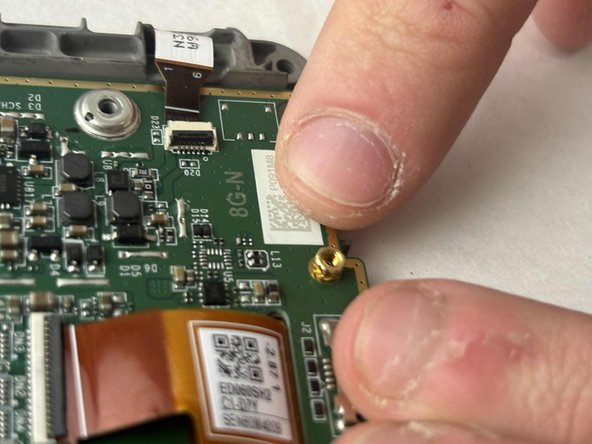
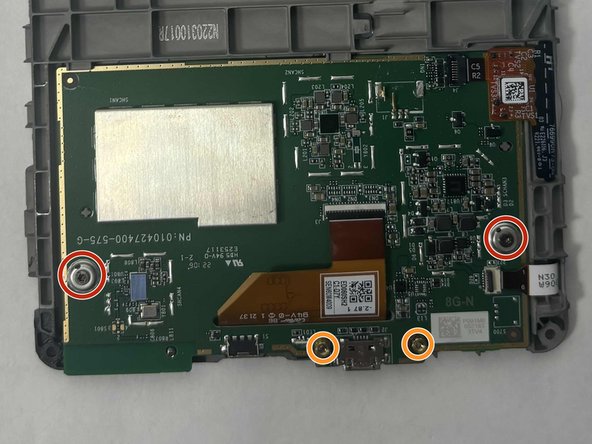
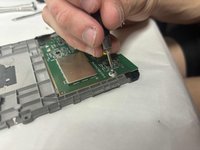
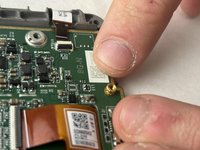
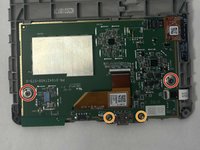
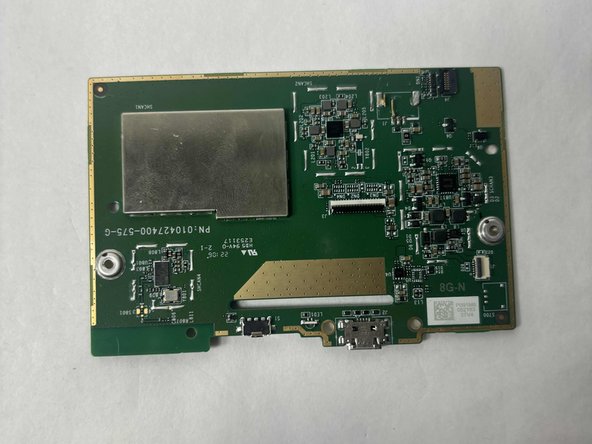
    1. Kindle 10 Motherboard Replacement, Motherboard: step 5, image 1 of 3 Kindle 10 Motherboard Replacement, Motherboard: step 5, image 2 of 3 Kindle 10 Motherboard Replacement, Motherboard: step 5, image 3 of 3
      • Remove the two outer silver screws with a T5 Torx screwdriver.

      • Use your fingers to remove the two gold screws in the middle.

      Ask FixBot

      Add Comment

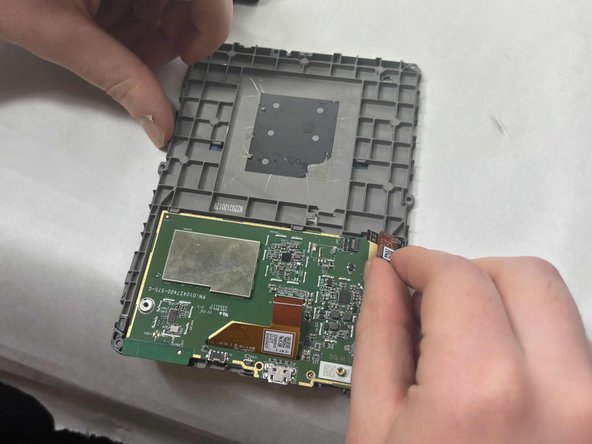
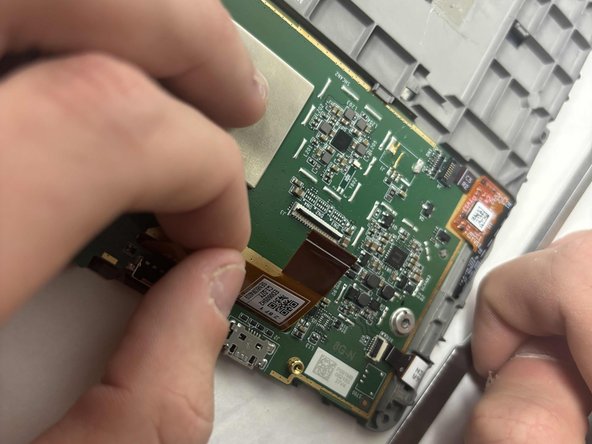
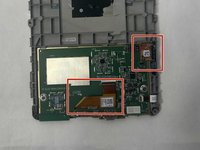
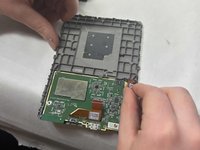
    2. Kindle 10 Motherboard Replacement: step 6, image 1 of 3 Kindle 10 Motherboard Replacement: step 6, image 2 of 3 Kindle 10 Motherboard Replacement: step 6, image 3 of 3
      • Disconnect the two orange clear plastic ribbons on the upper right and center.

      Ask FixBot

      Add Comment

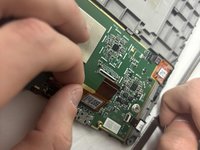
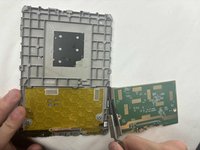
    3. Kindle 10 Motherboard Replacement: step 7, image 1 of 2 Kindle 10 Motherboard Replacement: step 7, image 2 of 2
      • Pry the motherboard away from the display frame

      Ask FixBot

      Add Comment

Conclusion

To reassemble your device, follow these instructions in reverse order.

Cancel: I did not complete this guide.

One other person completed this guide.

John Ready

Member since: 10/18/24

159 Reputation

1 Guide authored

Team

UMass Dartmouth, Team 1-2, Konn Fall 2024 Member of UMass Dartmouth, Team 1-2, Konn Fall 2024

UMASSD-KONN-F24S1G2

3 Members

7 Guides authored

0 Guide Comments

Add Comment

View Statistics:

Past 24 Hours: 2

Past 7 Days: 22

Past 30 Days: 87

All Time: 872