Introduction
This guide will demonstrate how to take apart your phone in order to replace the keypad and how to attach the new keypad.
What you need
-
-
-
Face the back of the phone towards you. Locate the oval-shaped button at the bottom of the back cover.
-
Press this button and remove the back of the phone.
 Ask FixBot
-
-
-
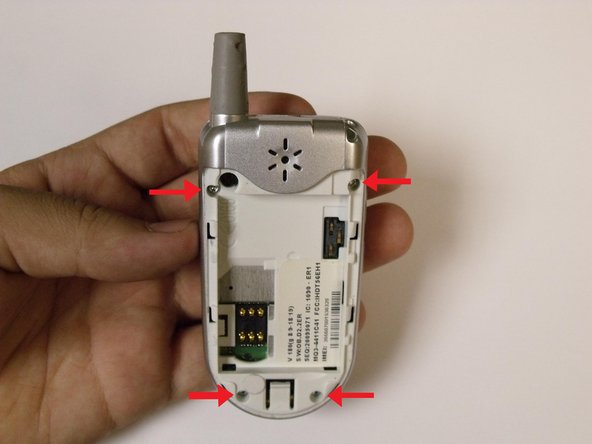
Identify the four screw locations.
-
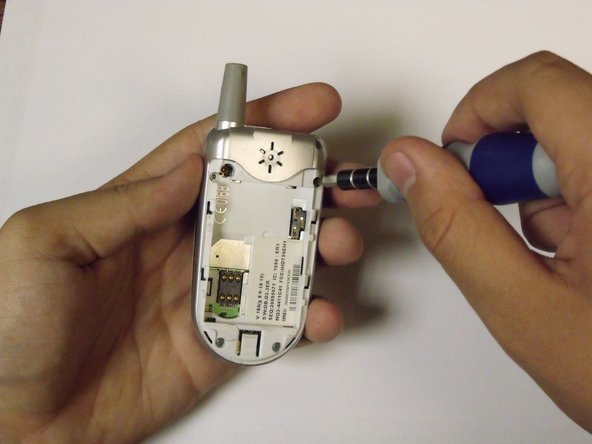
Use a torx head screwdriver to unscrew the four screws. In order to unscrew a screw, insert the screwdriver into a screw and rotate the screwdriver counterclockwise.
-
Set the screws aside.
-
-
-
-
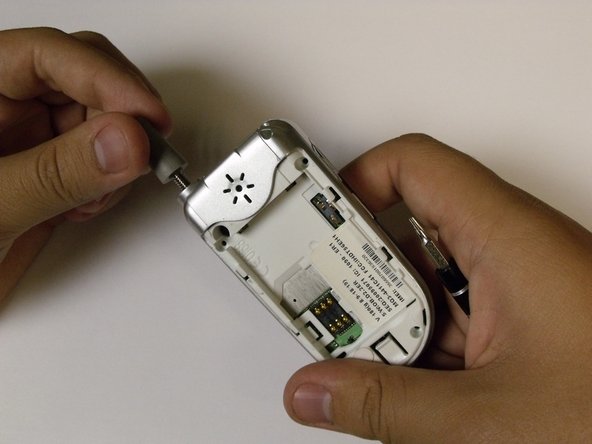
Unscrew the antenna by rotating it counterclockwise. Remove it from the phone.
-
-
-
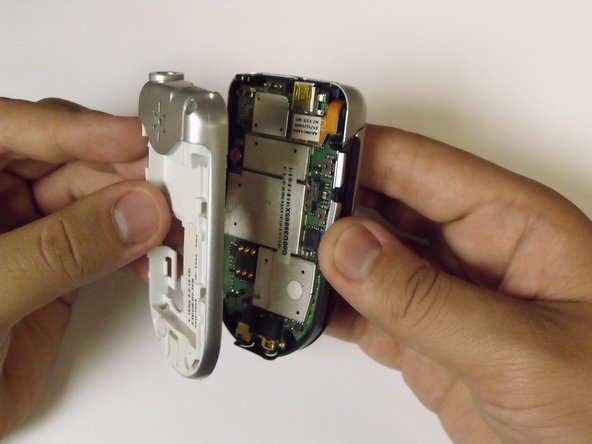
Separate the back of the phone by locating a line separating the front of the phone from the back of the phone. Pull on each of these sides of the phone, front and back, in opposite directions.
-
After the phone is separated, the logic board should be exposed.
-
-
-
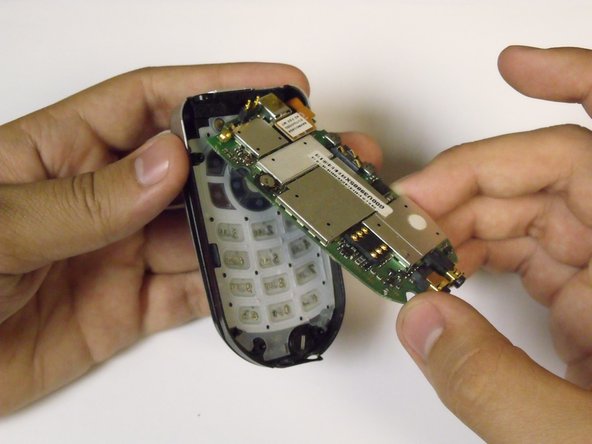
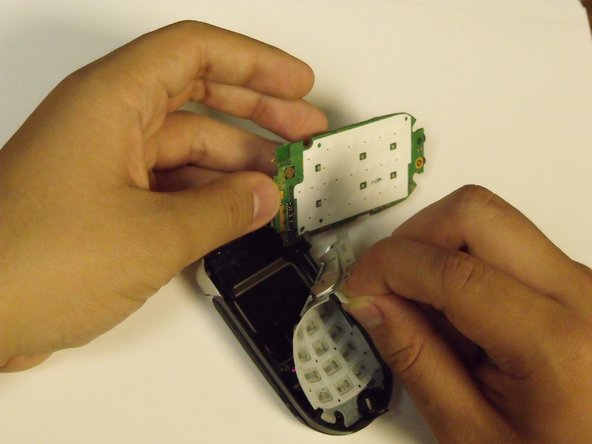
Carefully lift the logic board. This will reveal the keypad found beneath the logic board.
-
-
-
Remove the keypad from the phone by pulling it towards you and away from the phone.
-
-
-
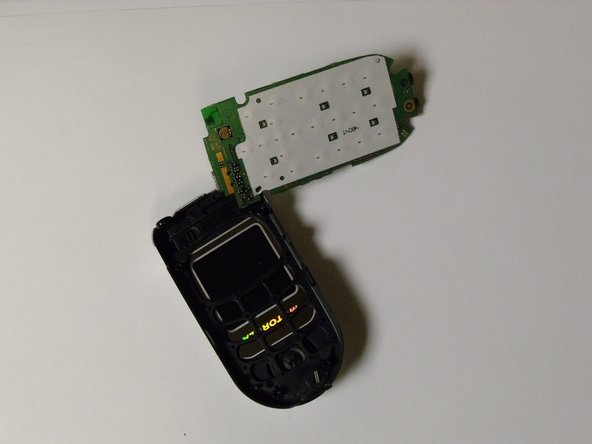
If the keypad was removed properly, your phone should appear as shown.
-
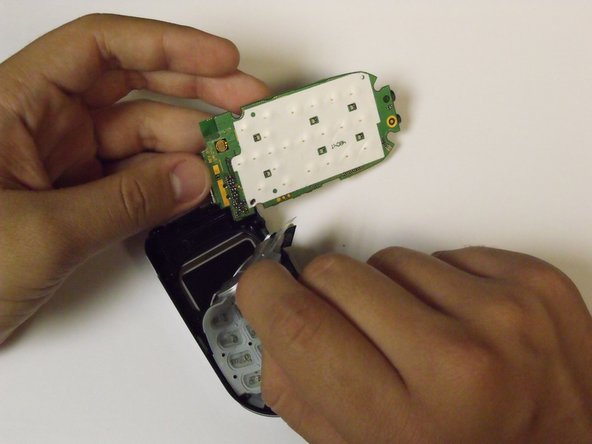
You may now insert your new keypad by orientating the number side of the keypad face down into the phone. You should not be able to clearly view the numbers from the back of the phone.
-
-






To reassemble your device, follow these instructions in reverse order.

