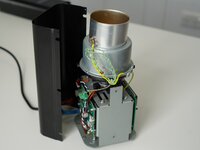
Kaffelogic Nano 7/LINK (A/B/C-N Serial) Thermocouple Replacement

What you need

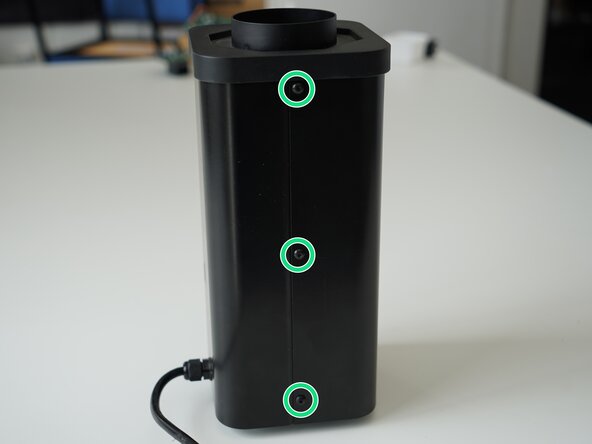
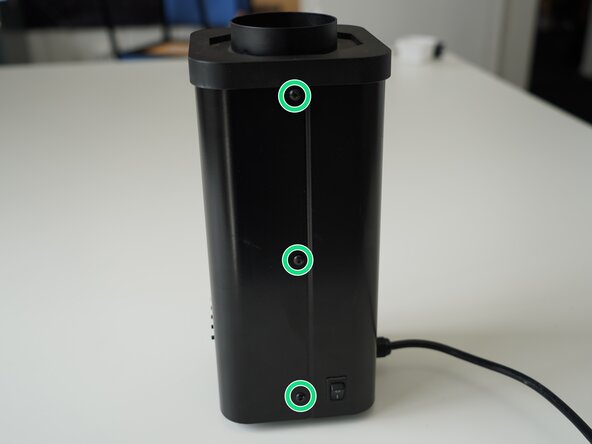
  1. Kaffelogic Nano 7/LINK (A/B/C-N Serial) Thermocouple Replacement, Removing Panel Screws: step 1, image 1 of 2 Kaffelogic Nano 7/LINK (A/B/C-N Serial) Thermocouple Replacement, Removing Panel Screws: step 1, image 2 of 2
    • Remove the 6x 2.5mm Hex screws on the left and right side of the roaster.

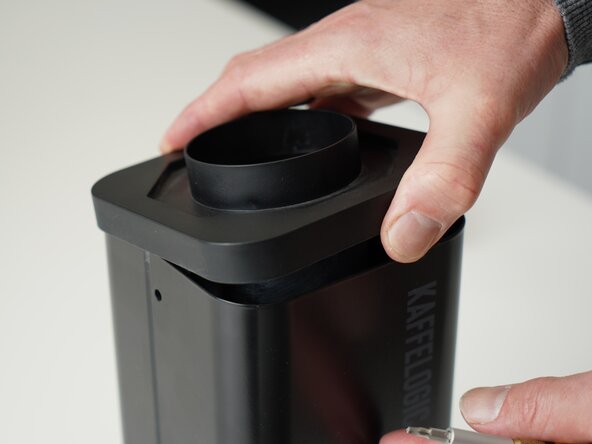
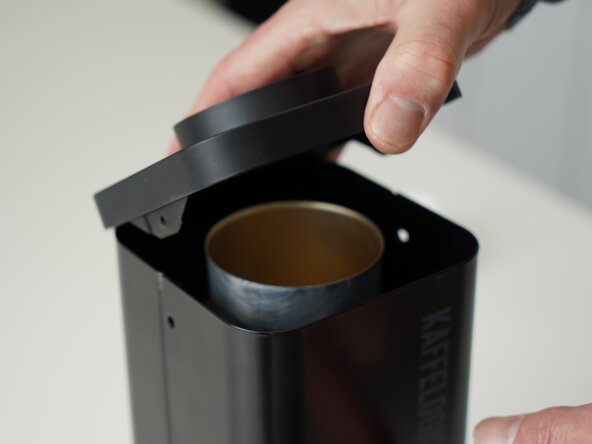
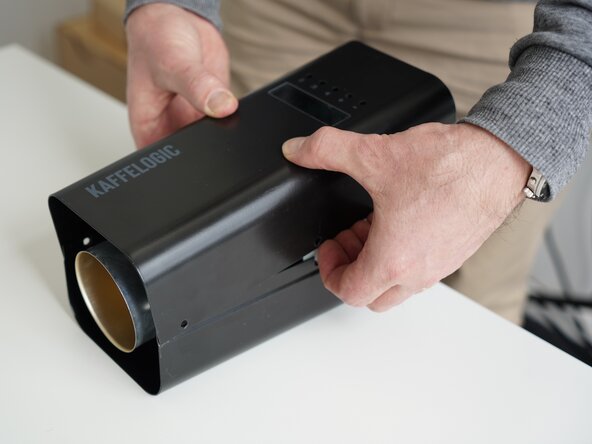
  2. Kaffelogic Nano 7/LINK (A/B/C-N Serial) Thermocouple Replacement, Lift the closure: step 2, image 1 of 2 Kaffelogic Nano 7/LINK (A/B/C-N Serial) Thermocouple Replacement, Lift the closure: step 2, image 2 of 2
    • Hold the roaster steady while removing the plastic top/closure.

    • Panels may spring apart slightly once removed.

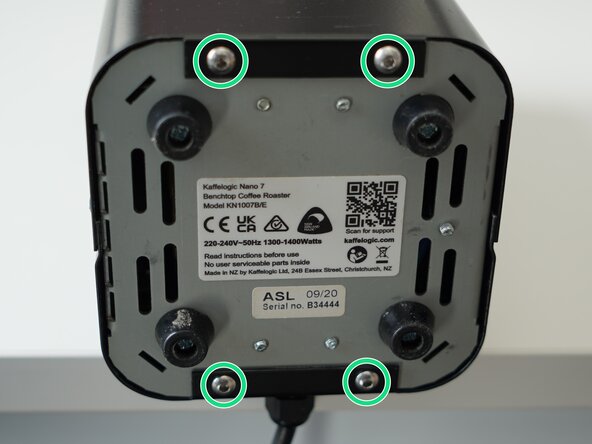
  3. Kaffelogic Nano 7/LINK (A/B/C-N Serial) Thermocouple Replacement, Remove bottom panel screws: step 3, image 1 of 3 Kaffelogic Nano 7/LINK (A/B/C-N Serial) Thermocouple Replacement, Remove bottom panel screws: step 3, image 2 of 3 Kaffelogic Nano 7/LINK (A/B/C-N Serial) Thermocouple Replacement, Remove bottom panel screws: step 3, image 3 of 3
    • Remove the 4x 2.5mm Hex screws on the bottom of the roaster.

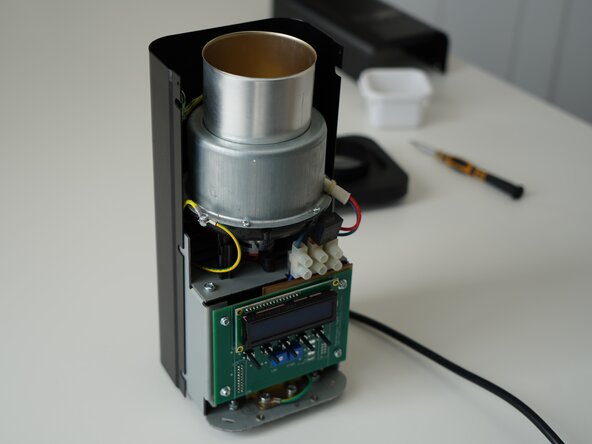
  4. Kaffelogic Nano 7/LINK (A/B/C-N Serial) Thermocouple Replacement, Remove the front panel: step 4, image 1 of 3 Kaffelogic Nano 7/LINK (A/B/C-N Serial) Thermocouple Replacement, Remove the front panel: step 4, image 2 of 3 Kaffelogic Nano 7/LINK (A/B/C-N Serial) Thermocouple Replacement, Remove the front panel: step 4, image 3 of 3
    • Pull away the front panel carefully.

    • Take care not to damage the buttons while maneuvering the front panel.

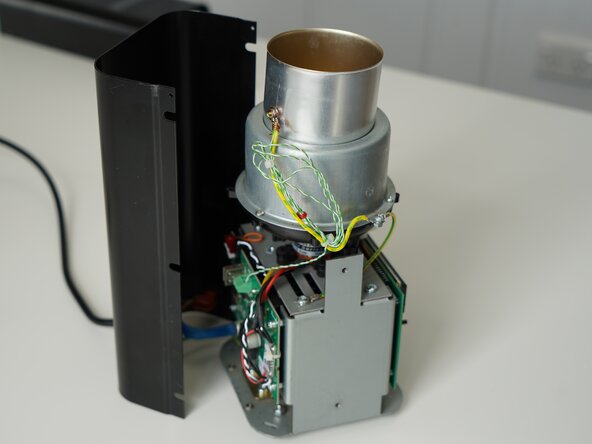
  5. Kaffelogic Nano 7/LINK (A/B/C-N Serial) Thermocouple Replacement, Remove rear panel: step 5, image 1 of 3 Kaffelogic Nano 7/LINK (A/B/C-N Serial) Thermocouple Replacement, Remove rear panel: step 5, image 2 of 3 Kaffelogic Nano 7/LINK (A/B/C-N Serial) Thermocouple Replacement, Remove rear panel: step 5, image 3 of 3
    • Stand the roaster up again and pull away the rear panel from the chassis to expose the remaining components.

    • The mains cable is routed through the panel and it will remain attached, place the panel in a soft bag if you wish to protect the paint throughout the rest of your repairs.

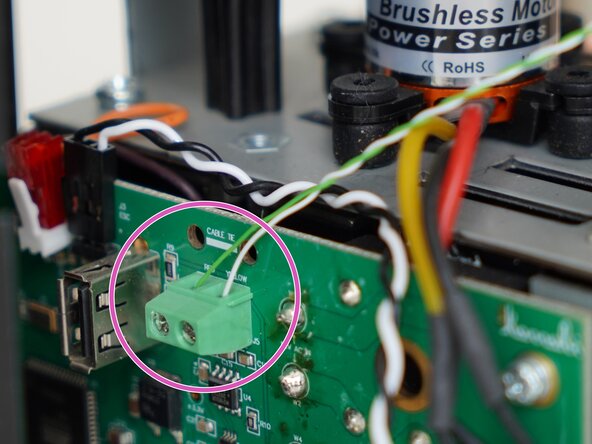
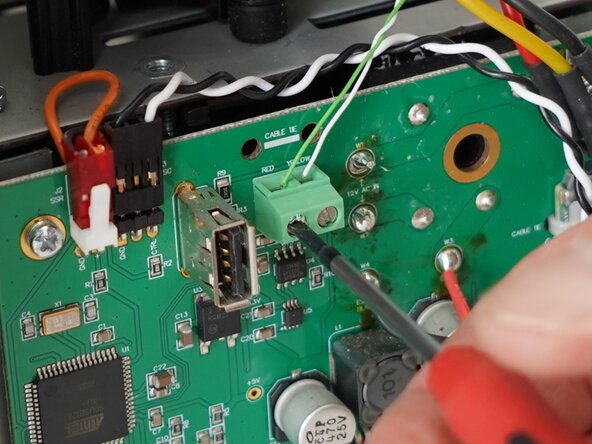
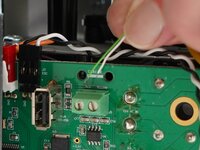
  6. Kaffelogic Nano 7/LINK (A/B/C-N Serial) Thermocouple Replacement, Disconnect the thermocouple: step 6, image 1 of 3 Kaffelogic Nano 7/LINK (A/B/C-N Serial) Thermocouple Replacement, Disconnect the thermocouple: step 6, image 2 of 3 Kaffelogic Nano 7/LINK (A/B/C-N Serial) Thermocouple Replacement, Disconnect the thermocouple: step 6, image 3 of 3
    • Use a 2.0mm slotted screwdriver to remove the thermocouple wires from the PCB-A

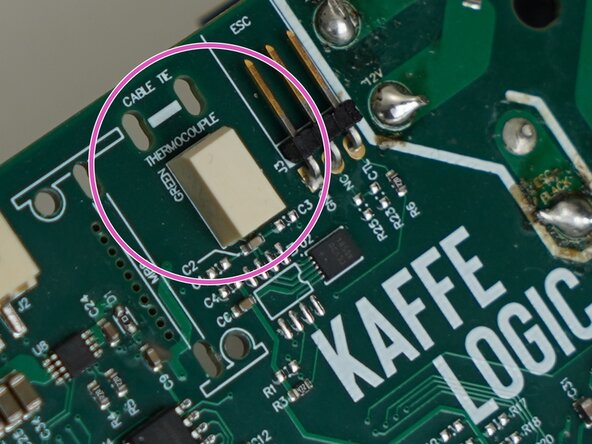
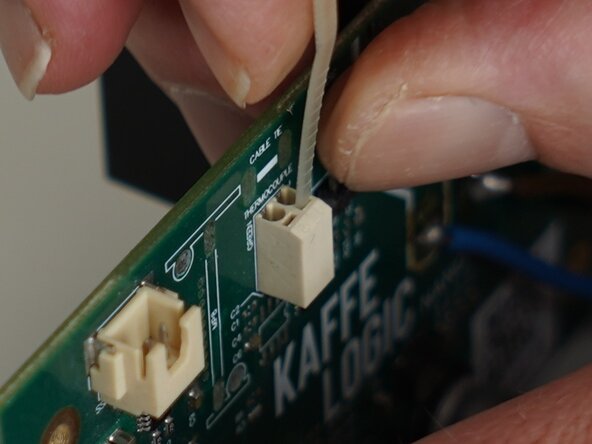
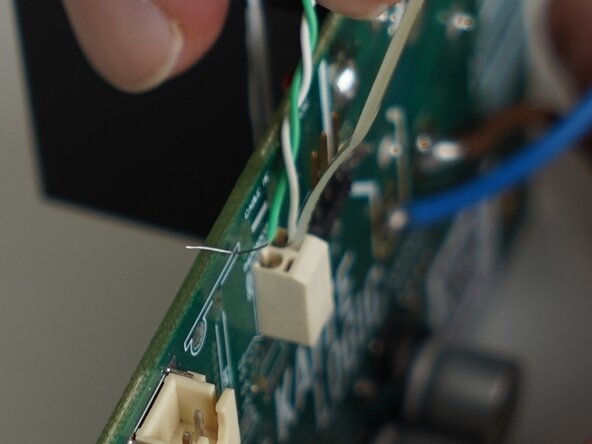
  7. Kaffelogic Nano 7/LINK (A/B/C-N Serial) Thermocouple Replacement, White thermocouple connector: step 7, image 1 of 3 Kaffelogic Nano 7/LINK (A/B/C-N Serial) Thermocouple Replacement, White thermocouple connector: step 7, image 2 of 3 Kaffelogic Nano 7/LINK (A/B/C-N Serial) Thermocouple Replacement, White thermocouple connector: step 7, image 3 of 3
    • If your thermocouple connector looks like this, you will need to follow this step.

    • Use the end of a cable tie or very small plastic spudger to open the contact and remove/insert your thermocouple wires. You may need to trim the cable tie end to fit into the slot.

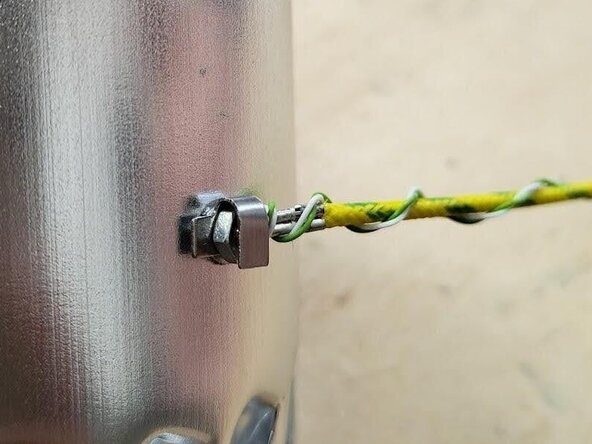
  8. Kaffelogic Nano 7/LINK (A/B/C-N Serial) Thermocouple Replacement, Unwrap/unfold thermocouple fixing: step 8, image 1 of 2 Kaffelogic Nano 7/LINK (A/B/C-N Serial) Thermocouple Replacement, Unwrap/unfold thermocouple fixing: step 8, image 2 of 2
    • Carefully unwrap the copper wire used to secure the thermocouple.

    • Later models feature a reusable folded tab, in-place of the copper wire wrap.

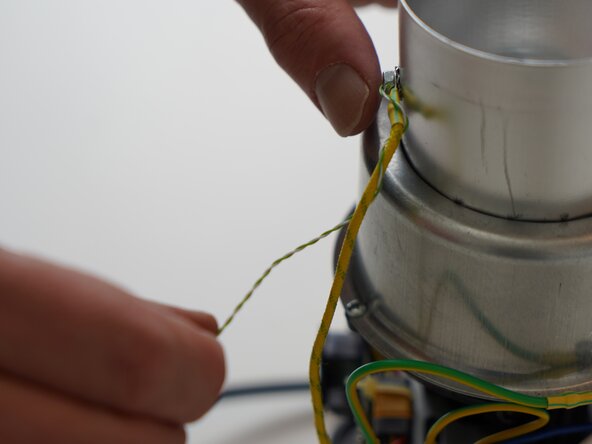
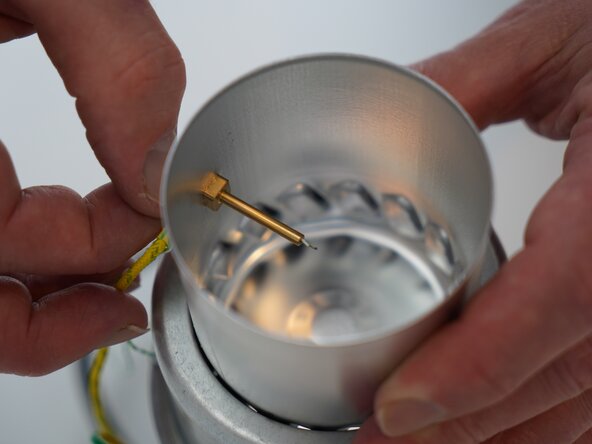
  9. Kaffelogic Nano 7/LINK (A/B/C-N Serial) Thermocouple Replacement, Removing the thermocouple: step 9, image 1 of 3 Kaffelogic Nano 7/LINK (A/B/C-N Serial) Thermocouple Replacement, Removing the thermocouple: step 9, image 2 of 3 Kaffelogic Nano 7/LINK (A/B/C-N Serial) Thermocouple Replacement, Removing the thermocouple: step 9, image 3 of 3
    • Unwind the thermocouple wire from the earth lead, cut any cable ties used to secure excess wire.

    • Pinch the thermocouple and gently remove it from the tube.

  10. Kaffelogic Nano 7/LINK (A/B/C-N Serial) Thermocouple Replacement, Reassembly notes: step 10, image 1 of 2 Kaffelogic Nano 7/LINK (A/B/C-N Serial) Thermocouple Replacement, Reassembly notes: step 10, image 2 of 2
    • Leave 2mm of thermocouple insulation exposed

    • The thermocouple wires have connections points marked. Take care not to clamp the connector on the insulation.

    • Massage the tape firmly over the thermocouple wires to secure the position.

Conclusion

To reassemble your device, follow these instructions in reverse order.

Kaffelogic

Member since: 07/23/25

2,098 Reputation

18 Guides authored

0 Guide Comments

Add Comment

View Statistics:

Past 24 Hours: 0

Past 7 Days: 1

Past 30 Days: 28

All Time: 63