Introduction
Signs you may need this replacement:
- The device doesn't turn on
- The display appears faded/weak
This is a difficult replacement. You will need to break some things during this replacement permanently. Be aware there is a high risk of battery puncture during this replacement. Proceed at your own risk.
What you need
-
-
Unscrew the back and open the calculator like a book. Open it carefully so you don't tear the battery wires.
-
-
-
Lift and remove both wires connected to the battery. They are blue.
-
-
-
-
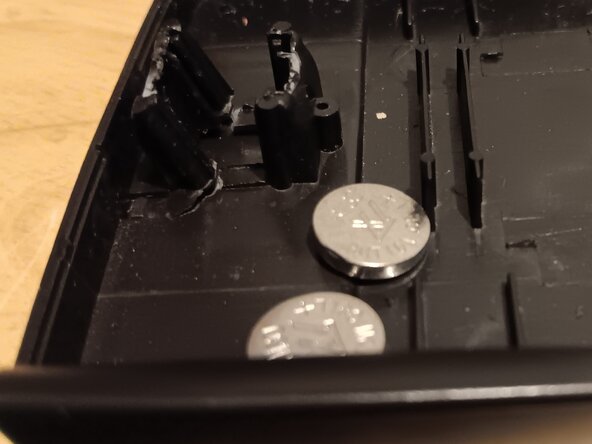
Insert your new batteries into the same spot as the previous ones.
-
Slide the blue wires back into place.
-




To reassemble your device, follow these instructions in reverse order.
Cancel: I did not complete this guide.
One other person completed this guide.


