Introduction
To complete this guide, you will need to purchase a new LCD cover and make sure that you have the tools listed. It is always good practice to make sure that the device is completely powered off and remove the battery before attempting any repairs.
What you need
-
-
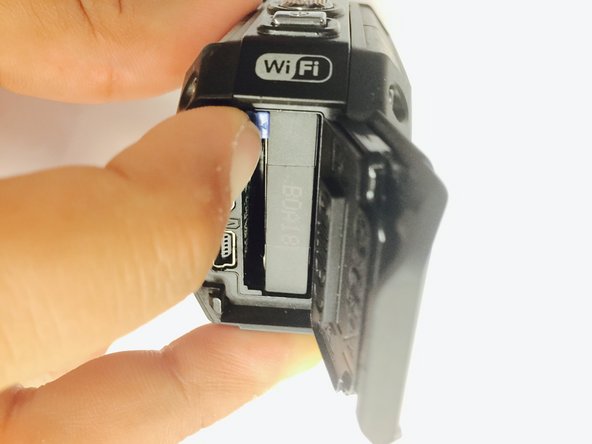
Remove the two Phillips screws (4mm x 3mm) using the Phillips #00 screwdriver.
-
-
-
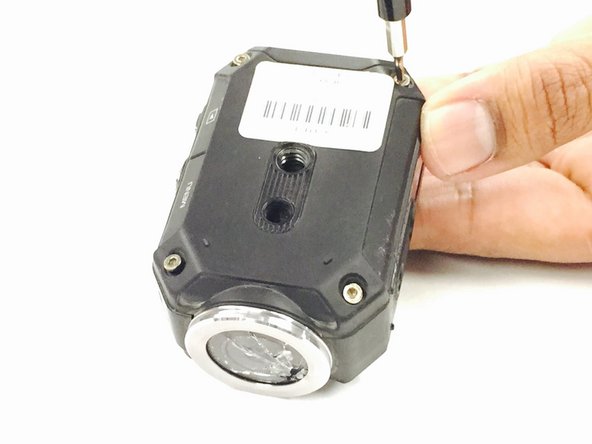
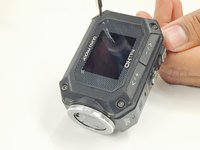
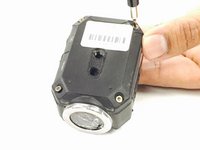
Remove the 8 screws (5mm x 4mm) from the corners of both the front and back of the camera (4 screws on each side) using the T6 Torx screwdriver.
-






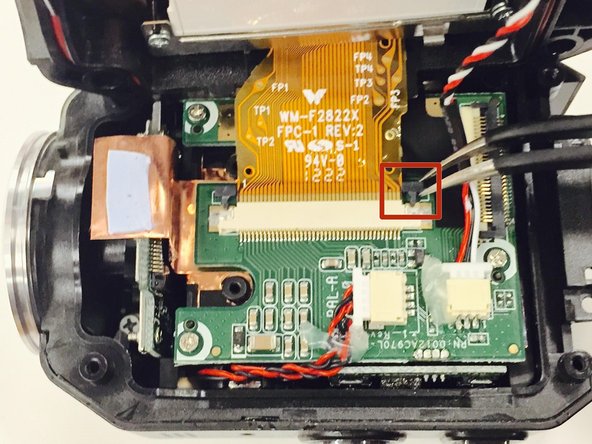
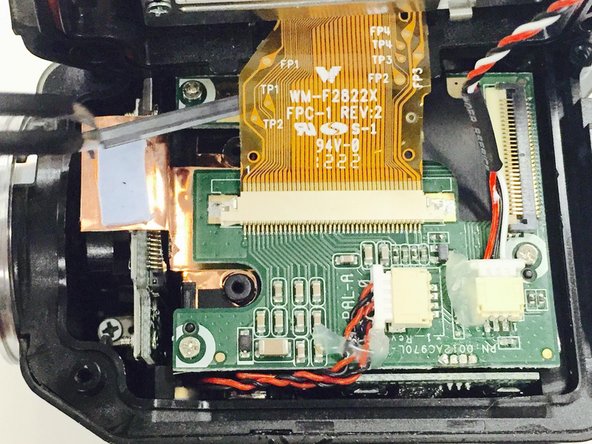
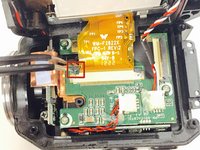
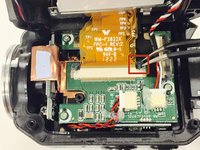
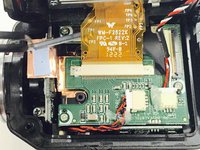

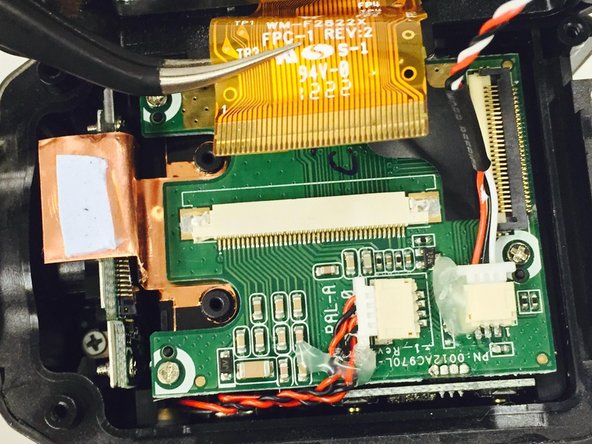
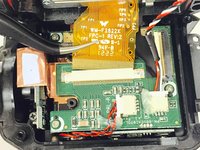
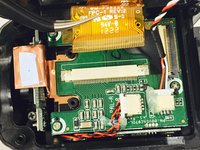


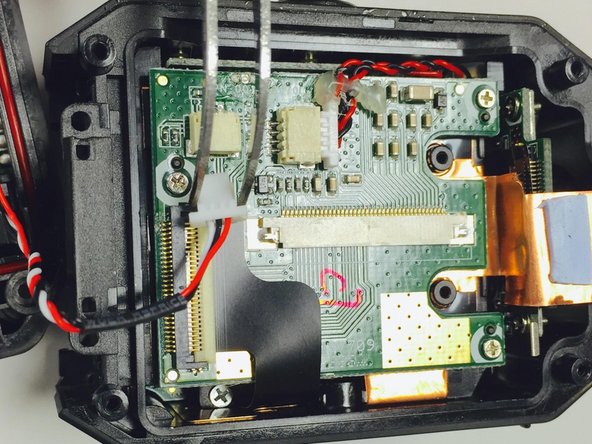
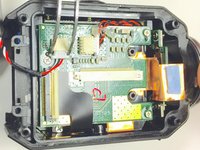
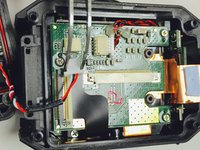
To reassemble your device, follow these instructions in reverse order.
Cancel: I did not complete this guide.
One other person completed this guide.



Team

USF Tampa, Team 1-2, Tanski Winter 2015 Member of USF Tampa, Team 1-2, Tanski Winter 2015
USFT-TANSKI-W15S1G2
4 Members
8 Guides authored
