Free Shipping on Domestic Orders $75+

JBL Pulse LED Lights Disassembly

Prerequisite Only
This is a prerequisite-only guide! This guide is part of another procedure and isn’t meant to be used alone.

What you need

    1. JBL Pulse LED Lights Disassembly, Button Board: step 1, image 1 of 1
      • Use a plastic opening tool to pry around the edges of the circular rubber panel.

      Ask FixBot

      Add Comment

    2. JBL Pulse LED Lights Disassembly: step 2, image 1 of 1
      • Once the edges are loose, pull off the rubber button panel completely.

      • New adhesive will have to be applied when reassembling.

      Ask FixBot

      Add Comment

    3. JBL Pulse LED Lights Disassembly: step 3, image 1 of 1
      • Use your plastic opening tool to pry the button board loose by lifting the edges.

      Ask FixBot

      Add Comment

    4. JBL Pulse LED Lights Disassembly: step 4, image 1 of 1
      • Lift the button board, exposing the attached cable.

      • New adhesive will have to be applied when reassembling.

      Ask FixBot

      Add Comment

    5. JBL Pulse LED Lights Disassembly: step 5, image 1 of 1
      • Pull black piece on top of socket away from board to loosen, then detach the cable.

      Ask FixBot

      Add Comment

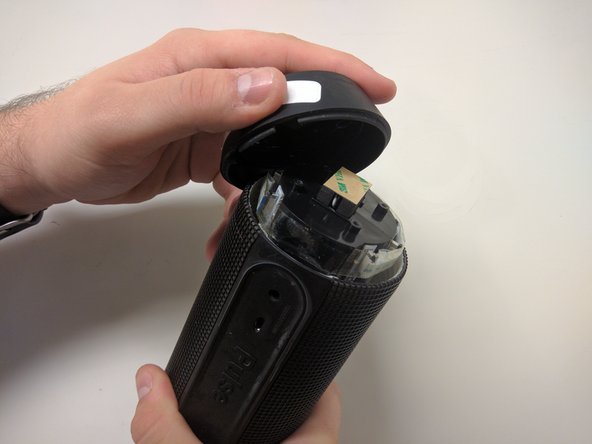
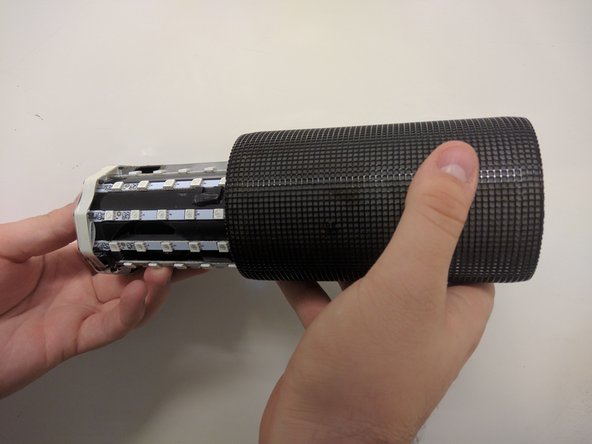
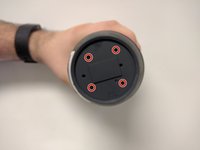
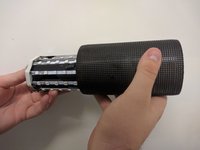
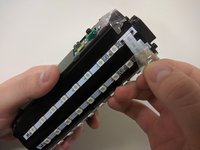
    1. JBL Pulse LED Lights Disassembly, Outer Casing: step 6, image 1 of 3 JBL Pulse LED Lights Disassembly, Outer Casing: step 6, image 2 of 3 JBL Pulse LED Lights Disassembly, Outer Casing: step 6, image 3 of 3
      • Take out the four 9mm black PH0 screws from the top and bottom of the device.

      • Pull off cap by hand.

      • The outer casing can now be removed.

      Ask FixBot

      Add Comment

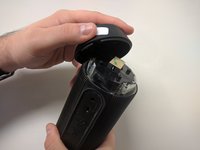
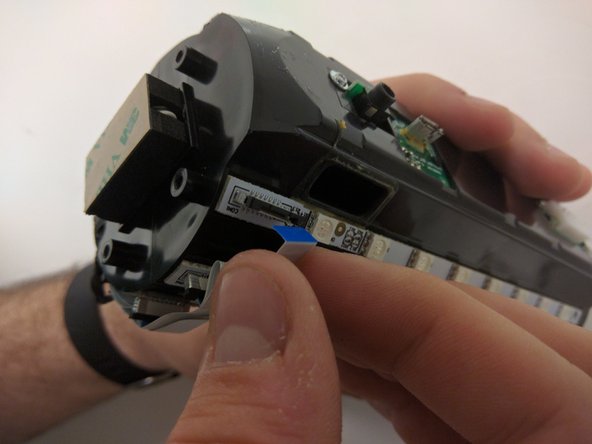
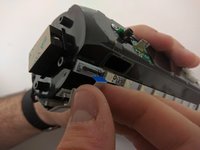
    1. JBL Pulse LED Lights Disassembly, JBL Pulse LED Lights Disassembly: step 7, image 1 of 2 JBL Pulse LED Lights Disassembly, JBL Pulse LED Lights Disassembly: step 7, image 2 of 2
      • Remove the tape around the cables on the top of the device.

      • Remove the cables by lifting up on the black bracket and then pulling the cable out.

      Ask FixBot

      Add Comment

Conclusion

To reassemble your device, follow these instructions in reverse order.

Cancel: I did not complete this guide.

Maxwell Busenbarrick

Member since: 09/15/16

1,401 Reputation

7 Guides authored

Team

USF Tampa, Team 18-6, Blackwell Fall 2016 Member of USF Tampa, Team 18-6, Blackwell Fall 2016

USFT-BLACKWELL-F16S18G6

3 Members

84 Guides authored

0 Guide Comments

Add Comment

View Statistics:

Past 24 Hours: 0

Past 7 Days: 3

Past 30 Days: 14

All Time: 187