Introduction
The following guide is for replacing the pressure sensor on an Instant Pot 60 EPC. Consider following this guide if you have issues with your pressure readings or recieve the errors C6, C6L, or C6H and cleaning the contacts was unhelpful.
What you need
-
-
-
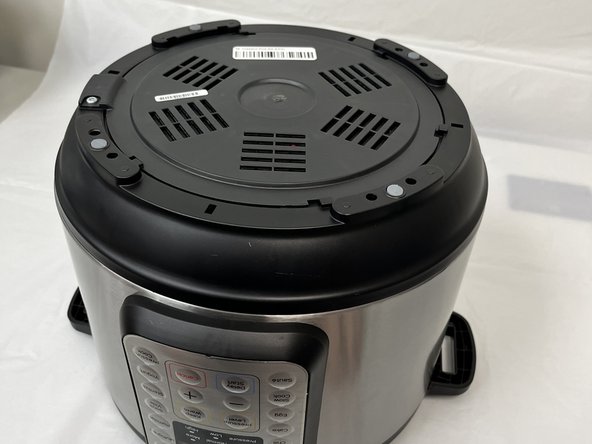
Remove the lid and inner pot from the Instant Pot and turn the body upside down.
-
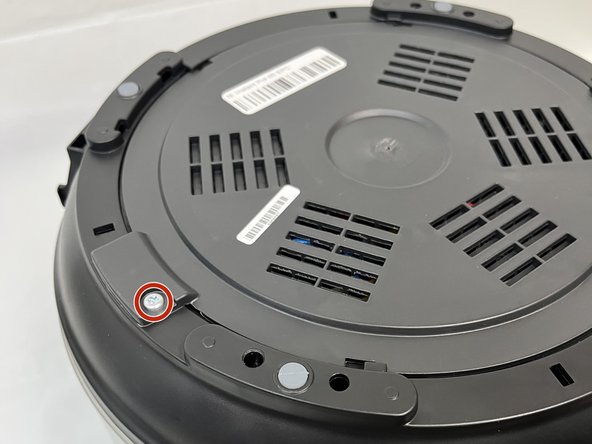
Remove the single Torx screw.
 Ask FixBot
-
-
-
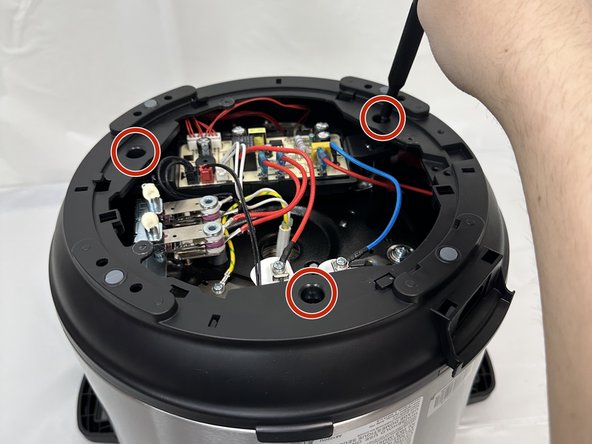
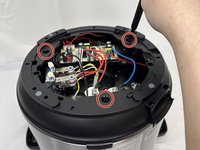
Remove the three Phillips screws securing the frame.
-
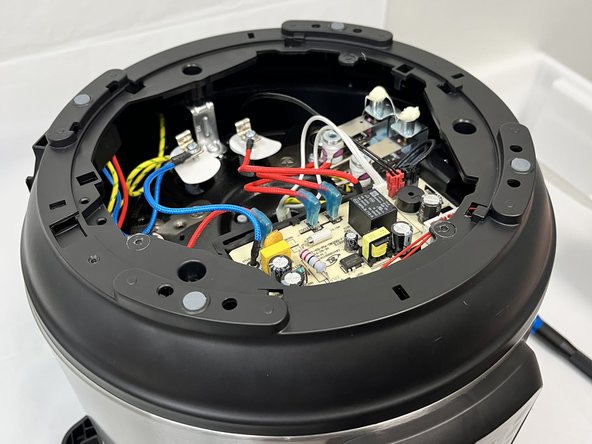
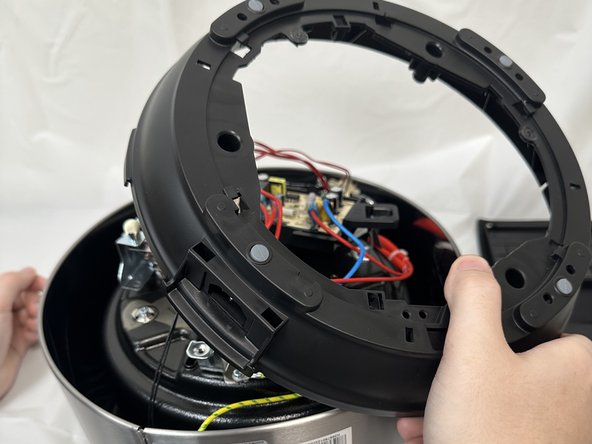
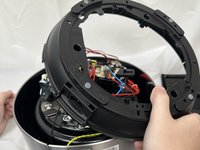
Lift the frame, twist and set next to the body. Take care not to damage any of the attached wiring.
-
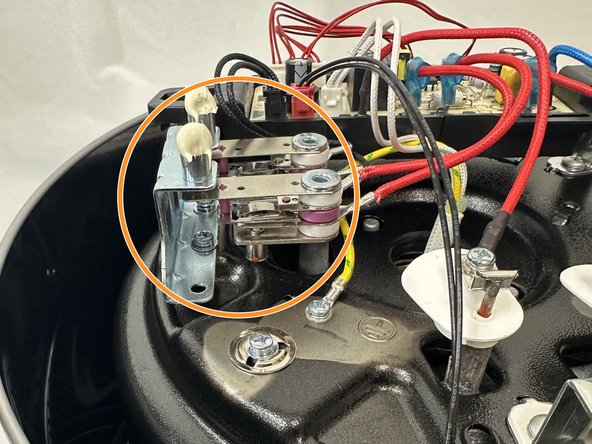
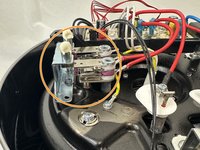
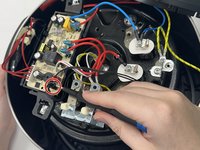
Locate the sensor. It has been highlighted in the final image.
-
-
-
-
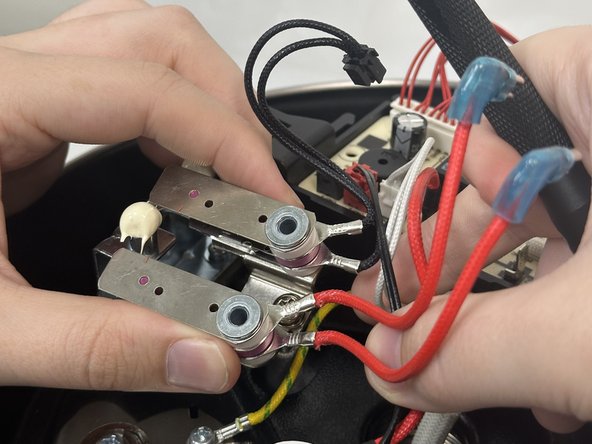
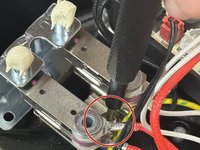
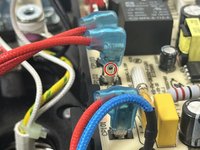
To remove the sensor, unscrew the main screw between the sensor and slide out.
-
-
-
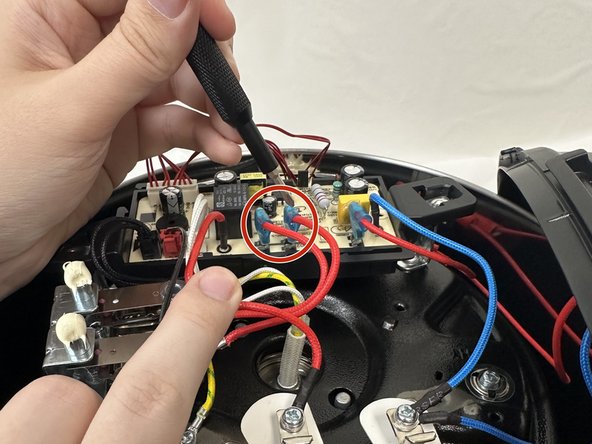
To remove the leads connecting the sensor to the motherboard you will need to unclip them.
-
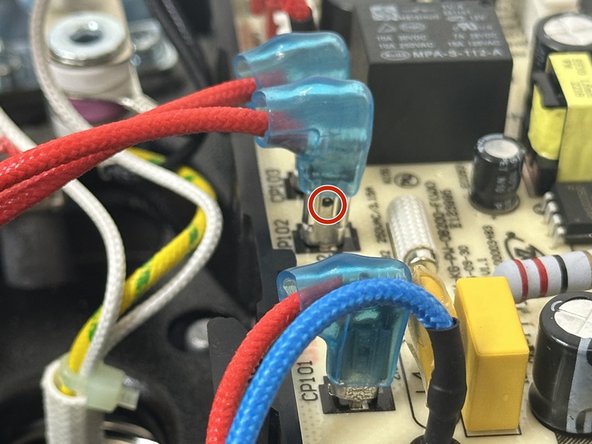
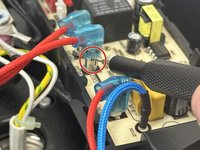
In order to do so, slide the blue covering up to expose the small hole in the lead.
-
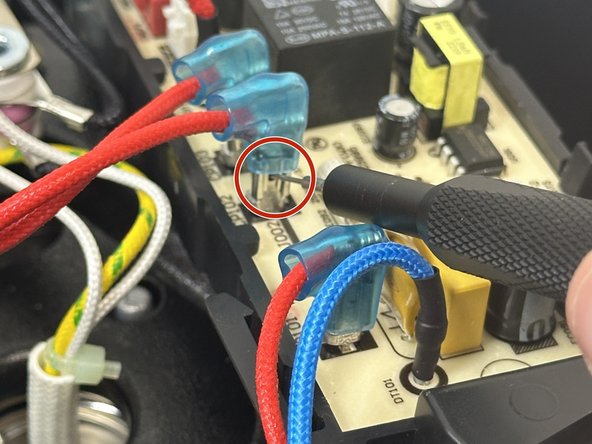
Place a SIM card punch into the hole to unsecure the leads and pull them up. If a SIM card punch is not avaliable then a paperclip or earring should suffice.
-
-
-
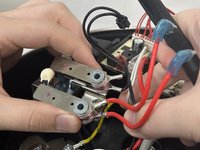
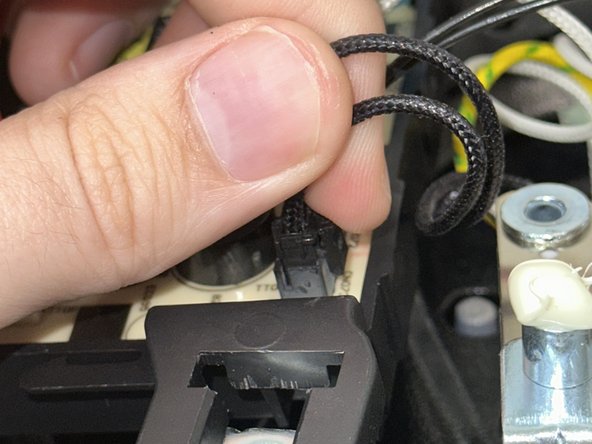
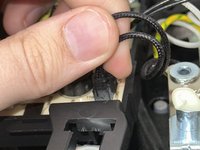
There will be a secondary lead that is black connecting the sensor the the motherboard.
-
In order to remove that lead just squeeze and pull up.
-
-








To reassemble your device, follow these instructions in reverse order.
Cancel: I did not complete this guide.
4 other people completed this guide.

Team

University of North Texas, Team 6-4, Kilpatrick Fall 2024 Member of University of North Texas, Team 6-4, Kilpatrick Fall 2024
UNT-KILPATRICK-F24S6G4
4 Members
60 Guides authored
