Introduction
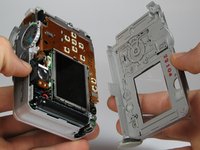
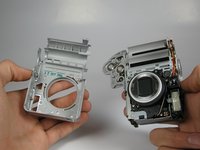
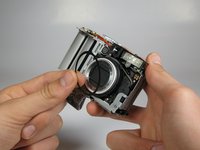
Use this guide to replace the Canon PowerShot A75's LCD screen.
What you need
-
-
-
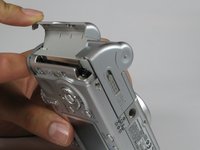
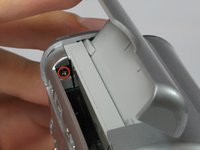
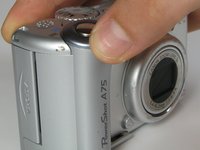
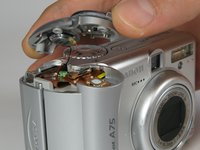
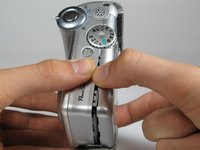
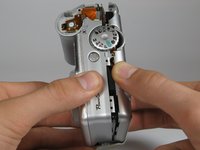
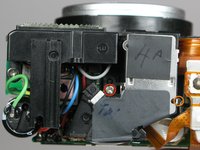
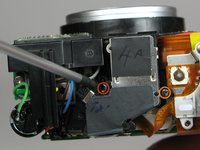
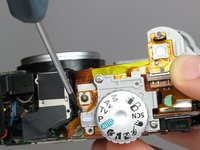
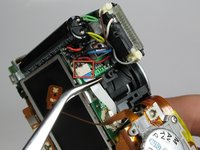
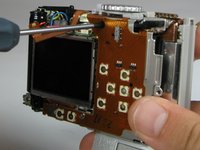
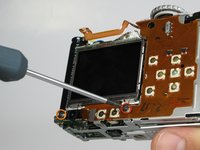
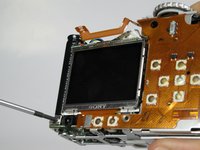
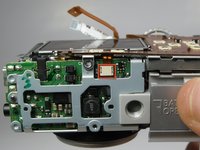
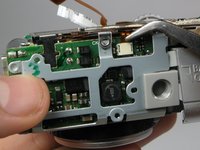
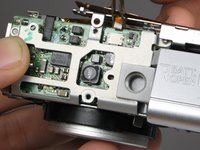
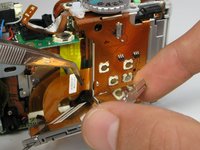
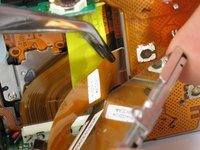
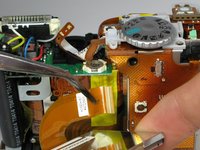
Remove the 4.4mm screw directly behind the eyepiece on the top of the camera.
-
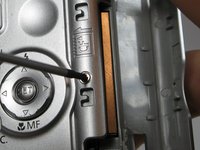
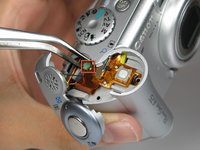
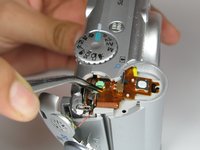
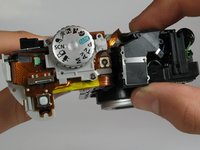
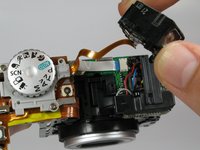
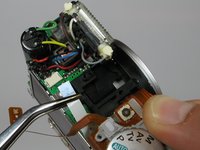
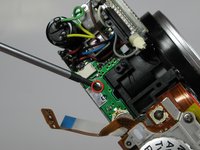
Remove the 4.3mm screw to the right of the eyepiece housing in the crack in between the eyepiece and a ribbon cable on top of the camera.
-
































Conclusion
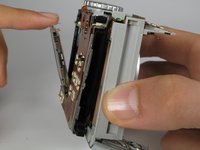
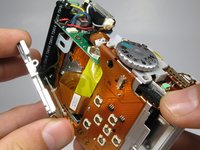
After all the steps are done, you can make any necessary repairs to the LCD screen. To reassemble your device, follow these instructions in reverse order.


Team

Cal Poly, Team 17-30, Amido Spring 2012 Member of Cal Poly, Team 17-30, Amido Spring 2012
CPSU-AMIDO-S12S17G30
5 Members
12 Guides authored
