Free Shipping on Domestic Orders $75+

Inse N500 Motor Replacement

What you need

  1. Inse N500 Motor Replacement, Dustbin: step 1, image 1 of 3 Inse N500 Motor Replacement, Dustbin: step 1, image 2 of 3 Inse N500 Motor Replacement, Dustbin: step 1, image 3 of 3
    • Unclip the plastic band from the vacuum head.

  2. Inse N500 Motor Replacement: step 2, image 1 of 2 Inse N500 Motor Replacement: step 2, image 2 of 2
    • Remove six 6 mm screws using a Phillips #0 screwdriver.

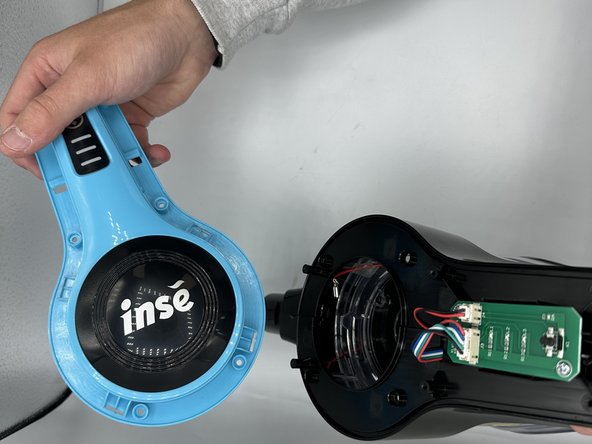
  3. Inse N500 Motor Replacement: step 3, image 1 of 2 Inse N500 Motor Replacement: step 3, image 2 of 2
    • Remove the vacuum head guard.

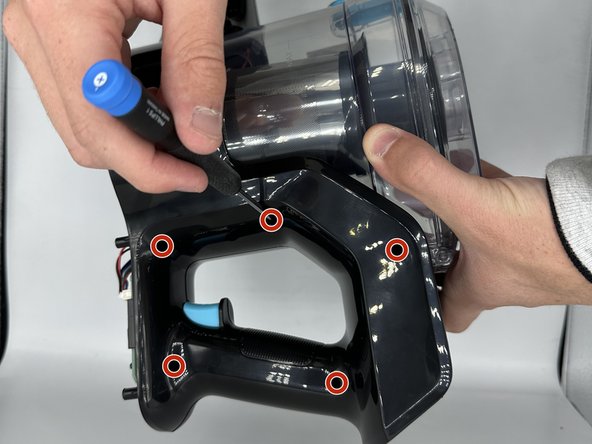
  4. Inse N500 Motor Replacement: step 4, image 1 of 2 Inse N500 Motor Replacement: step 4, image 2 of 2
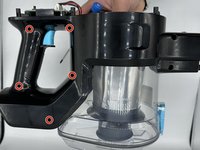
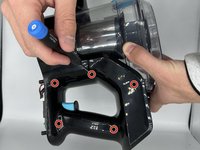
    • Remove the ten 4 mm screws using a Phillips #0 screwdriver.

    • There are five screws on each side of the vacuum.

  5. Inse N500 Motor Replacement: step 5, image 1 of 2 Inse N500 Motor Replacement: step 5, image 2 of 2
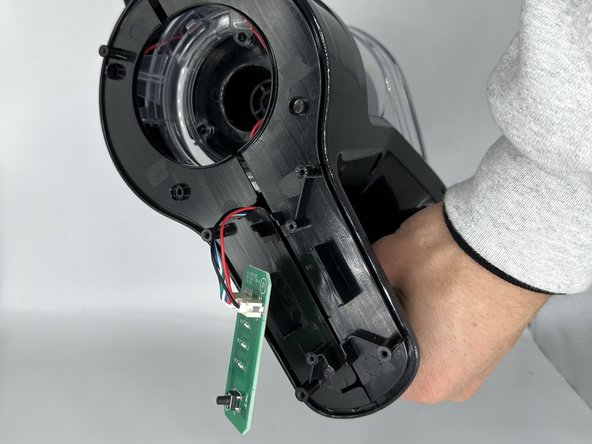
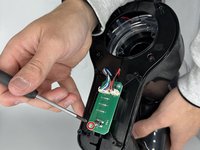
    • Remove the single 4 mm screw from the circuit board using a Phillips #0 screwdriver.

  6. Inse N500 Motor Replacement: step 6, image 1 of 2 Inse N500 Motor Replacement: step 6, image 2 of 2
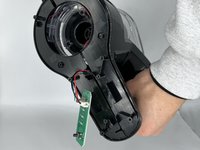
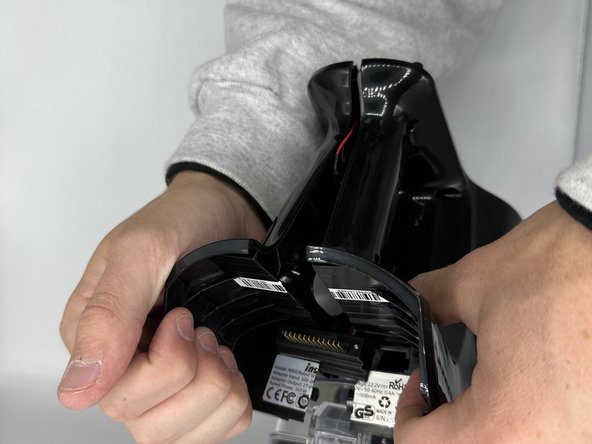
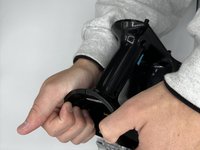
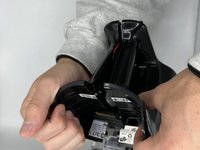
    • Unfasten the remaining clips.

  7. Inse N500 Motor Replacement: step 7, image 1 of 3 Inse N500 Motor Replacement: step 7, image 2 of 3 Inse N500 Motor Replacement: step 7, image 3 of 3
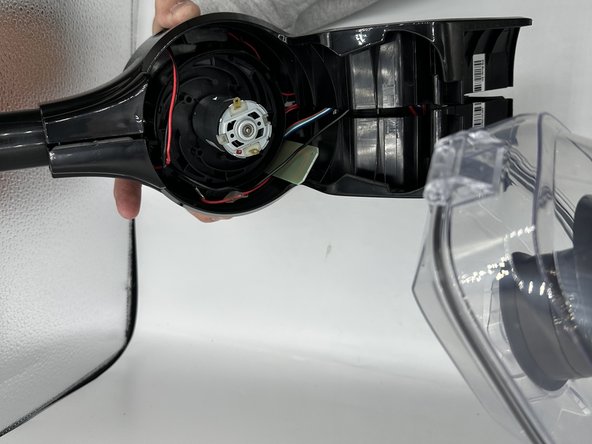
    • Remove the dustbin.

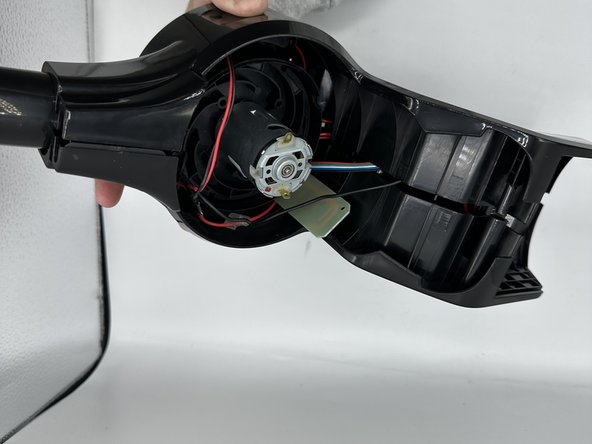
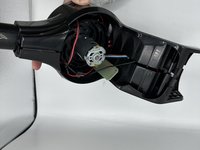
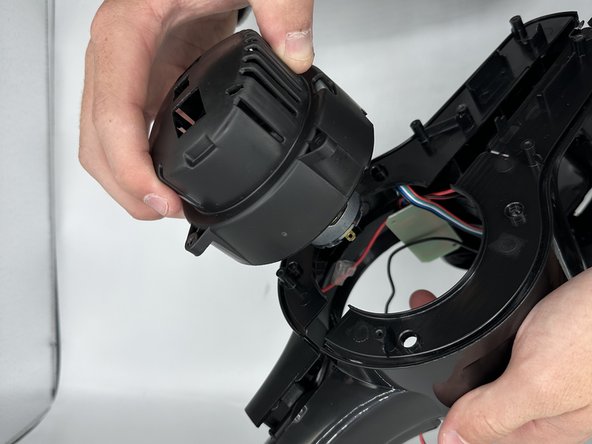
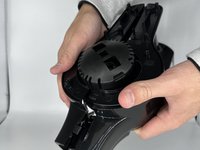
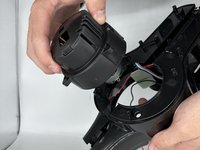
  8. Inse N500 Motor Replacement, Motor: step 8, image 1 of 2 Inse N500 Motor Replacement, Motor: step 8, image 2 of 2
    • Unfasten the surrounding motor clips and remove the motor.

Conclusion

To reassemble your device, follow these instructions in reverse order.

2 other people completed this guide.

1 Guide Comment

Please 🙏 the motor of roborock h7 please 🙏

Wayl - Reply Share

Add Comment

View Statistics:

Past 24 Hours: 2

Past 7 Days: 17

Past 30 Days: 58

All Time: 1,456