Free Shipping on Domestic Orders $75+

Inse N500 Dustbin Replacement

Views: 671

View statistics:

Past 24 Hours:
2
Past 7 Days:
10
Past 30 Days:
69
All Time:
671
Comments: 3

3 comments on steps.

Completed: 1

1 person has marked this guide "completed." Will you be next?

Favorites: 0

No one has favorited (and subscribed to) this guide. Will you be the first?

Time Required: 10 minutes
Difficulty: Moderate
Inse N500 Dustbin Replacement

Introduction

Go to step 1 ↓

If your Inse vacuum (Model N500) dustbin is cracked, spilling out debris, or has distorted in a way that prevents closure, use this guide for dustbin replacement.

What you need

Tools

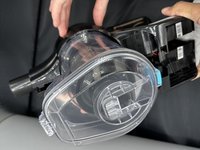
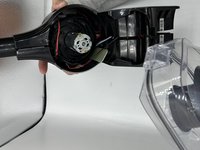
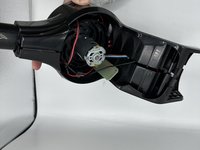
    1. Inse N500 Dustbin Replacement, Dustbin: step 1, image 1 of 3 Inse N500 Dustbin Replacement, Dustbin: step 1, image 2 of 3 Inse N500 Dustbin Replacement, Dustbin: step 1, image 3 of 3
      • Unclip the plastic band from the vacuum head.

      Ask FixBot

      Add Comment

    2. Inse N500 Dustbin Replacement: step 2, image 1 of 2 Inse N500 Dustbin Replacement: step 2, image 2 of 2
      • Remove six 6 mm screws using a Phillips #0 screwdriver.

      Ask FixBot

      Add Comment

    3. Inse N500 Dustbin Replacement: step 3, image 1 of 2 Inse N500 Dustbin Replacement: step 3, image 2 of 2
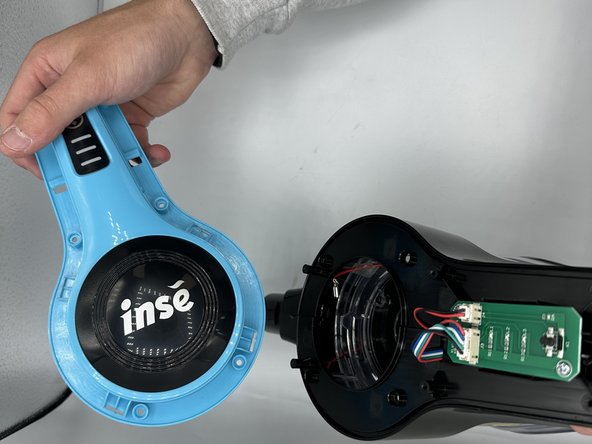
      • Remove the vacuum head guard.

      Ask FixBot

      Add Comment

    4. Inse N500 Dustbin Replacement: step 4, image 1 of 2 Inse N500 Dustbin Replacement: step 4, image 2 of 2
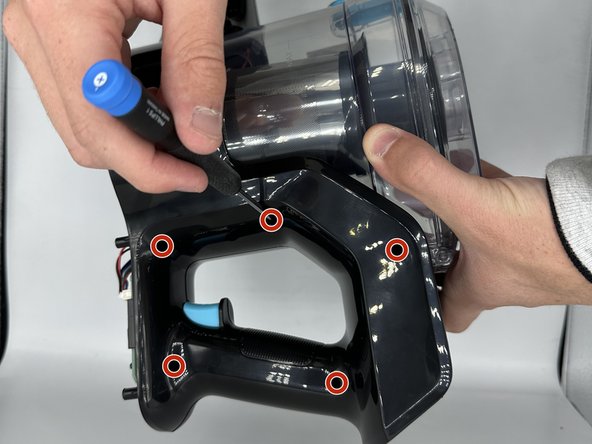
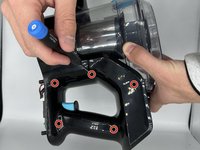
      • Remove the ten 4 mm screws using a Phillips #0 screwdriver.

      • There are five screws on each side of the vacuum.

      Ask FixBot

      Add Comment

    5. Inse N500 Dustbin Replacement: step 5, image 1 of 2 Inse N500 Dustbin Replacement: step 5, image 2 of 2
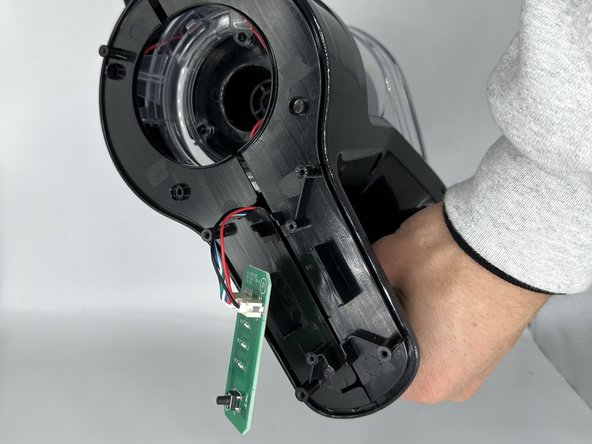
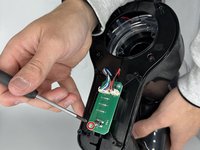
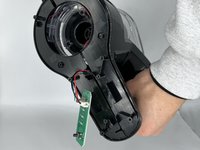
      • Remove the single 4 mm screw from the circuit board using a Phillips #0 screwdriver.

      Ask FixBot

      Add Comment

    6. Inse N500 Dustbin Replacement: step 6, image 1 of 2 Inse N500 Dustbin Replacement: step 6, image 2 of 2
      • Unfasten the remaining clips.

      Ask FixBot

      Add Comment

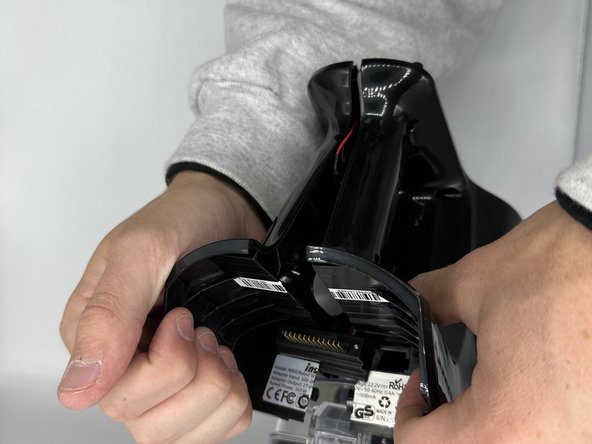
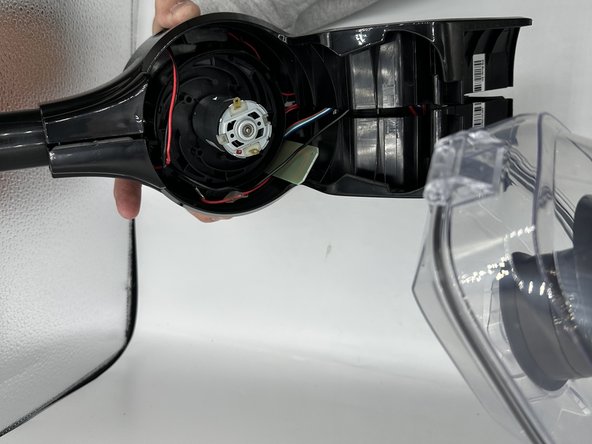
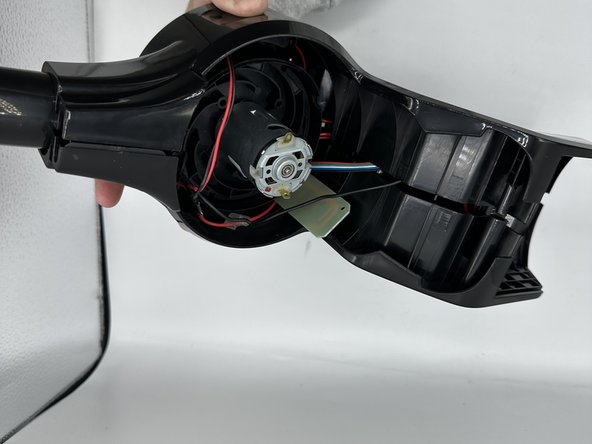
    7. Inse N500 Dustbin Replacement: step 7, image 1 of 3 Inse N500 Dustbin Replacement: step 7, image 2 of 3 Inse N500 Dustbin Replacement: step 7, image 3 of 3
      • Remove the dustbin.

      Ask FixBot

      Add Comment

Conclusion

To reassemble your device, follow these instructions in reverse order.

Cancel: I did not complete this guide.

One other person completed this guide.

0 Guide Comments

Add Comment

View Statistics:

Past 24 Hours: 2

Past 7 Days: 10

Past 30 Days: 69

All Time: 671