
InFocus IN3104 Lamp Replacement

Tae Min Kim and 4 other contributors
Last updated on May 28, 2020
Views: 1.2K
View statistics:
- Past 24 Hours:
- 3
- Past 7 Days:
- 17
- Past 30 Days:
- 64
- All Time:
- 1,250
Comments: 0
No one has left comments on this guide. Will you be first?
Go to guide commentsCompleted: 0 1
No one has marked this guide "completed." Will you be the first?
1 person has marked this guide "completed." It's you — great job!
Favorites: 0 1
No one has favorited (and subscribed to) this guide. Will you be the first?
1 person has favorited (and subscribed to) this guide — and that's you!
Introduction
Go to step 1 ↓If your projector does not project an image, you may have a broken lamp. The lamp is designed to project light on to the color wheel as well as the lens so that the projector can display an image. Remove any power sources before you start.
What you need
Tools
-
Spudger4.9
-


-
-
-
Turn the projector so that the lens is facing you.
-
Use a Phillips #1 screwdriver to remove the 6 mm screw that secures top cover.
-
Remove the service cover.
 Ask FixBot
-
-
-
Use a Phillips #1 screwdriver to remove the seven 6 mm screws.
-
Use a Phillips #1 screwdriver to remove the two 5 mm screws.
-
Remove 2 screws on the back panel (not pictured)
-
Remove the top cover.
-
-
-
-
-
-
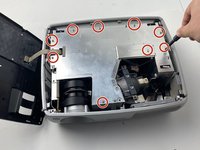
Use a Phillips #1 screwdriver to remove the nine 6 mm screws.
-
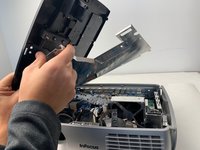
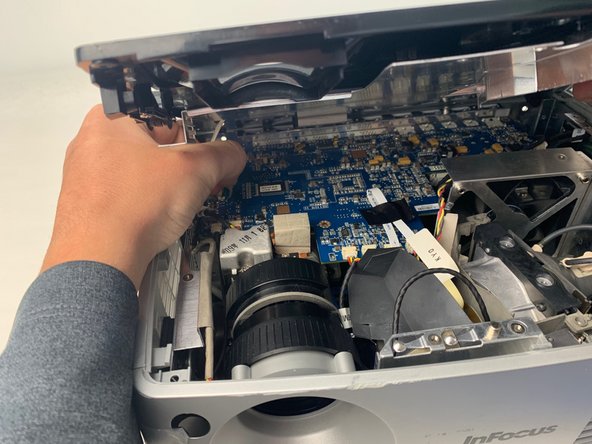
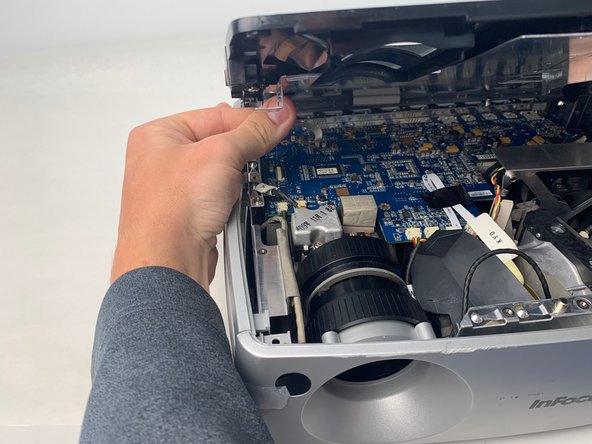
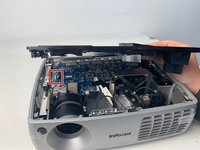
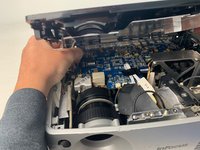
Lift up the metal cover and set it aside to reveal the motherboard.
-
-
-
Carefully pry up the black plastic locking bar of the ZIF connector on the motherboard with a plastic spudger.
-
Pull out the blue-tipped, white ribbon cable from the connector.
-
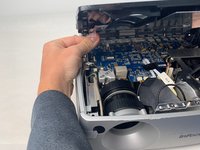
Remove the metal cover.
-
-
-
-
-
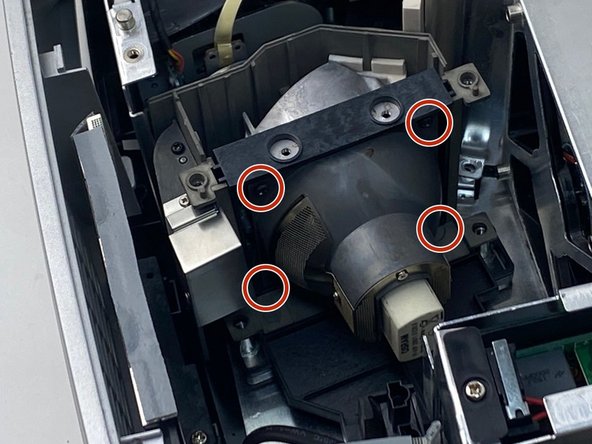
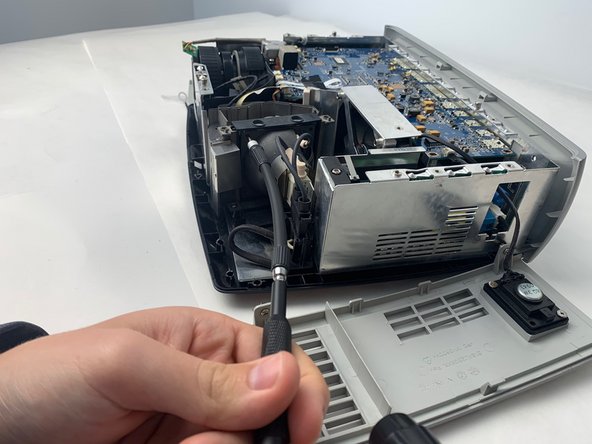
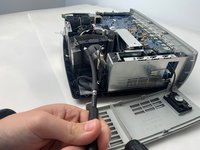
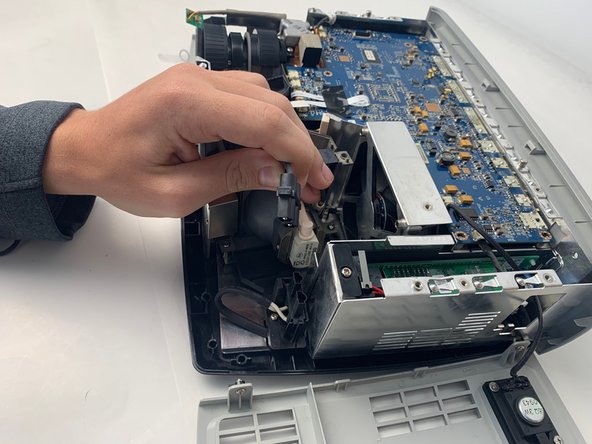
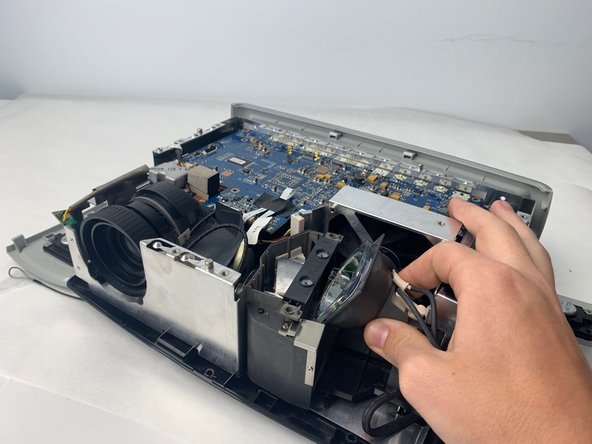
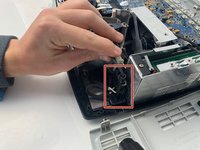
Remove the lamp power cable situated beside the lamp by pulling it straight out.
-
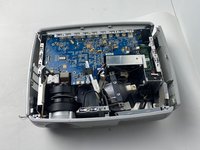
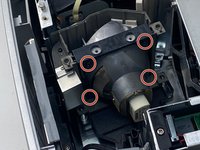
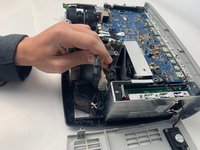
Remove the lamp by pulling it straight out from the device.
-





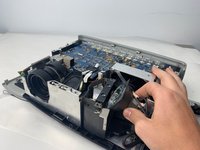
To reassemble your device, follow these instructions in reverse order.

Team

Embry-Riddle Aeronautical University, Team S5-G5, Watkins Spring 2020 Member of Embry-Riddle Aeronautical University, Team S5-G5, Watkins Spring 2020
ERAU-WATKINS-S20S5G5
4 Members
84 Guides authored
