Introduction
This guide will show you how to replace the battery in your Impression i7. This guide should be used whenever the battery in your device isn't performing as originally intended by the manufacturer.
What you need
-
-
-
Wedge the plastic opening tool into the seam nearest to the screen surface and begin to pry off the back of the device.
 Ask FixBot
-
-
-
Move the plastic opening tool along the perimeter of the device, loosening the entire back as you go.
-
-
-
-
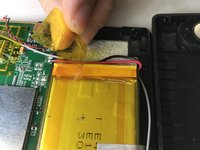
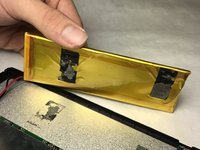
Remove the transparent, orange tape from the edge of the battery.
-
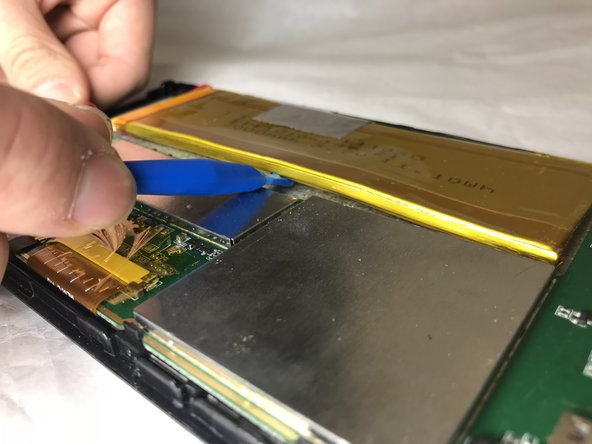
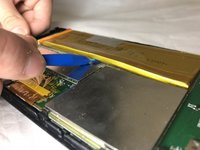
Pry the battery off, using the plastic opening tool.
-
-
-
Pull the battery away from the adhesive.
-
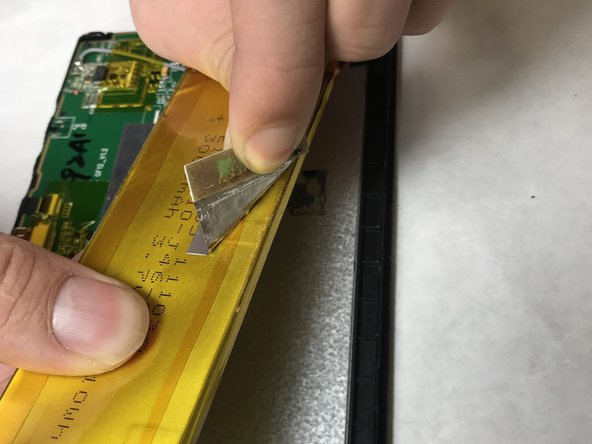
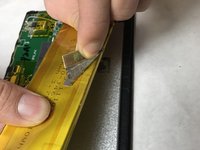
Peel the gray tape from the top of the battery.
-
-




To reassemble your device, follow these instructions in reverse order.
Cancel: I did not complete this guide.
2 other people completed this guide.

Team

IUPUI, Team S1-G5, Baechle Fall 2018 Member of IUPUI, Team S1-G5, Baechle Fall 2018
IUPUI-BAECHLE-F18S1G5
3 Members
36 Guides authored
