Introduction
If the ear cushions on your HyperX CloudX Flight (Model HX-HSCFX-BK/WW) headphones are worn out or coming apart, you may want to replace them. The ear cushions are an important part of any headset as they are the part of the device that rests directly against the user's ears and provide insulation from outside noise. Old or shedding ear cushions can be uncomfortable and can severely alter the user's experience.
Before starting the process of replacing your ear cushions please ensure that your device is powered off.
-
-
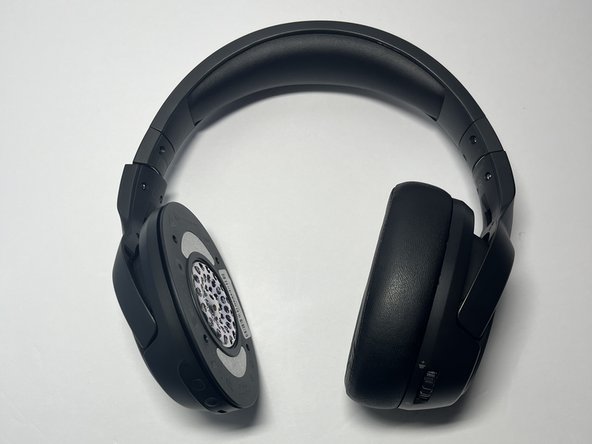
Place the device on a flat surface and orient the ear cups towards yourself.
-
-




To reassemble your device, follow these instructions in reverse order.
Cancel: I did not complete this guide.
One other person completed this guide.



Team

Western Carolina University, Team 1-3, Virtue Fall 2024 Member of Western Carolina University, Team 1-3, Virtue Fall 2024
WCU-VIRTUE-F24S1G3
4 Members
5 Guides authored
