Free Shipping on Domestic Orders $75+

Huawei Union Screen Replacement

What you need

  1. Huawei Union Screen Replacement, Battery: step 1, image 1 of 2 Huawei Union Screen Replacement, Battery: step 1, image 2 of 2
    • Wedge your thumb nail, or the flat end of a spudger, into the bottom left corner and pry off.

    Ask FixBot

    Add Comment

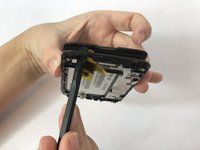
  2. Huawei Union Screen Replacement: step 2, image 1 of 2 Huawei Union Screen Replacement: step 2, image 2 of 2
    • Use the flat end of a spudger, or fingernail, to lift up the battery and pull out.

    Ask FixBot

    Add Comment

  3. Huawei Union Screen Replacement, Camera Lens Panel: step 3, image 1 of 1
    • Remove the thirteen 3mm Phillips #00 screws from the back panel.

    Ask FixBot

    Add Comment

  4. Huawei Union Screen Replacement: step 4, image 1 of 1
    • Use the flat end of a spudger to pry off the back panel.

    Ask FixBot

    Add Comment

  5. Huawei Union Screen Replacement, Motherboard: step 5, image 1 of 1
    • Remove a single 3mm Phillips #00 screw from the motherboard.

    Ask FixBot

    Add Comment

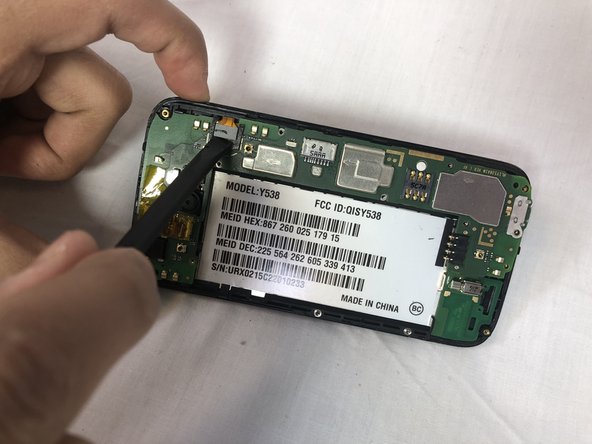
  6. Huawei Union Screen Replacement: step 6, image 1 of 2 Huawei Union Screen Replacement: step 6, image 2 of 2
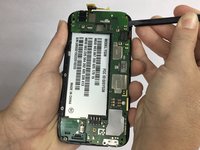
    • Using the flat end of a spudger to disconnect the motherboard ribbon cable.

    Ask FixBot

    Add Comment

  7. Huawei Union Screen Replacement: step 7, image 1 of 1
    • Firmly hold the second ribbon cable's plastic film cover and pull up to disconnect.

    Ask FixBot

    Add Comment

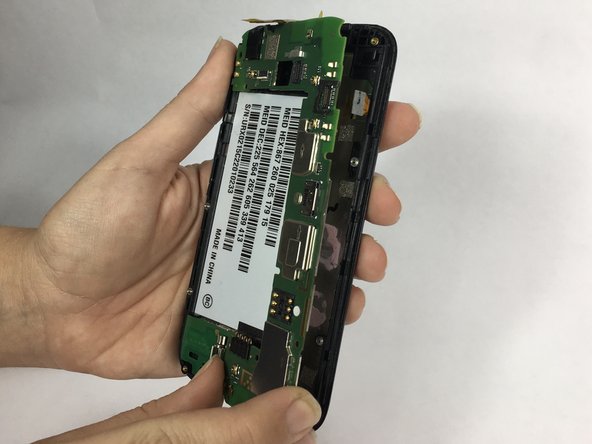
  8. Huawei Union Screen Replacement: step 8, image 1 of 2 Huawei Union Screen Replacement: step 8, image 2 of 2
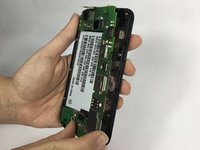
    • Wedge the flat end of a spudger underneath the motherboard and pry upwards to separate it from the frame.

    Ask FixBot

    Add Comment

  9. Huawei Union Screen Replacement, Screen: step 9, image 1 of 1
    • Using an iOpener heat source tool, warm the screen of the phone to loosen adhesive of the screen.

    Ask FixBot

    Add Comment

  10. Huawei Union Screen Replacement: step 10, image 1 of 2 Huawei Union Screen Replacement: step 10, image 2 of 2
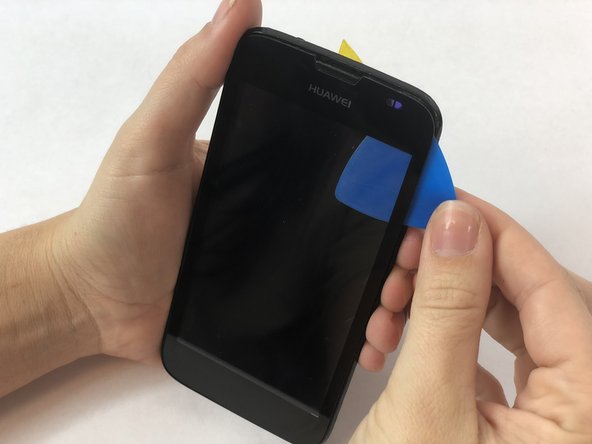
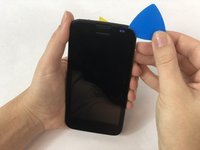
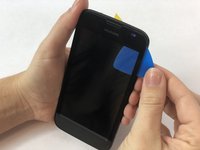
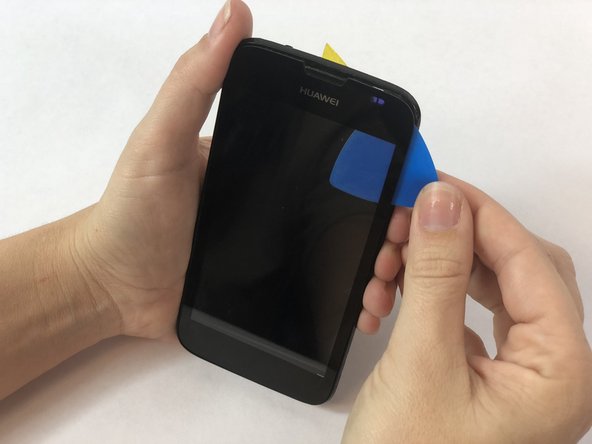
    • Wedge an opening pick underneath the screen and slowly work your way around the screen.

    Ask FixBot

    Add Comment

  11. Huawei Union Screen Replacement: step 11, image 1 of 2 Huawei Union Screen Replacement: step 11, image 2 of 2
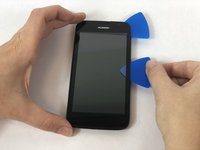
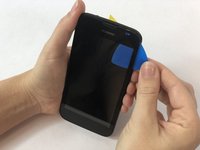
    • Using multiple Opening Picks, work your way around the edges making sure not to place too much pressure at any one point.

    • With each pass, move the Opening Pick further to complete separation.

    Ask FixBot

    Add Comment

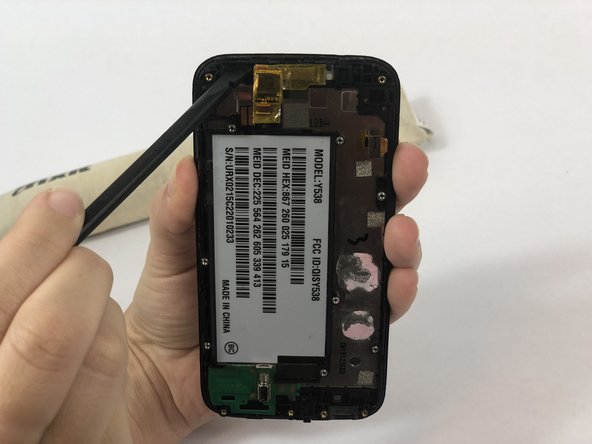
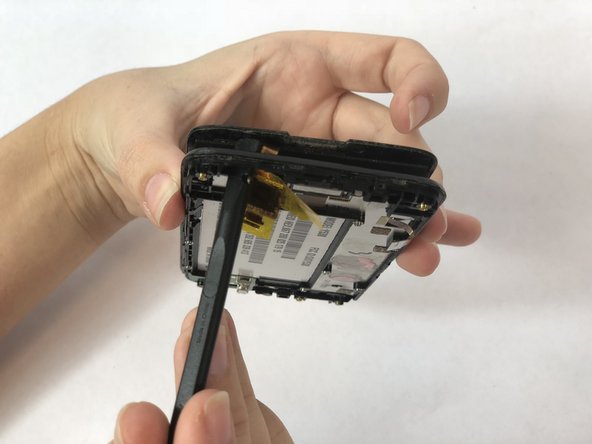
  12. Huawei Union Screen Replacement: step 12, image 1 of 3 Huawei Union Screen Replacement: step 12, image 2 of 3 Huawei Union Screen Replacement: step 12, image 3 of 3
    • Once screen is sufficiently separated, holding the sides of the frame firmly, use the Spudger to press through the small access window to the screen at the top let and completely separate the screen from the frame.

    • Do not push too firmly. Screen may break. If screen will not separate, use iOpener heating element again and start over.

    • Do not press too far when separating the screen. There is a small ribbon cable attached to the screen that must be gently drawn through small access window.

    Ask FixBot

    Add Comment

  13. Huawei Union Screen Replacement: step 13, image 1 of 1
    • Pull screen away from frame making sure the ribbon cable stays attached.

    Ask FixBot

    Add Comment

Conclusion

To reassemble your device, follow these instructions in reverse order.

Cancel: I did not complete this guide.

One other person completed this guide.

Brittany Achor

Member since: 02/14/18

756 Reputation

6 Guides authored

Team

USF Tampa, Team S1-G1, Nance Spring 2018 Member of USF Tampa, Team S1-G1, Nance Spring 2018

USFT-NANCE-S18S1G1

4 Members

12 Guides authored

0 Guide Comments

Add Comment

View Statistics:

Past 24 Hours: 0

Past 7 Days: 9

Past 30 Days: 37

All Time: 876