Free Shipping on Domestic Orders $75+

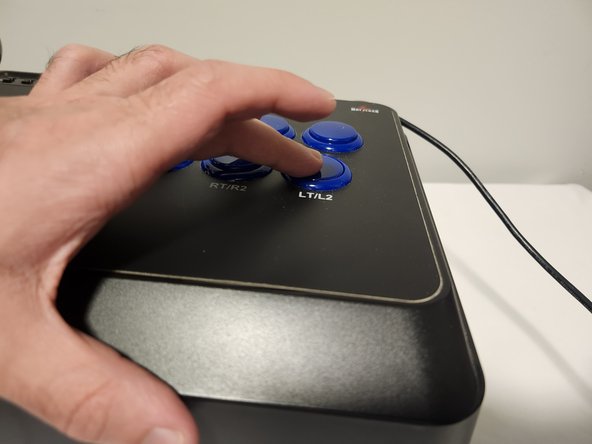
How to Fix a Faulty Button on a Mayflash F300

What you need

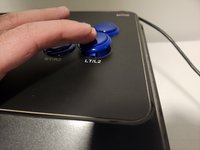
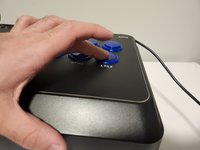
    1. How to Fix a Faulty Button on a Mayflash F300, How to Fix a Faulty Button on a Mayflash F300: step 1, image 1 of 2 How to Fix a Faulty Button on a Mayflash F300, How to Fix a Faulty Button on a Mayflash F300: step 1, image 2 of 2
      • Flip around the Mayflash F300, so that the metal panel is facing you.

      • It may be helpful to place the device on a box if you cannot hold it, as the joystick would otherwise be under pressure.

      Ask FixBot

      Add Comment

    2. How to Fix a Faulty Button on a Mayflash F300: step 2, image 1 of 3 How to Fix a Faulty Button on a Mayflash F300: step 2, image 2 of 3 How to Fix a Faulty Button on a Mayflash F300: step 2, image 3 of 3
      • Unscrew the six 9 mm Phillips #00 screws that hold together the metal panel.

      • Gently pry the panel away once it is unscrewed.

      Ask FixBot

      Add Comment

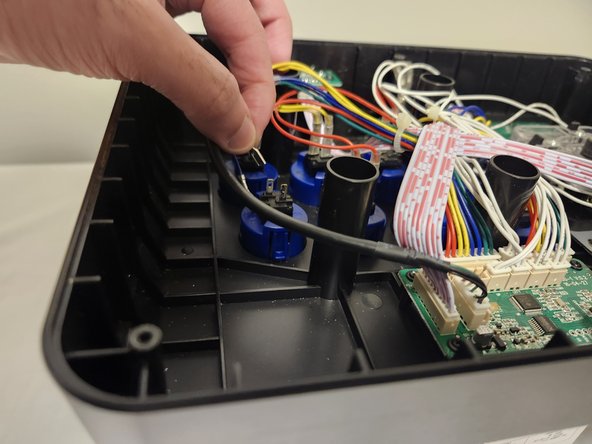
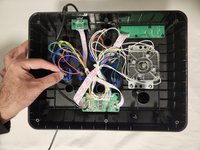
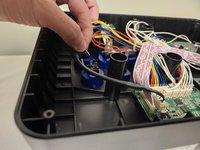
    3. How to Fix a Faulty Button on a Mayflash F300: step 3, image 1 of 2 How to Fix a Faulty Button on a Mayflash F300: step 3, image 2 of 2
      • Unplug the two cables going into the button you wish to clean or replace.

      • These two cables can be quite stubborn to remove, so gently wiggling them as you pull will make it easier.

      Ask FixBot

      Add Comment

    4. How to Fix a Faulty Button on a Mayflash F300: step 4, image 1 of 1
      • Squeeze the two tabs that are on either side of the button and push it out.

      Ask FixBot

      Add Comment

    5. How to Fix a Faulty Button on a Mayflash F300: step 5, image 1 of 1
      • Grab your toothbrush and clean out all the dirt you may find inside and around the button.

      • Alternatively, if you wish to install an entirely new button, you can simply set aside the old one.

      Ask FixBot

      Add Comment

    6. How to Fix a Faulty Button on a Mayflash F300: step 6, image 1 of 2 How to Fix a Faulty Button on a Mayflash F300: step 6, image 2 of 2
      • With your button now clean and ready to go, place it in the empty slot and push it back down. Make sure it snaps in place.

      Ask FixBot

      Add Comment

    7. How to Fix a Faulty Button on a Mayflash F300: step 7, image 1 of 1
      • Reconnect the two cables to the button.

      Ask FixBot

      Add Comment

    8. How to Fix a Faulty Button on a Mayflash F300: step 8, image 1 of 1
      • Take the back panel of the arcade stick and screw it back in place.

      Ask FixBot

      Add Comment

Conclusion

Hopefully these steps were clear and useful to you! Happy gaming!

Cancel: I did not complete this guide.

Ali Fareed

Member since: 01/09/24

157 Reputation

1 Guide authored

Team

0 Guide Comments

Add Comment

View Statistics:

Past 24 Hours: 2

Past 7 Days: 6

Past 30 Days: 45

All Time: 1,107