
How to replace the screen of a Lenovo Ideapad 300-15IBR

Benjamin Liu and
Last updated on Mar 26, 2024
Views: 1.1K
View statistics:
- Past 24 Hours:
- 3
- Past 7 Days:
- 17
- Past 30 Days:
- 72
- All Time:
- 1,064
Comments: 0
No one has left comments on this guide. Will you be first?
Go to guide commentsCompleted: 0 1
No one has marked this guide "completed." Will you be the first?
1 person has marked this guide "completed." It's you — great job!
Favorites: 0 1
No one has favorited (and subscribed to) this guide. Will you be the first?
1 person has favorited (and subscribed to) this guide — and that's you!
Action Shots
Be an action hero! This guide needs images that better demonstrate how to perform specific actions.
Missing Details
Some of this guide's details are missing. Help users by adding tools, difficulty, or time.
Introduction
Go to step 1 ↓The only problem with electronics is that over time they deteriorate. In some cases, they just get slow and freeze, and sometimes components stop working completely. If you are an owner of a Lenovo Ideapad this guide can be of use to you. This guide is applicable to both the 300-15IBR and 15ISK. Both laptops have similar builds so this guide can be used for both. In this guide, we use the Ideapad 300-15IBR.
Before beginning the repair, ensure that the laptop is completely shutdown and has no electric charge left in the screen. The screen is one of the most fragile parts of a laptop therefore you need to have to utmost care when operating around the screen. Take caution when removing any and all components from the face of the screen, as damage is easily incurred when mishandled. There are also fragile parts that are connected to the screen such as the ribbon strip that is connected to the bottom of the screen. Take care to remove these items gently to avoid damage.
What you need
Tools


-
-
-
Carefully remove the laptop screen impact strips using the plastic spudger
 Ask FixBot
-
-
-
Carefully remove the plastic bezel from the computer screen using a plastic spudger.
-
-
-
-
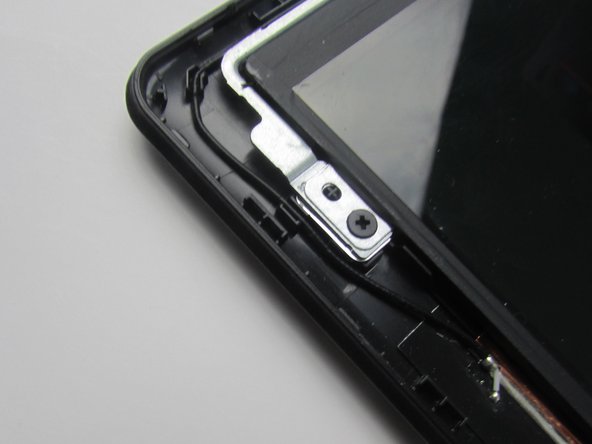
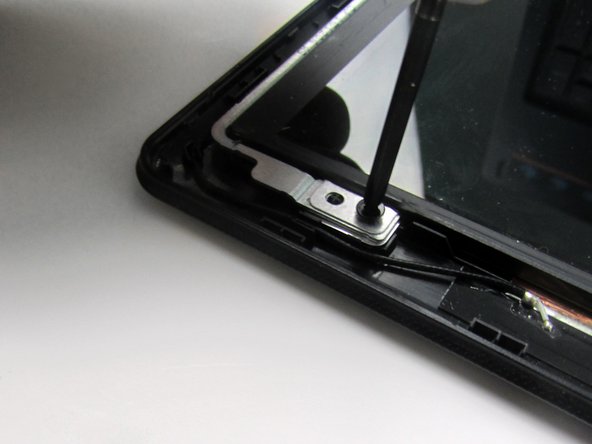
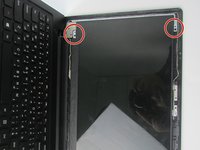
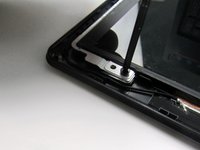
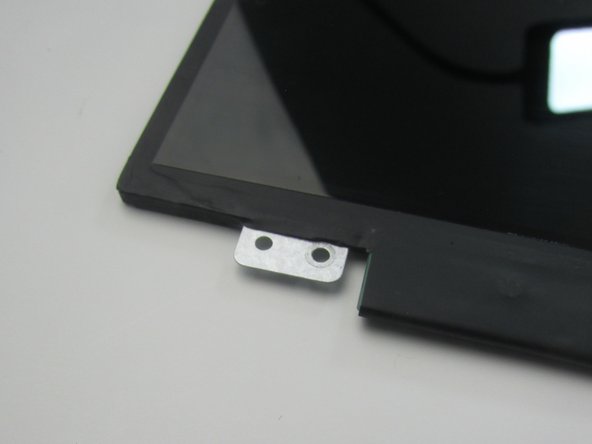
Using the Phillips screwdriver, remove four 0.8 mm Phillips screws at each mounting point of the screen.
-
-
-
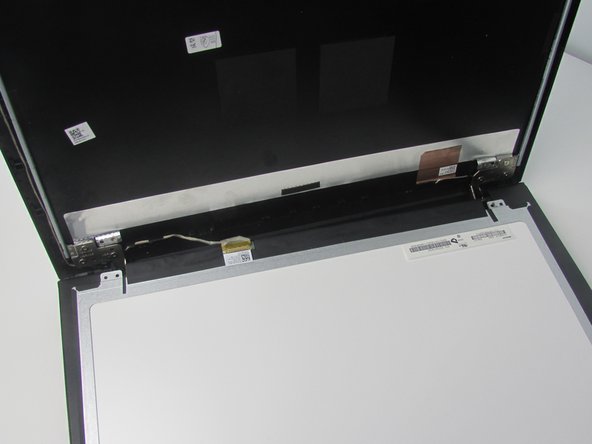
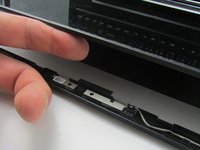
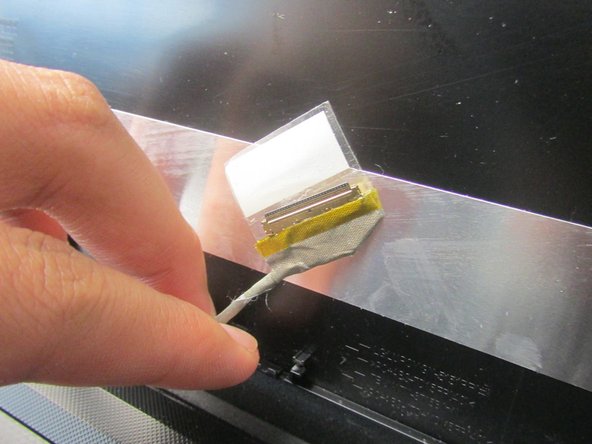
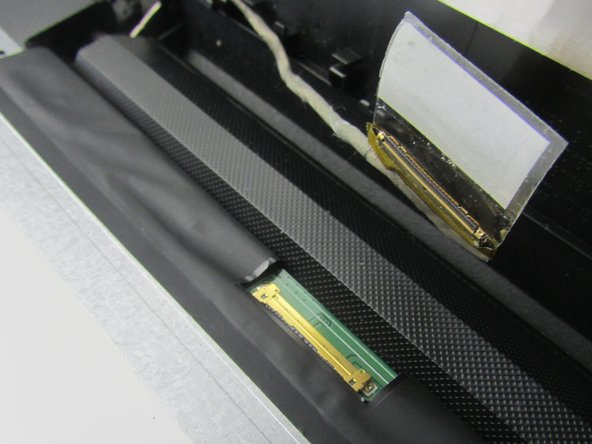
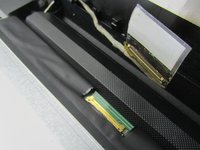
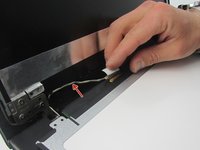
Carefully separate screen from case, ensuring ribbon strip at the bottom doesn't become disconnected.
-
-






To reassemble your device, follow these instructions in reverse order. Be sure to test whether the screen works before putting the plastic bezel back just in case.

Team

Embry-Riddle Aeronautical University, Team S19-G6, Ives Spring 2020 Member of Embry-Riddle Aeronautical University, Team S19-G6, Ives Spring 2020
ERAU-IVES-S20S19G6
3 Members
12 Guides authored
