Introduction
After gaming for some time, you may have accumulated some Microsoft Rewards points. This guide will help you redeem them. This guide includes three methods for redeeming these points.
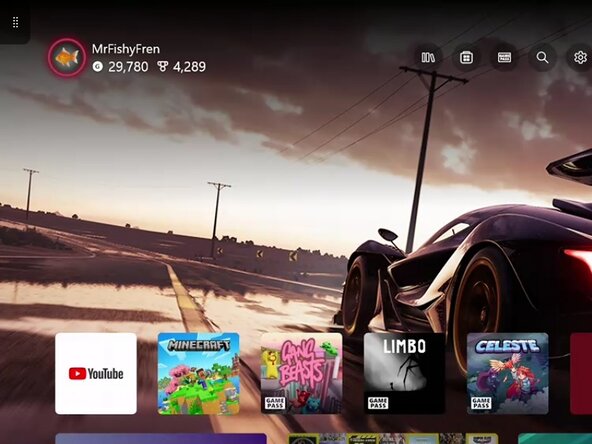
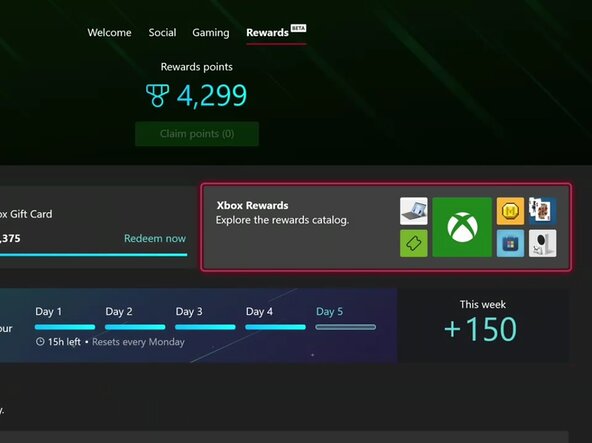
Method #1: Through a console.
Requires an internet connection and an Xbox One or above Xbox console.
Method #2: Through the Microsoft Rewards website.
Requires an internet connection and a device with access to a web browser.
Method #3: Through the Xbox App*******
Requires an internet connection and a supported device.
*******Method 3 has not been added yet and will be added in the future.
-
-
-
-
In your browser, head to https://rewards.bing.com
-
Select Redeem
-



 Ask FixBot




You can redo these steps as often as necessary.
Cancel: I did not complete this guide.
2 other people completed this guide.

