-
-
The phone has been dropped before. After charging, the phone won’t turn on, gets stuck on the Apple logo, and keeps restarting.
-
Next, we connect the power cable with the motherboard. The motherboard has no electricity leakage and large current.
-
-
-
Then we connect the phone with the computer and flash the phone to see if the system is damaged. Get the phone into recovery mode with a Restore-Easy Cable. Plug in the USB data cable. Begin flashing. The phone can be flashed. But the phone still won’t turn on and keeps restarting after flashing.
-
-
-
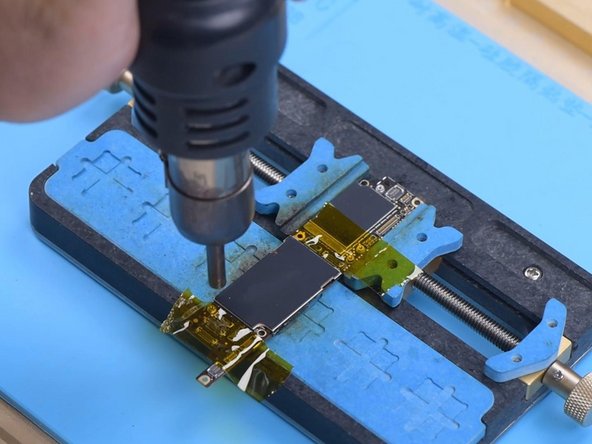
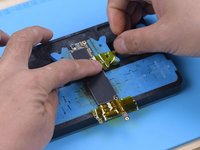
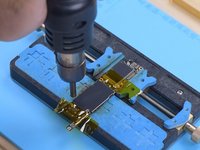
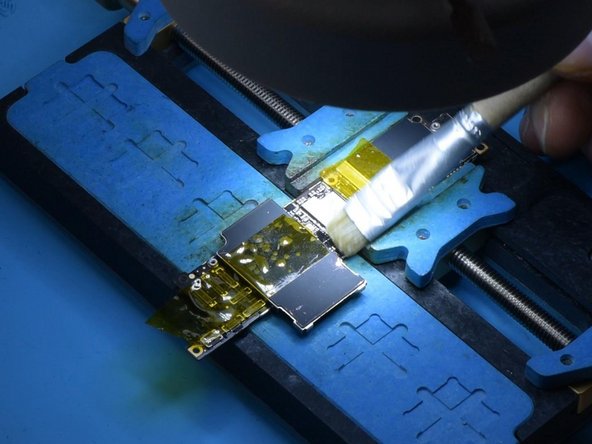
It can be judged that the motherboard has malfunctioned. Disconnect the flex cable and remove the motherboard. Remove foam on the motherboard and the rubber. Attach the motherboard to the holder. Attach the high-temperature tape to protect the connector. Remove the shielding cover with vertical Hot Air Gun at 380℃.
-
-
-
-
Remove thermal grease with a Sculpture Knife. Cover the CPU with the shielding cover and fix with high temperature tape. Remove black adhesive around the USB IC with Hot Air Gun at 280℃. Pry up the USB IC with Hot Air Gun at 380℃. Apply Paste Flux. Remove tin on the bonding pad with Soldering Iron at 365℃.
-




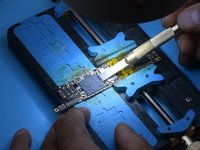
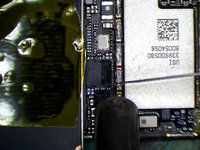

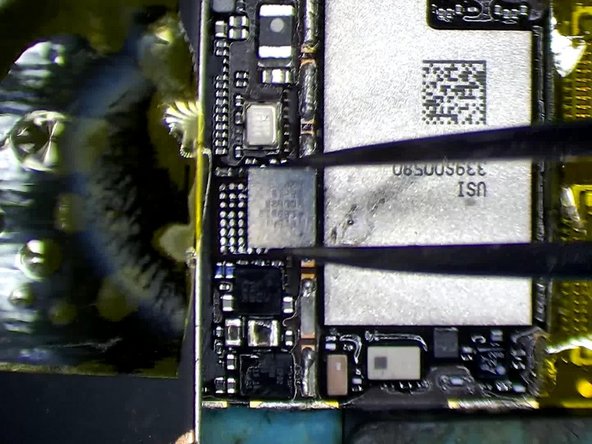
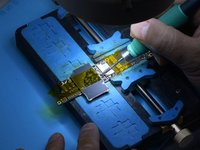
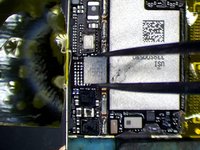
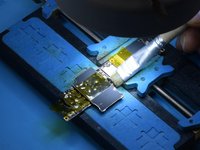


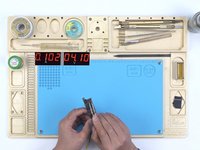
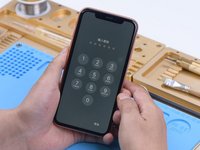
The iPhone XR restarts itself after being dropped and charged. The phone can be flashed normally but still keeps restarting. The inductances are found to be not pseudo-soldered after checking with Hot Air Gun. Since the USB IC is in the front of the charging line and has a high damage rate, our priority is replacing the USB IC. After USB IC replacement, the phone turns on and the fault is cleared.
Cancel: I did not complete this guide.
2 other people completed this guide.


