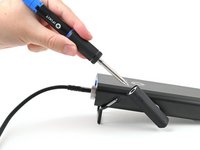
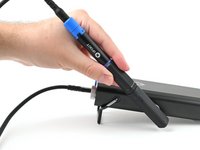
How to Use the Smart Soldering Iron Cap As a Stand

  1. How to Use the Smart Soldering Iron Cap As a Stand, Soldering iron safety precautions: step 1, image 1 of 2 How to Use the Smart Soldering Iron Cap As a Stand, Soldering iron safety precautions: step 1, image 2 of 2
    • Never hold the soldering iron past the grip. Touching the metal soldering tip while the Touch-Safe Indicator LED is orange or purple can cause severe burns. Always assume the tip is hot.

    • Never leave the soldering iron unattended while the power switch is in the orange ON position.

    • To be safe, keep the cap on your iron when not in use. The inside of the cap is heat-resistant and can be used to cover your iron, even when hot.

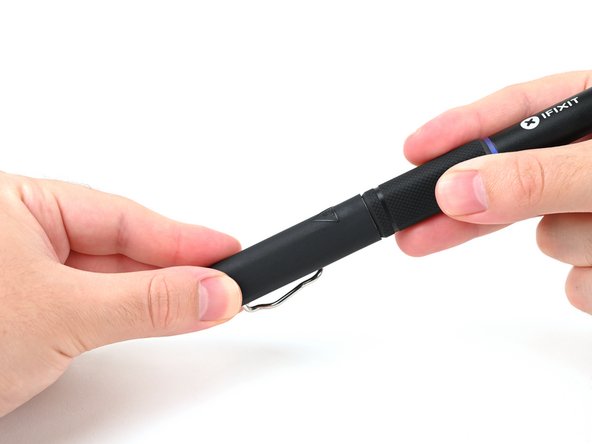
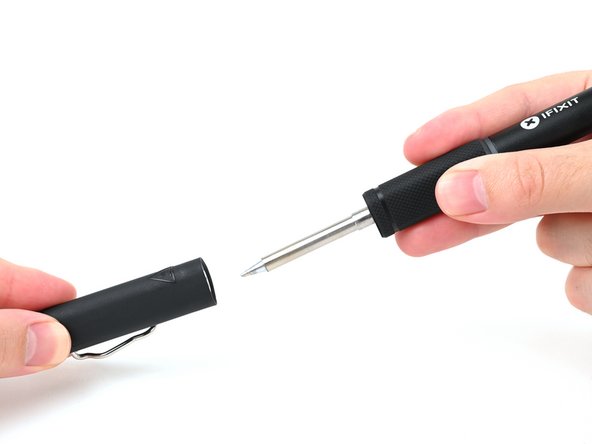
  2. How to Use the Smart Soldering Iron Cap As a Stand, Remove the soldering iron cap: step 2, image 1 of 2 How to Use the Smart Soldering Iron Cap As a Stand, Remove the soldering iron cap: step 2, image 2 of 2
    • Hold the iron from both ends and pull to remove the cap.

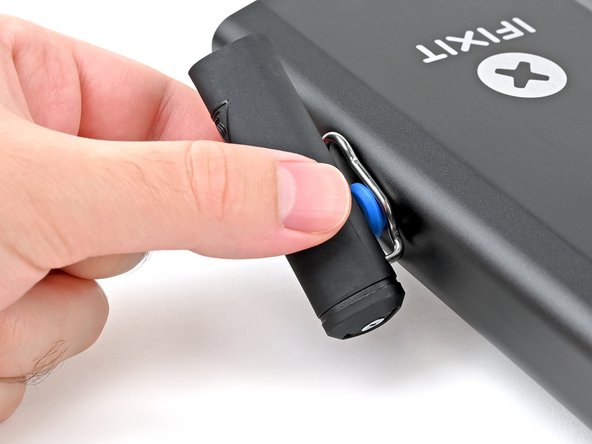
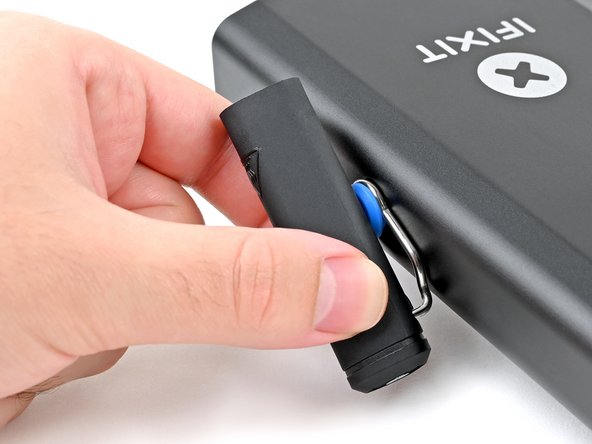
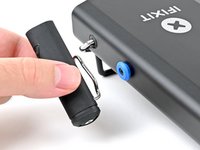
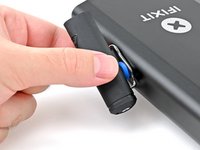
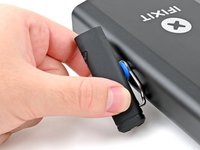
  3. How to Use the Smart Soldering Iron Cap As a Stand, Mount the iron cap: step 3, image 1 of 3 How to Use the Smart Soldering Iron Cap As a Stand, Mount the iron cap: step 3, image 2 of 3 How to Use the Smart Soldering Iron Cap As a Stand, Mount the iron cap: step 3, image 3 of 3
    • Align the widest opening of the cap's spring clip with the circular, blue tool mount on either side of the Portable Power Station.

    • Place the spring clip over the mount and slide the cap down to secure it in place.

    • Alternatively, you can leave the cap on the iron while you clip it in place.

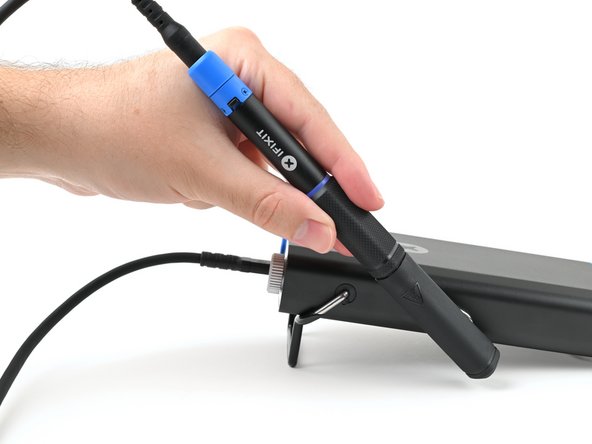
  4. How to Use the Smart Soldering Iron Cap As a Stand, Place the iron in its cap: step 4, image 1 of 2 How to Use the Smart Soldering Iron Cap As a Stand, Place the iron in its cap: step 4, image 2 of 2
    • Remember: Never leave the soldering iron unattended while the power switch is in the orange ON position.

    • Place your iron in its cap.

    • While powered on, the iron will enter Idle Mode after remaining stationary for 30 seconds. It'll reheat to the set temperature immediately upon movement.

Conclusion

Click here for more soldering skills, or ask our Answers community for help.

2 other people completed this guide.

Kara Piepenbrink

Member since: 05/31/24

5,474 Reputation

21 Guides authored

Team

iFixit Member of iFixit

Staff

123 Members

23,638 Guides authored

0 Guide Comments

Add Comment

View Statistics:

Past 24 Hours: 1

Past 7 Days: 5

Past 30 Days: 29

All Time: 493