How to Unblock the Grates on a Breeze Litter Box System

What you need

  1. How to Unblock the Grates on a Breeze Litter Box System, Litter Box Grates: step 1, image 1 of 2 How to Unblock the Grates on a Breeze Litter Box System, Litter Box Grates: step 1, image 2 of 2
    • Remove all the litter from the litter box.

  2. How to Unblock the Grates on a Breeze Litter Box System: step 2, image 1 of 2 How to Unblock the Grates on a Breeze Litter Box System: step 2, image 2 of 2
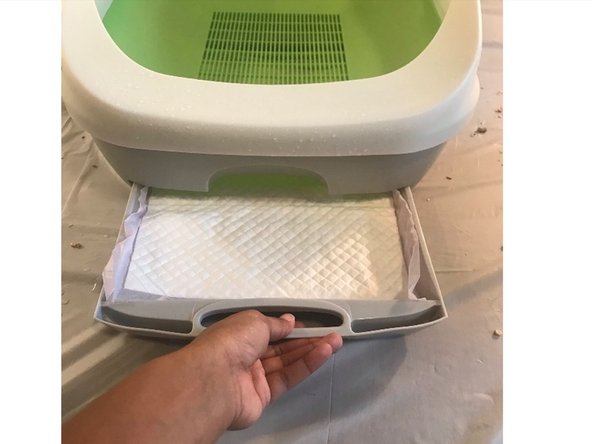
    • Remove the absorbent pad from the bottom sliding compartment.

  3. How to Unblock the Grates on a Breeze Litter Box System: step 3, image 1 of 1
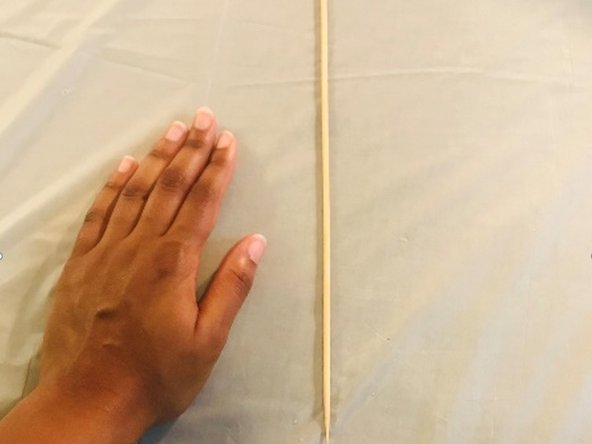
    • Find a small, thin object that can fit in between the grates. This object can be a skewer, toothpick, pen, or even the back of an earring.

    • Be careful when using sharp objects, and be careful not to poke yourself.

  4. How to Unblock the Grates on a Breeze Litter Box System: step 4, image 1 of 2 How to Unblock the Grates on a Breeze Litter Box System: step 4, image 2 of 2
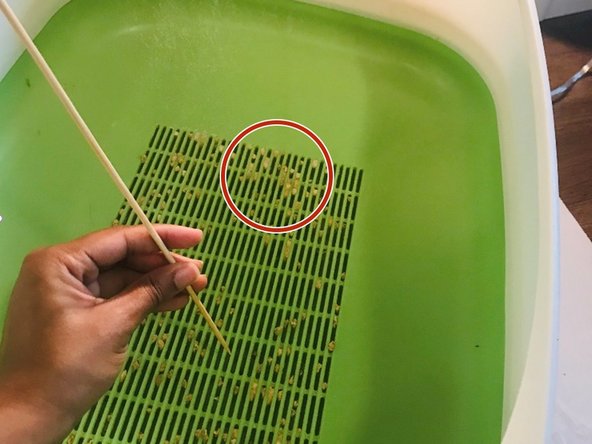
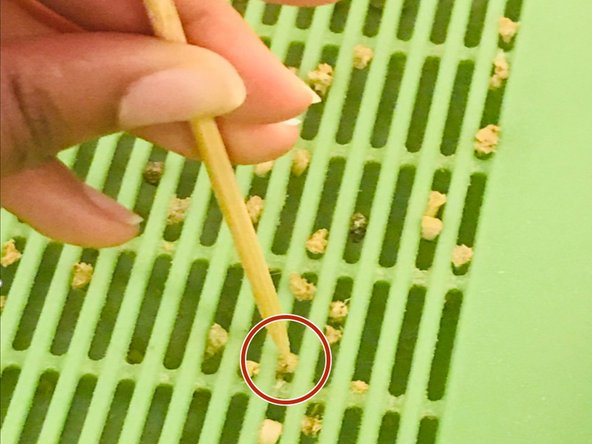
    • Using the thin sharp object, poke out the stuck pellets.

  5. How to Unblock the Grates on a Breeze Litter Box System: step 5, image 1 of 1
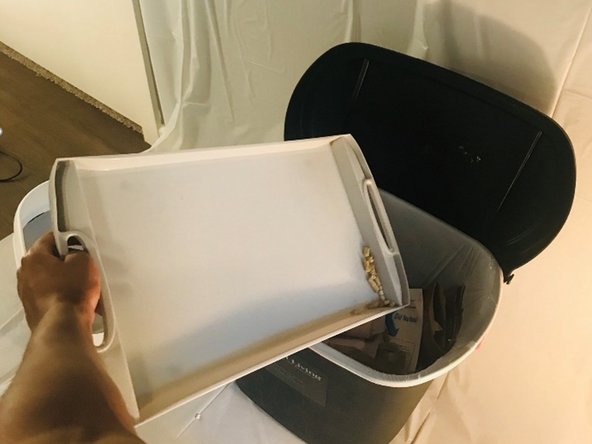
    • If loose pellets from the grates have fallen into the bottom compartment, empty it out into a trash can.

  6. How to Unblock the Grates on a Breeze Litter Box System: step 6, image 1 of 1
    • Replace the litter in the top compartment.

  7. How to Unblock the Grates on a Breeze Litter Box System: step 7, image 1 of 1
    • Replace the absorbent pad in the bottom compartment.

Finish Line

One other person completed this guide.

0 Guide Comments

Add Comment

View Statistics:

Past 24 Hours: 0

Past 7 Days: 0

Past 30 Days: 8

All Time: 880