Introduction
This guide shows how to install the Handle for your Framework Desktop.
What you need
-
-
-
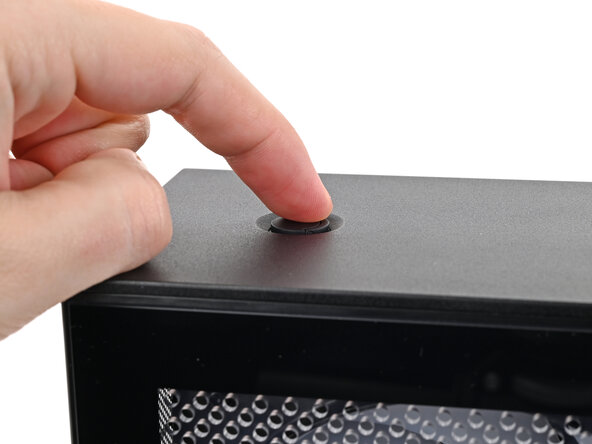
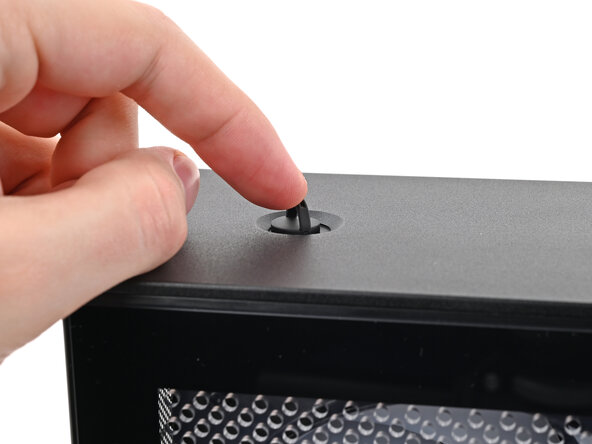
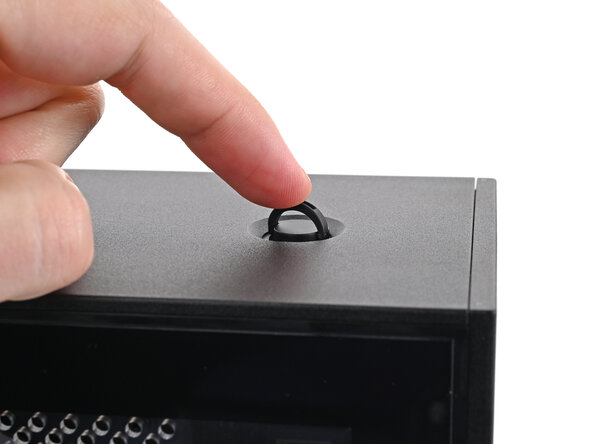
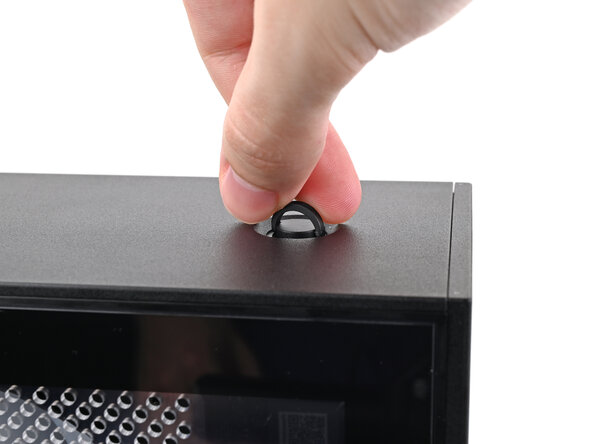
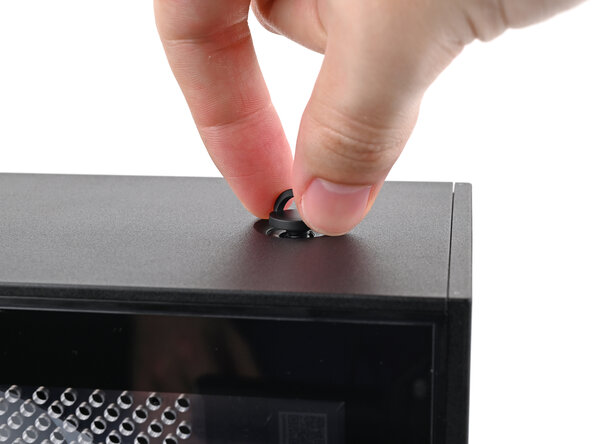
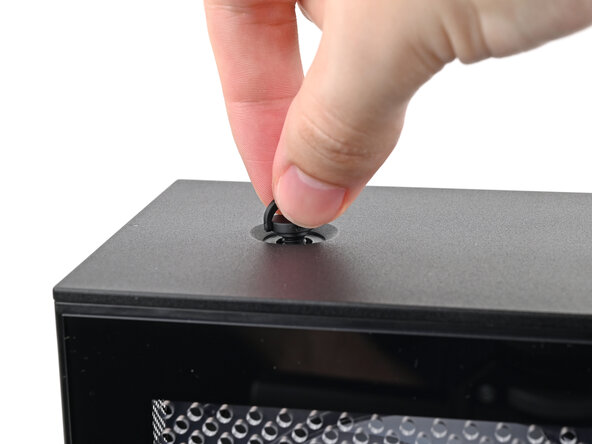
Use your finger to lift up the two D-rings on the Top Panel screws.
 Ask FixBot
-
-
-
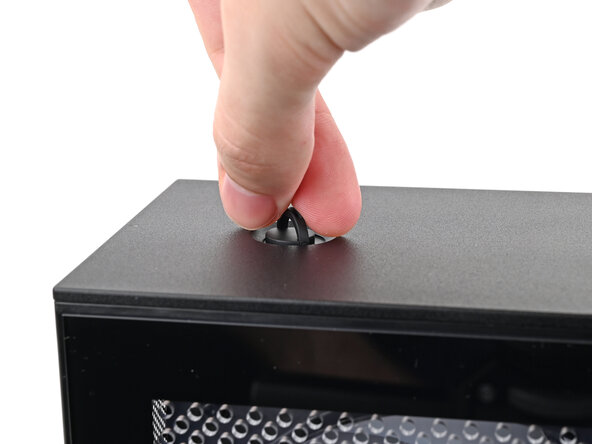
Use your fingers to twist the screw counter-clockwise and loosen it.
-
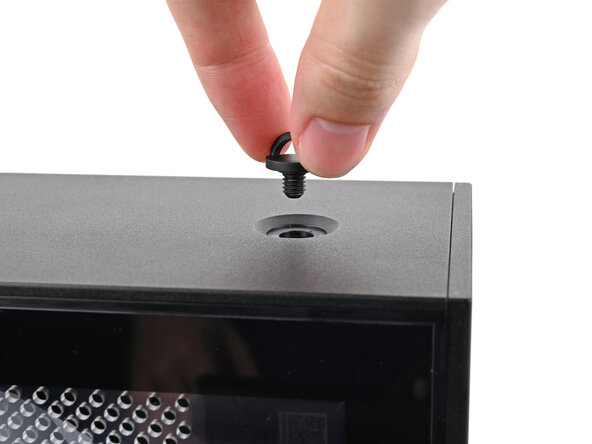
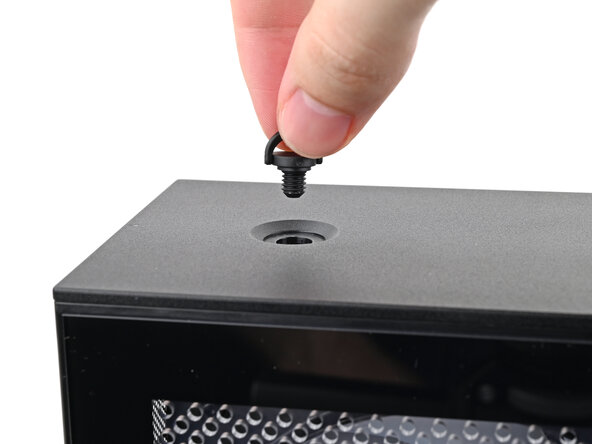
Remove the Top Panel screw.
-
-
-
-
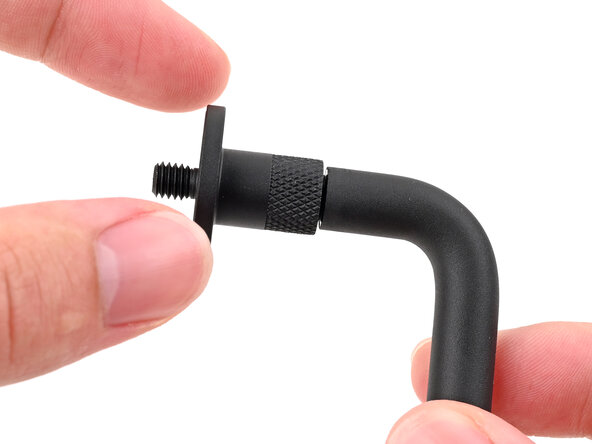
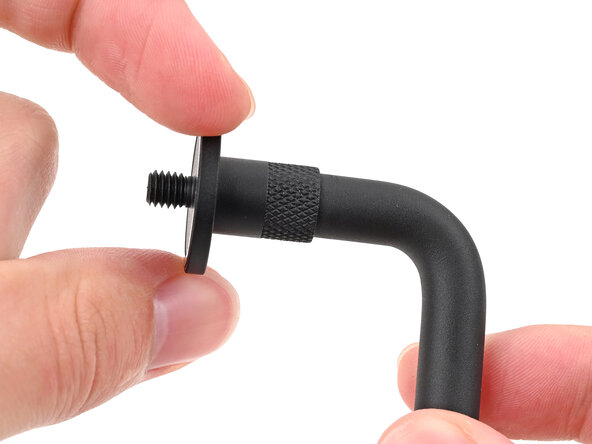
Rotate the screw threads on both sides counterclockwise to ensure they're as high up as they go. Otherwise, they might not install correctly.
-
-
-
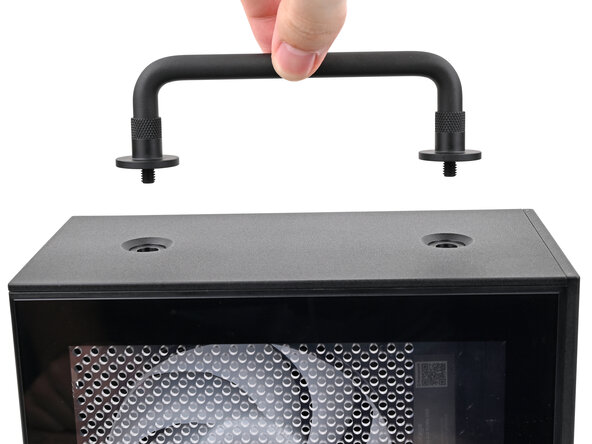
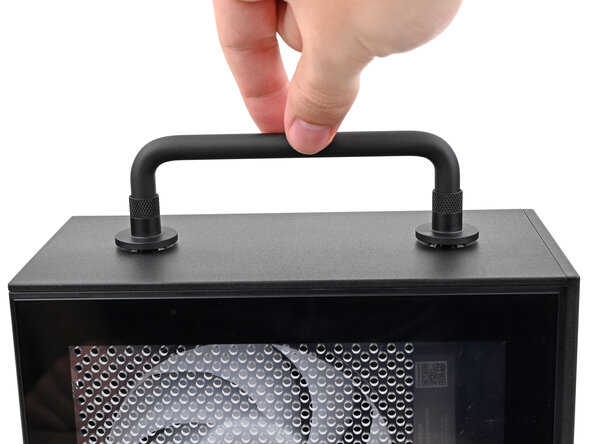
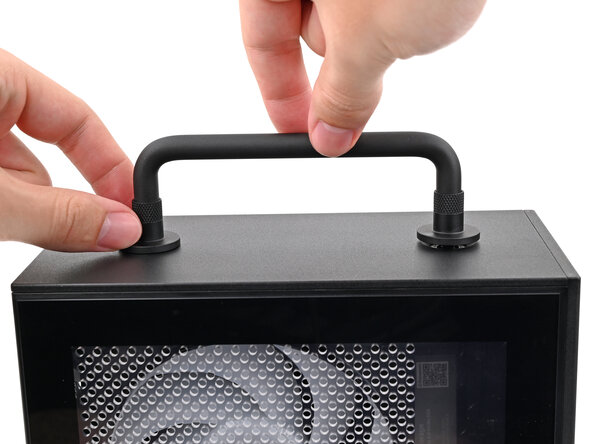
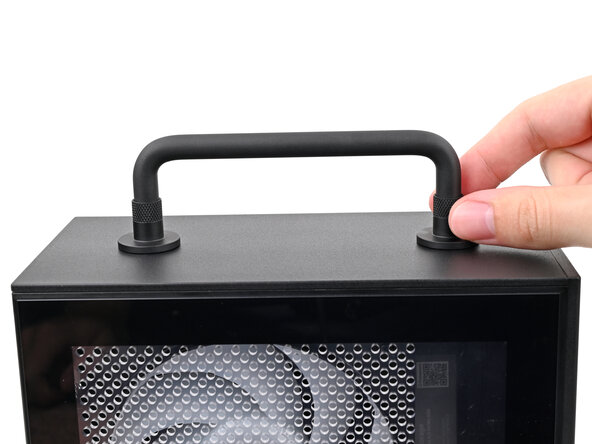
While holding the Handle in place, twist the screw threads on both sides clockwise until they're snug on the Top Panel.
-
-












If you need help, contact Framework support.
Cancel: I did not complete this guide.
One other person completed this guide.

