Free Shipping on Domestic Orders $75+

How to Install and Remove Tiles

What you need

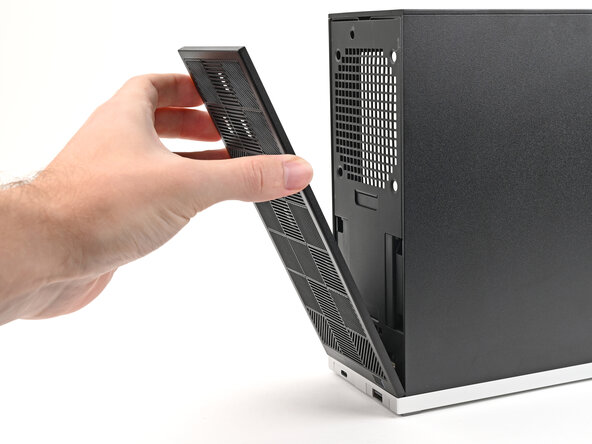
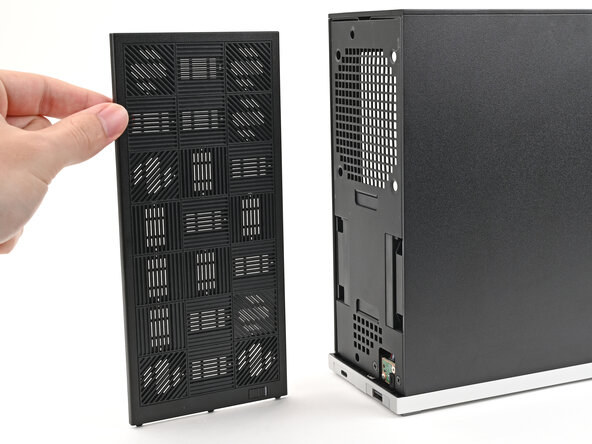
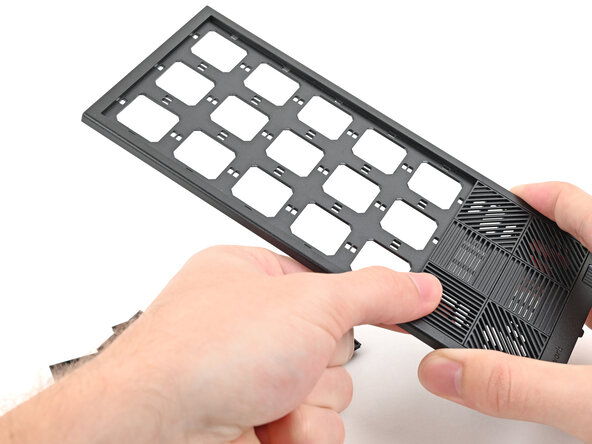
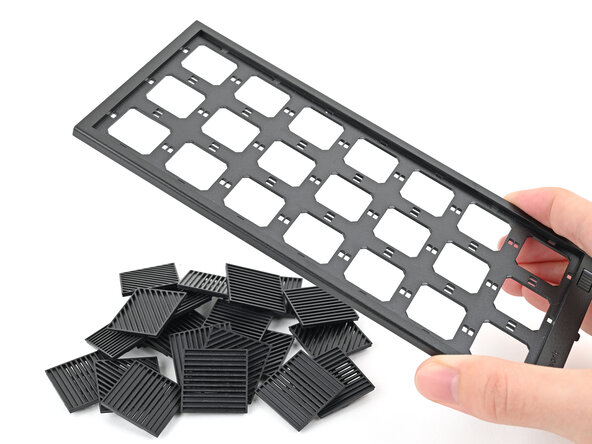
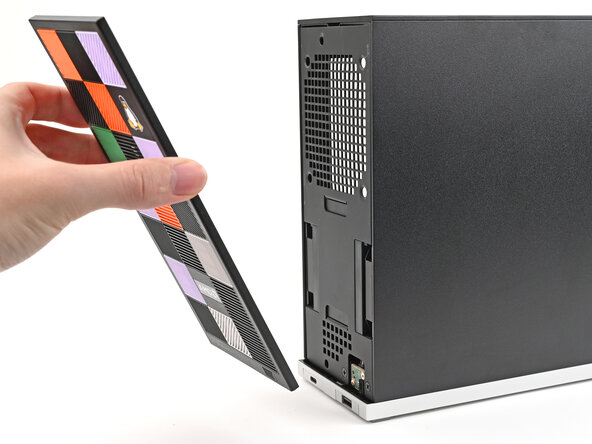
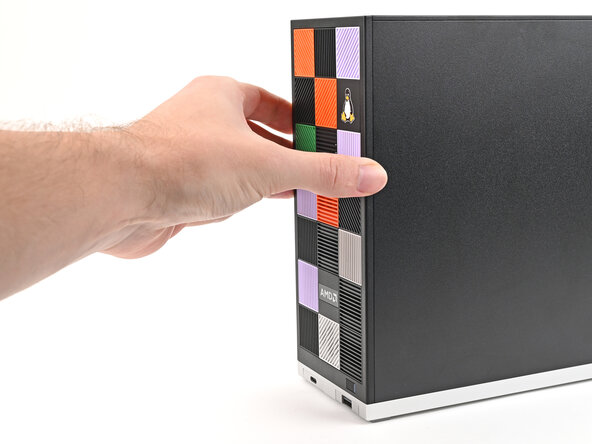
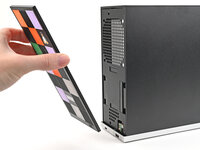
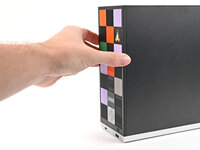
    1. How to Install and Remove Tiles, Remove the Front Panel: step 1, image 1 of 3 How to Install and Remove Tiles, Remove the Front Panel: step 1, image 2 of 3 How to Install and Remove Tiles, Remove the Front Panel: step 1, image 3 of 3
      • Use your fingers to pull the Front Panel off the magnets securing it to the chassis.

      Ask FixBot

      Add Comment

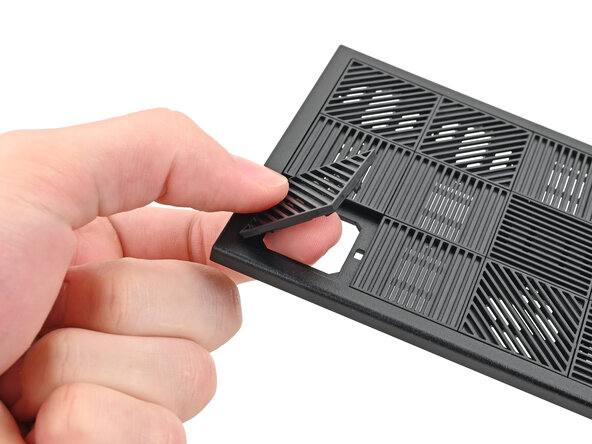
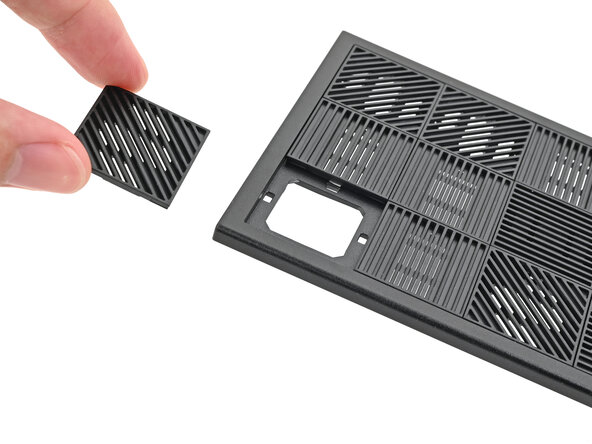
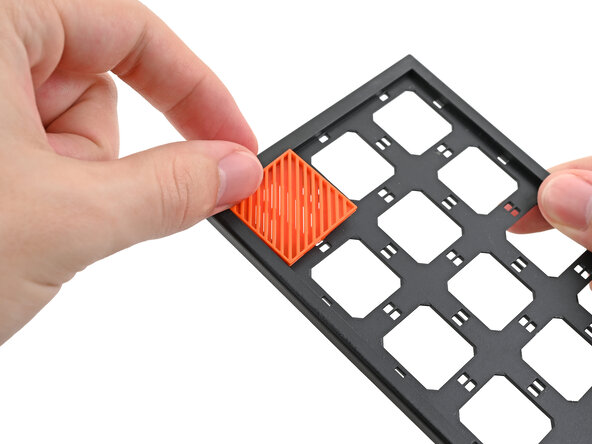
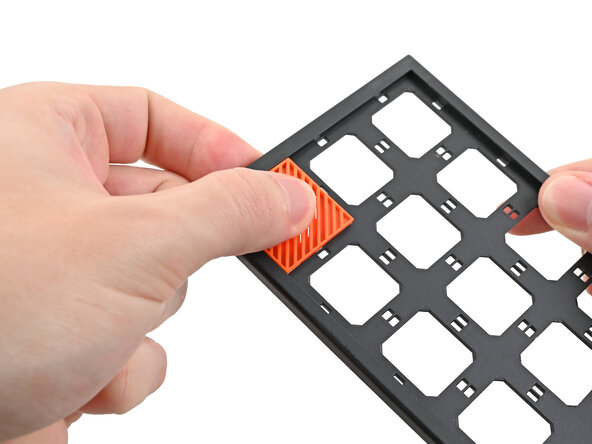
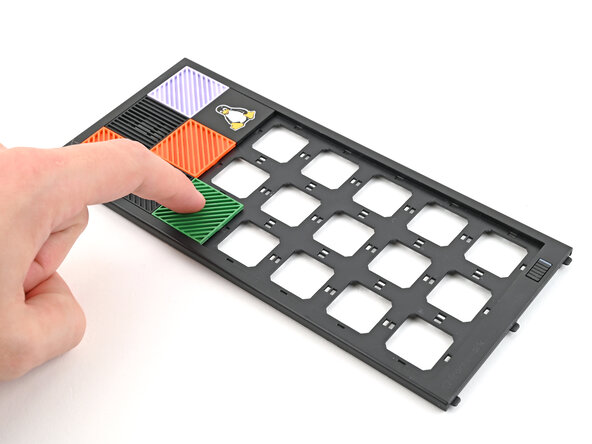
    1. How to Install and Remove Tiles, Remove the Tiles: step 2, image 1 of 3 How to Install and Remove Tiles, Remove the Tiles: step 2, image 2 of 3 How to Install and Remove Tiles, Remove the Tiles: step 2, image 3 of 3
      • Use your fingers to push the bottom of the Tile up and off the front panel and release its clips.

      • Remove the Tile.

      Ask FixBot

      Add Comment

    2. How to Install and Remove Tiles: step 3, image 1 of 3 How to Install and Remove Tiles: step 3, image 2 of 3 How to Install and Remove Tiles: step 3, image 3 of 3
      • Repeat this procedure for the remaining tiles.

      Ask FixBot

      Add Comment

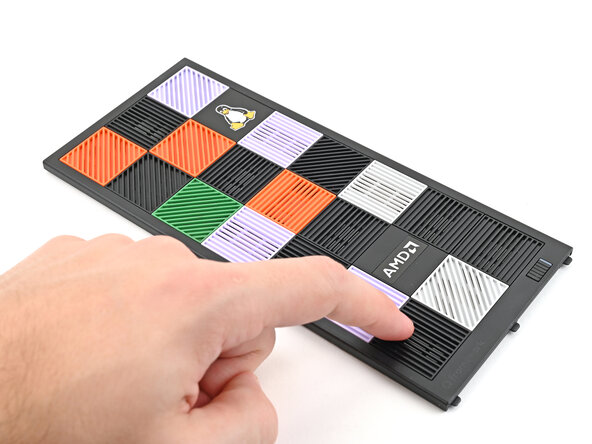
    1. How to Install and Remove Tiles, Install the Tiles: step 4, image 1 of 3 How to Install and Remove Tiles, Install the Tiles: step 4, image 2 of 3 How to Install and Remove Tiles, Install the Tiles: step 4, image 3 of 3
      • Tiles can be installed in any orientation, even the ones with graphics.

      • Lay a Tile over an open slot on your Front Panel.

      • Use your fingers to press the tile into the slot and engage the clips.

      • You'll hear and feel an audible "click" when the clips engage.

      Ask FixBot

      Add Comment

    2. How to Install and Remove Tiles: step 5, image 1 of 3 How to Install and Remove Tiles: step 5, image 2 of 3 How to Install and Remove Tiles: step 5, image 3 of 3
      • Install the remaining Tiles.

      Ask FixBot

      Add Comment

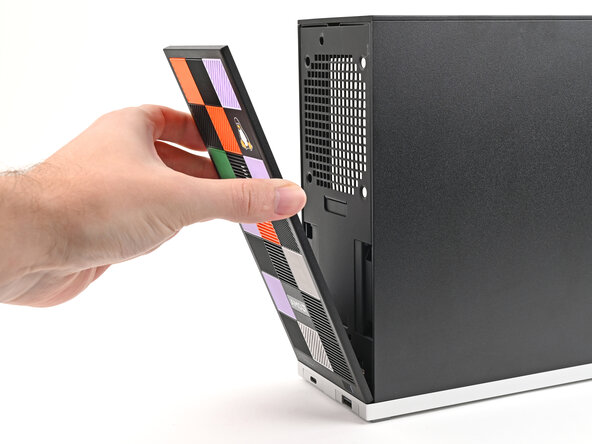
    3. How to Install and Remove Tiles: step 6, image 1 of 3 How to Install and Remove Tiles: step 6, image 2 of 3 How to Install and Remove Tiles: step 6, image 3 of 3
      • Lay the bottom of the Front Panel on the small, protruding lip in the silver base to align its tabs.

      • Press the Front Panel flat to the chassis and let it align to the magnets.

      Ask FixBot

      Add Comment

Conclusion

If you need help, contact Framework support.

Cancel: I did not complete this guide.

Alex Diaz-Kokaisl

Member since: 01/16/22

247,012 Reputation

1,203 Guides authored

0 Guide Comments

Add Comment

View Statistics:

Past 24 Hours: 0

Past 7 Days: 3

Past 30 Days: 30

All Time: 395