How to Disconnect the Display

Prerequisite Only
This is a prerequisite-only guide! This guide is part of another procedure and isn’t meant to be used alone.
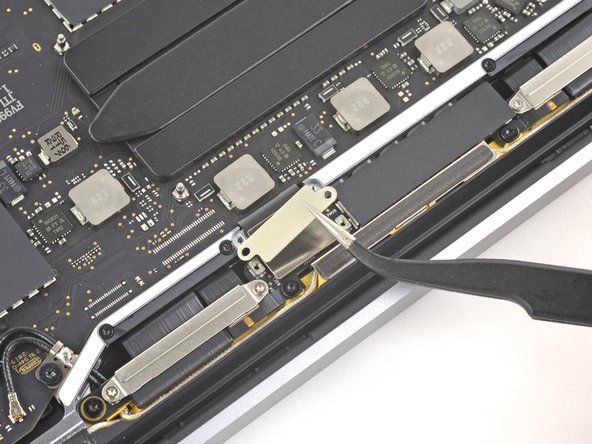
  1. How to Disconnect the Display, Remove the display cable bracket: step 1, image 1 of 2 How to Disconnect the Display, Remove the display cable bracket: step 1, image 2 of 2
    • Use a T3 Torx driver to remove the two 3.1 mm screws securing the display cable retaining bracket.

    • Remove the bracket.

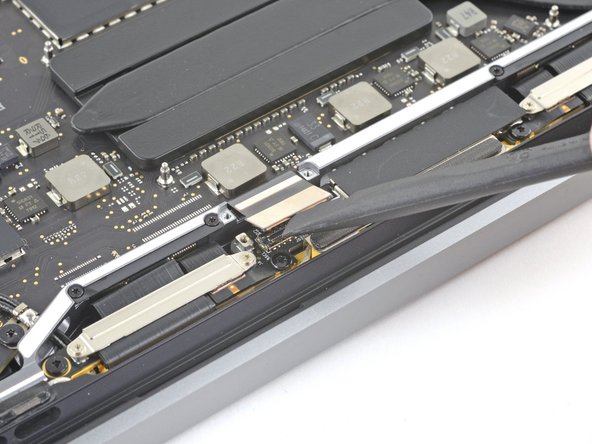
  2. How to Disconnect the Display, Remove the display cable cover: step 2, image 1 of 2 How to Disconnect the Display, Remove the display cable cover: step 2, image 2 of 2
    • Use your T3 Torx driver to remove the two 1.7 mm screws securing the display cable cover.

    • Remove the cover.

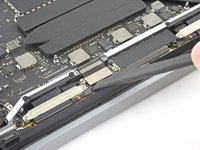
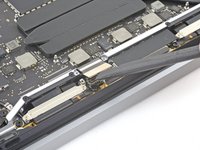
  3. How to Disconnect the Display, Disconnect the display: step 3, image 1 of 2 How to Disconnect the Display, Disconnect the display: step 3, image 2 of 2
    • Use the flat end of your spudger to pry up and disconnect the display cable from the display board.

Conclusion

To reassemble your device, follow these instructions in reverse order.

Clay Eickemeyer

Member since: 09/19/22

95,685 Reputation

466 Guides authored

Team

Guide Team Member of Guide Team

Staff

10 Members

15,803 Guides authored

0 Guide Comments

Add Comment

View Statistics:

Past 24 Hours: 0

Past 7 Days: 0

Past 30 Days: 3

All Time: 47