Free Shipping on Domestic Orders $75+

PlayStation VR Infrared Range Finder Replacement

What you need

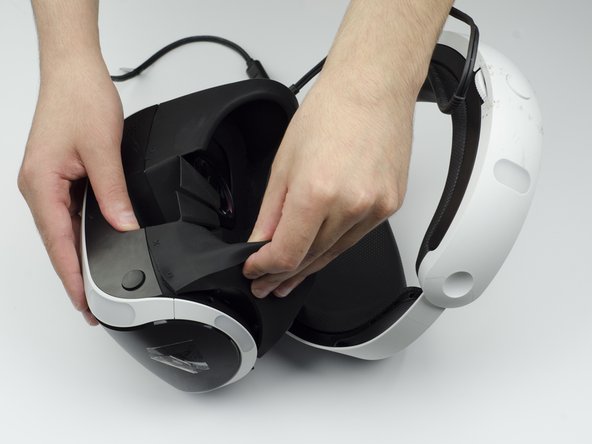
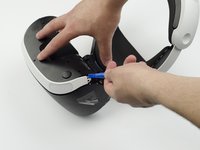
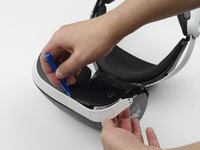
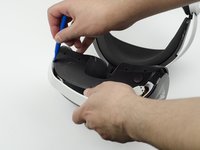
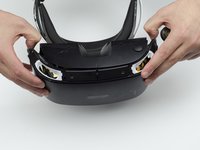
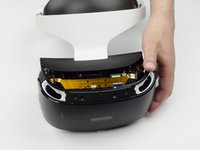
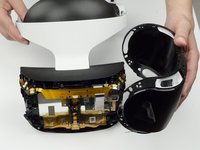
  1. PlayStation VR Infrared Range Finder Replacement, LED Light Tracker: step 1, image 1 of 3 PlayStation VR Infrared Range Finder Replacement, LED Light Tracker: step 1, image 2 of 3 PlayStation VR Infrared Range Finder Replacement, LED Light Tracker: step 1, image 3 of 3
    • Peel back the rubber covering around the lenses to remove the surrounding plastic eyepieces.

    Ask FixBot

    Add Comment

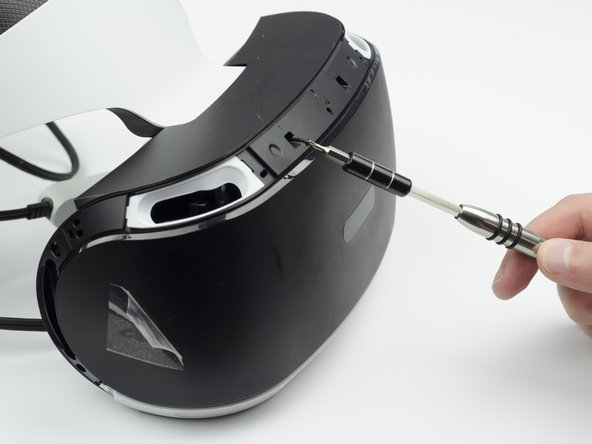
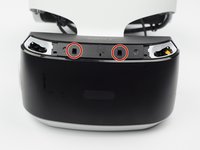
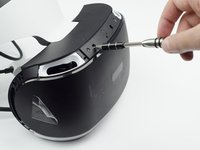
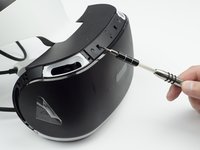
  2. PlayStation VR Infrared Range Finder Replacement: step 2, image 1 of 2 PlayStation VR Infrared Range Finder Replacement: step 2, image 2 of 2
    • Unscrew four 13 mm screws with a PH #000 screwdriver.

    Ask FixBot

    Add Comment

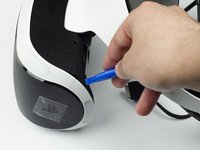
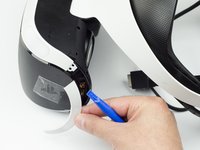
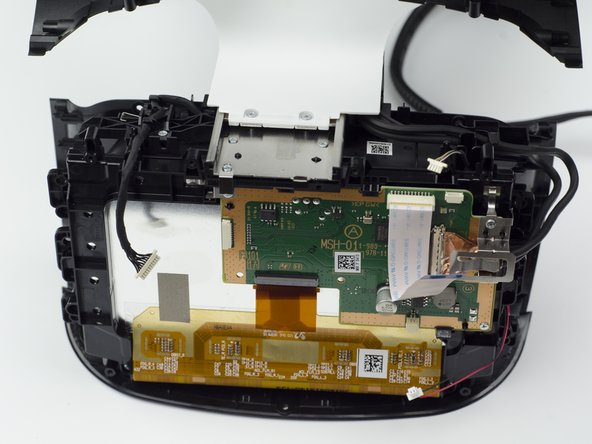
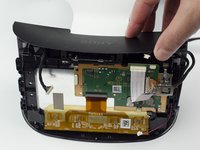
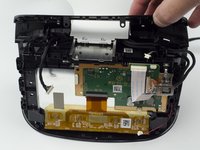
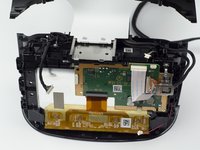
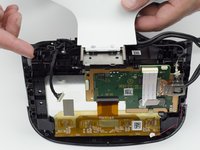
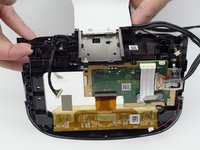
  3. PlayStation VR Infrared Range Finder Replacement: step 3, image 1 of 2 PlayStation VR Infrared Range Finder Replacement: step 3, image 2 of 2
    • Using the plastic opening tool, carefully pry the white plastic panel free from the side of the headset. Repeat this action for the opposite side.

    Ask FixBot

    Add Comment

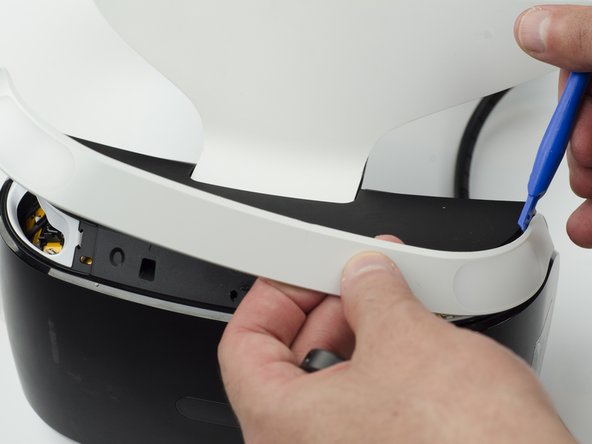
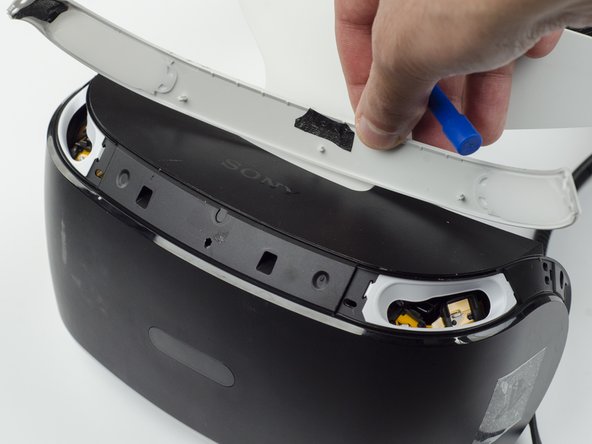
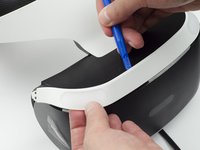
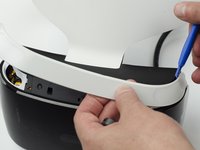
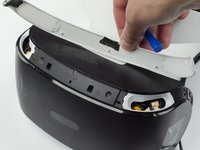
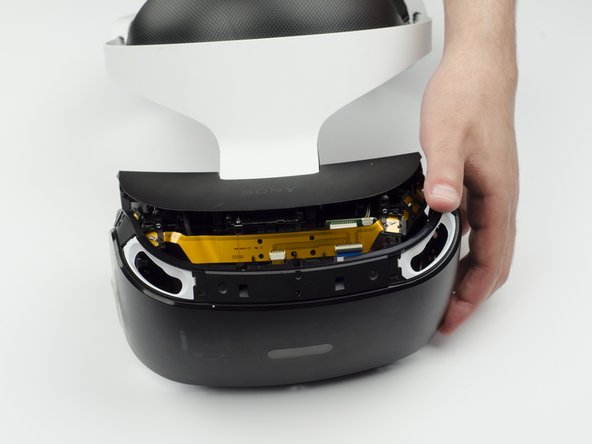
  4. PlayStation VR Infrared Range Finder Replacement: step 4, image 1 of 3 PlayStation VR Infrared Range Finder Replacement: step 4, image 2 of 3 PlayStation VR Infrared Range Finder Replacement: step 4, image 3 of 3
    • Use the plastic opening tool to pry the top white plastic panel free from the headset.

    • Do not try to remove the bottom plastic panel. There is a screw attaching it that must be removed first.

    • There may be a small amount of adhesive attaching the top panel to the headset, in which case you may need to use a bit more force to remove the panel.

    Ask FixBot

    Add Comment

  5. PlayStation VR Infrared Range Finder Replacement: step 5, image 1 of 1
    • Flip the headset over.

    • Using a PH #000, unscrew the 7 mm screw found on the bottom of the headset.

    Ask FixBot

    Add Comment

  6. PlayStation VR Infrared Range Finder Replacement: step 6, image 1 of 3 PlayStation VR Infrared Range Finder Replacement: step 6, image 2 of 3 PlayStation VR Infrared Range Finder Replacement: step 6, image 3 of 3
    • Using the plastic opening tool, pry the bottom white plastic panel loose and remove it from the headset.

    • There is adhesive attaching the panel to the headset, in which case it will take more force to remove the panel.

    Ask FixBot

    Add Comment

  7. PlayStation VR Infrared Range Finder Replacement: step 7, image 1 of 3 PlayStation VR Infrared Range Finder Replacement: step 7, image 2 of 3 PlayStation VR Infrared Range Finder Replacement: step 7, image 3 of 3
    • Unscrew the two 7 mm screws from the top of the headset.

    Ask FixBot

    Add Comment

  8. PlayStation VR Infrared Range Finder Replacement: step 8, image 1 of 3 PlayStation VR Infrared Range Finder Replacement: step 8, image 2 of 3 PlayStation VR Infrared Range Finder Replacement: step 8, image 3 of 3
    • Using your fingers, carefully pry the black front panel free from the headset.

    • We recommend that you start the removal from the sides by pulling them forward.

    • There is adhesive holding the front panel in place, which means you will need a bit of extra force to remove it.

    Ask FixBot

    Add Comment

  9. PlayStation VR Infrared Range Finder Replacement: step 9, image 1 of 1
    • Unscrew the four silver 6 mm screws in each corner using a PH #000 screwdriver.

    Ask FixBot

    Add Comment

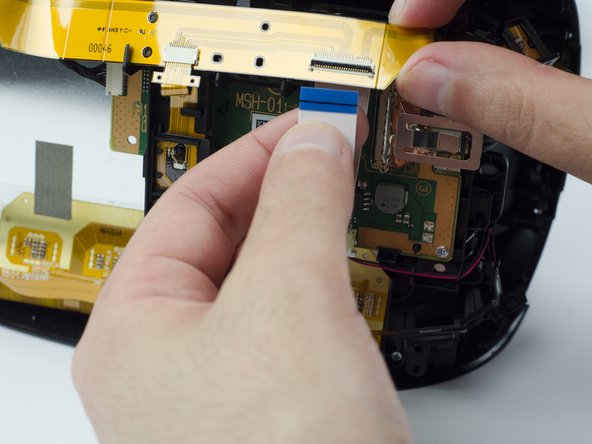
  10. PlayStation VR Infrared Range Finder Replacement: step 10, image 1 of 3 PlayStation VR Infrared Range Finder Replacement: step 10, image 2 of 3 PlayStation VR Infrared Range Finder Replacement: step 10, image 3 of 3
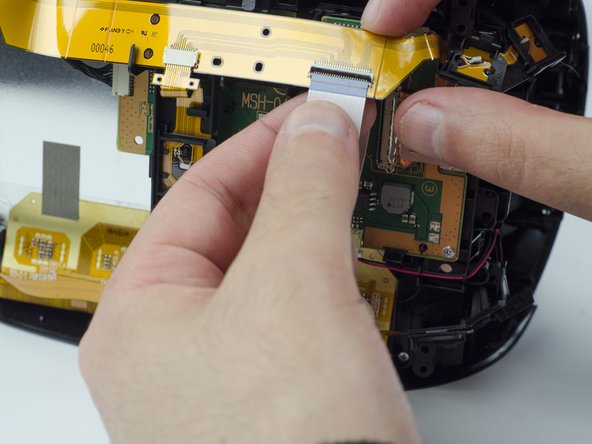
    • Lift the small silver latch attaching the ZIF (zero insertion force) connector to the circuit board.

    • Carefully pull the end of the white ribbon connector from its slot.

    • Be careful not to damage or dirty the ribbon connector.

    Ask FixBot

    Add Comment

  11. PlayStation VR Infrared Range Finder Replacement: step 11, image 1 of 2 PlayStation VR Infrared Range Finder Replacement: step 11, image 2 of 2
    • Unhitch the yellow led connector ribbon and move it aside.

    • Be careful not to damage or dirty the ribbon connector.

    Ask FixBot

    Add Comment

  12. PlayStation VR Infrared Range Finder Replacement: step 12, image 1 of 3 PlayStation VR Infrared Range Finder Replacement: step 12, image 2 of 3 PlayStation VR Infrared Range Finder Replacement: step 12, image 3 of 3
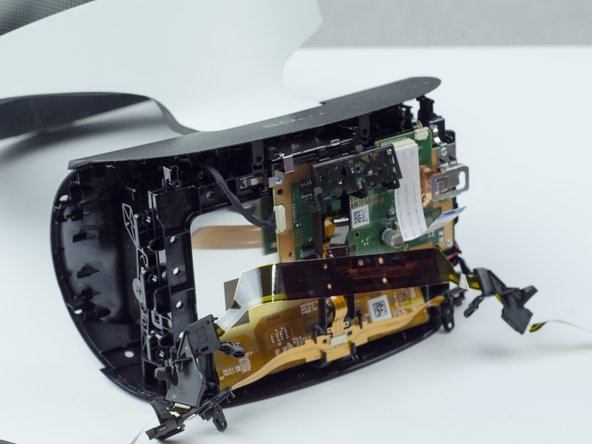
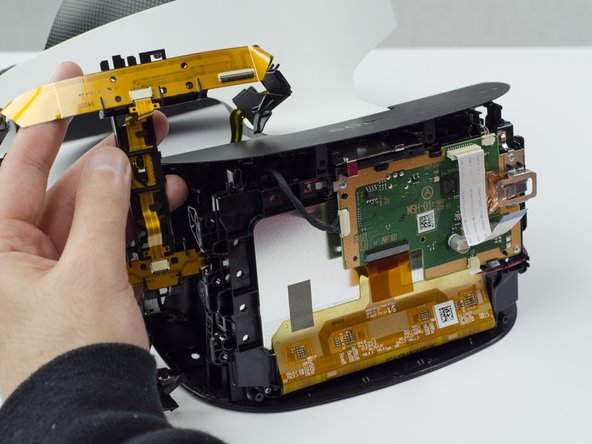
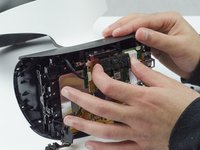
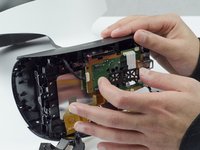
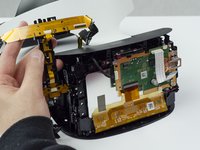
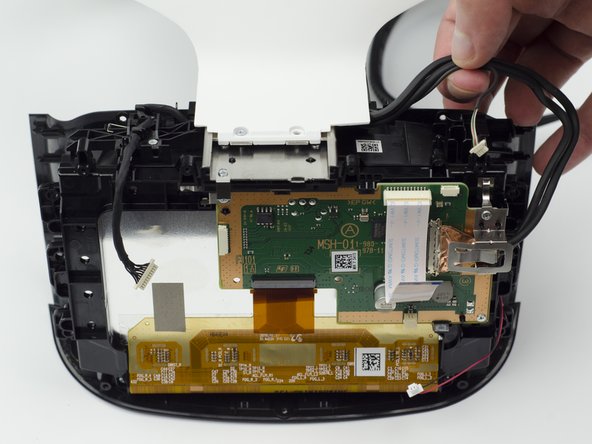
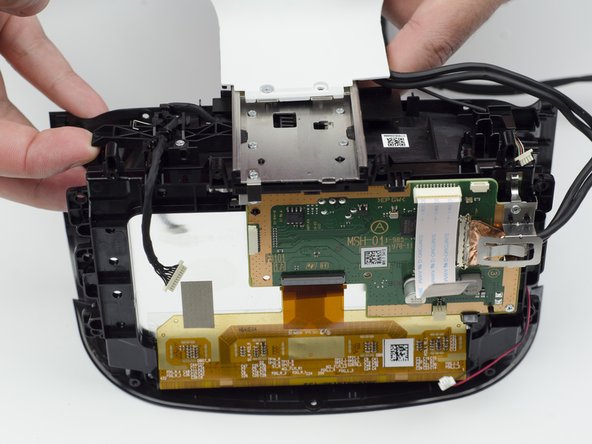
    • Carefully pry the black plastic piece attaching the yellow ribbon to the headset away from the green circuit board.

    • Remove the yellow LED ribbons and black plastic connecting piece from the headset.

    Ask FixBot

    Add Comment

  13. PlayStation VR Infrared Range Finder Replacement, Headset Lenses: step 13, image 1 of 2 PlayStation VR Infrared Range Finder Replacement, Headset Lenses: step 13, image 2 of 2
    Tool used on this step:
    Tweezers
    $4.99
    Buy
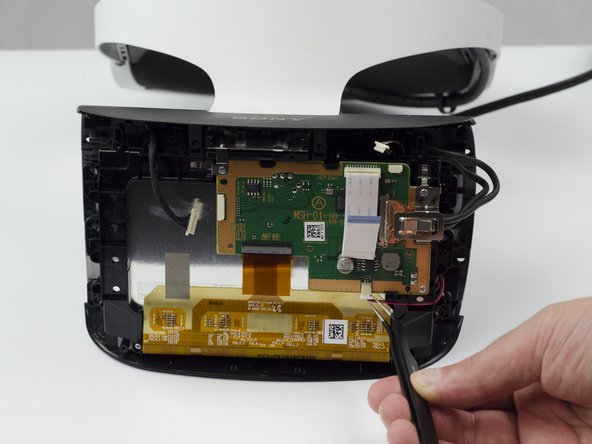
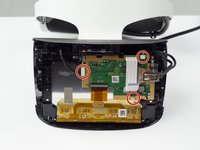
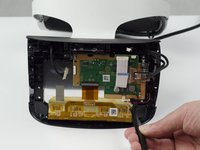
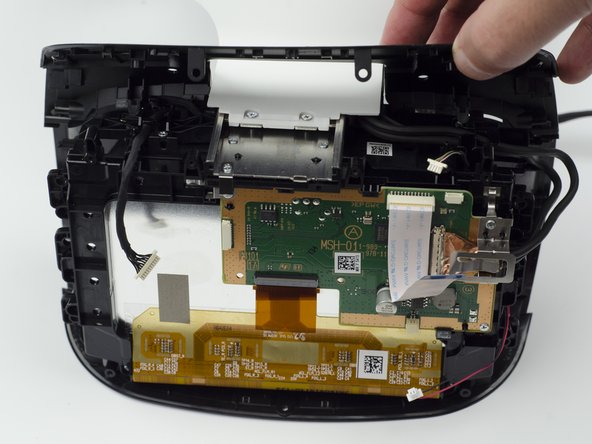
    • Using the tweezers, unplug the three (one black bundled, two multi colored bundled) connector cables from their ports along the circuit board.

    Ask FixBot

    Add Comment

  14. PlayStation VR Infrared Range Finder Replacement: step 14, image 1 of 1
    • Flip the headset over.

    • Unscrew the two 7 mm screws near the lenses with a PH #000 screwdriver.

    Ask FixBot

    Add Comment

  15. PlayStation VR Infrared Range Finder Replacement: step 15, image 1 of 3 PlayStation VR Infrared Range Finder Replacement: step 15, image 2 of 3 PlayStation VR Infrared Range Finder Replacement: step 15, image 3 of 3
    • Flip the headset back over.

    • With your fingers, carefully pry the top black plastic panel free.

    Ask FixBot

    Add Comment

  16. PlayStation VR Infrared Range Finder Replacement: step 16, image 1 of 1
    • Unscrew one silver 4 mm screw from the white plastic band connecting the rest of the headset.

    • One 4 mm screw with a PH #000 screwdriver.

    • Even though there are two, only one of the silver screws needs to be unscrewed.

    Ask FixBot

    Add Comment

  17. PlayStation VR Infrared Range Finder Replacement: step 17, image 1 of 2 PlayStation VR Infrared Range Finder Replacement: step 17, image 2 of 2
    • Move the top black wires aside.

    Ask FixBot

    Add Comment

  18. PlayStation VR Infrared Range Finder Replacement: step 18, image 1 of 2 PlayStation VR Infrared Range Finder Replacement: step 18, image 2 of 2
    • Using a finger, press the black plastic tab up to loosen the white connector piece.

    • Slide the white plastic connector piece back and lift up to remove it.

    Ask FixBot

    Add Comment

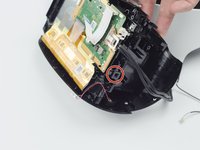
  19. PlayStation VR Infrared Range Finder Replacement: step 19, image 1 of 1
    • Unscrew the five silver 6 mm screws from the circuit board.

    • Five 6 mm scews with a PH #000 screwdriver.

    Ask FixBot

    Add Comment

  20. PlayStation VR Infrared Range Finder Replacement: step 20, image 1 of 2 PlayStation VR Infrared Range Finder Replacement: step 20, image 2 of 2
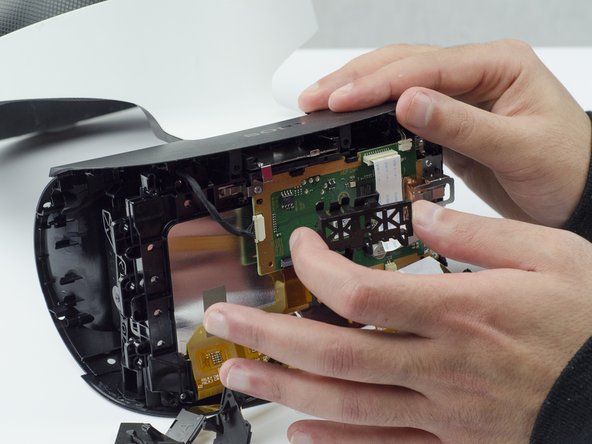
    • Using your fingers, lift up on the sides of the black plastic piece holding the circuit board in place.

    • There are small plastic tabs on the side that latch the piece in place that need to be lifted in order to remove it.

    Ask FixBot

    Add Comment

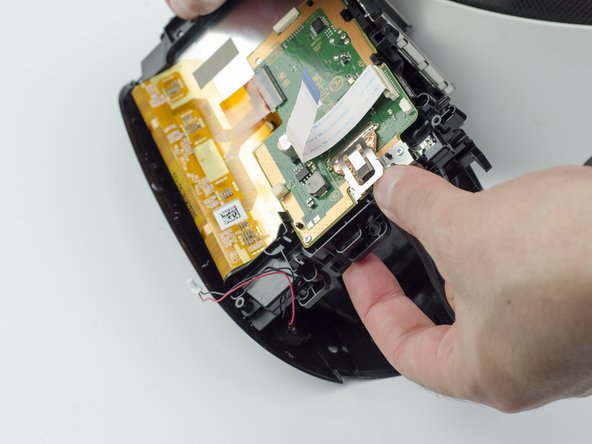
  21. PlayStation VR Infrared Range Finder Replacement: step 21, image 1 of 2 PlayStation VR Infrared Range Finder Replacement: step 21, image 2 of 2
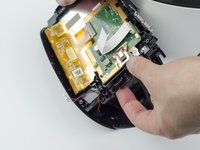
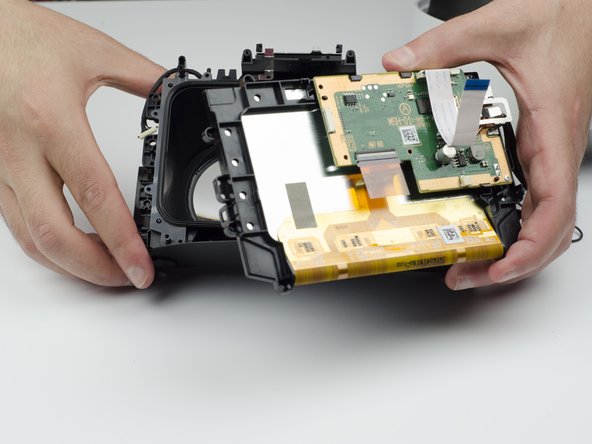
    • Carefully lift the circuit board out of the headset and set aside.

    • Take care not to touch the screen.

    Ask FixBot

    Add Comment

  22. PlayStation VR Infrared Range Finder Replacement: step 22, image 1 of 2 PlayStation VR Infrared Range Finder Replacement: step 22, image 2 of 2
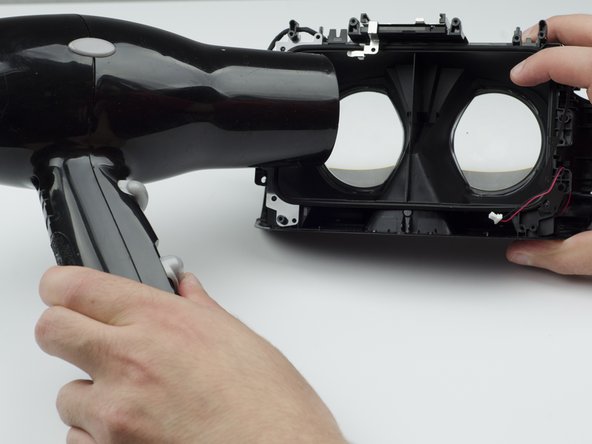
    • Using a hairdryer (or heatlamp), warm the area around the lenses. This will help loosen them for removal.

    Ask FixBot

    Add Comment

  23. PlayStation VR Infrared Range Finder Replacement: step 23, image 1 of 2 PlayStation VR Infrared Range Finder Replacement: step 23, image 2 of 2
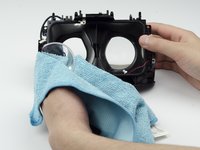
    • Using a glass cloth (or any cloth with soft fibers), carefully press on the lenses until they pop out of place.

    Ask FixBot

    Add Comment

  24. PlayStation VR Infrared Range Finder Replacement, Infrared Range Finder: step 24, image 1 of 2 PlayStation VR Infrared Range Finder Replacement, Infrared Range Finder: step 24, image 2 of 2
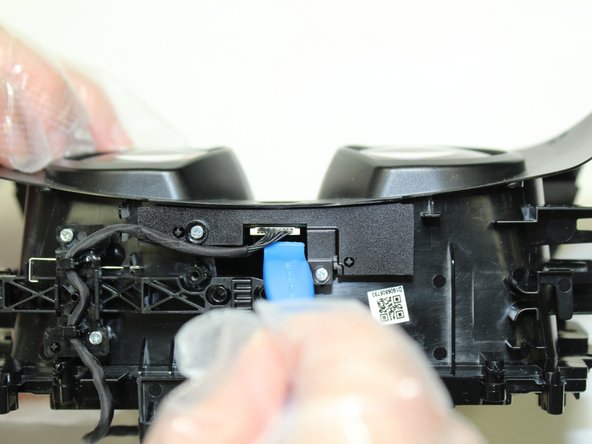
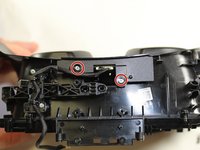
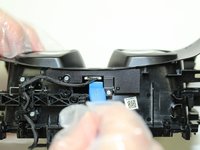
    • Remove two silver 4mm screws from the bracket assembly containing IMU/infrared range finder board using a Phillips #00 screwdriver.

    • Use an opening tool to pry the connecter from the board.

    Ask FixBot

    Add Comment

  25. PlayStation VR Infrared Range Finder Replacement: step 25, image 1 of 2 PlayStation VR Infrared Range Finder Replacement: step 25, image 2 of 2
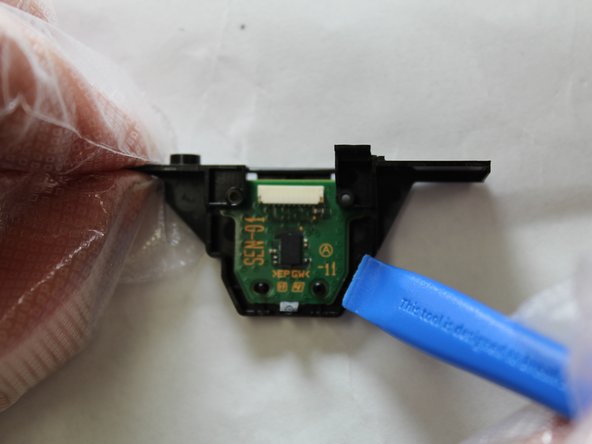
    • Gently pry outward with an opening tool to remove the board from the bracket assembly.

    Ask FixBot

    Add Comment

  26. PlayStation VR Infrared Range Finder Replacement: step 26, image 1 of 1
    • Desolder the faulty infrared range finder from the backside of the board.

    Ask FixBot

    Add Comment

Conclusion

To reassemble your device, follow these instructions in reverse order.

Cancel: I did not complete this guide.

0 Guide Comments

Add Comment

View Statistics:

Past 24 Hours: 1

Past 7 Days: 1

Past 30 Days: 33

All Time: 874