Free Shipping on Domestic Orders $75+

How to Apply New Bottom Speaker Adhesive in Your Google Pixel Fold

What you need

    1. How to Apply New Bottom Speaker Adhesive in Your Google Pixel Fold, Remove the old adhesive: step 1, image 1 of 1
      Tool used on this step:
      Tweezers
      $4.99
      Buy
      • Use tweezers, or your fingers, to peel off the adhesive strip from the bottom speaker.

      Ask FixBot

      Add Comment

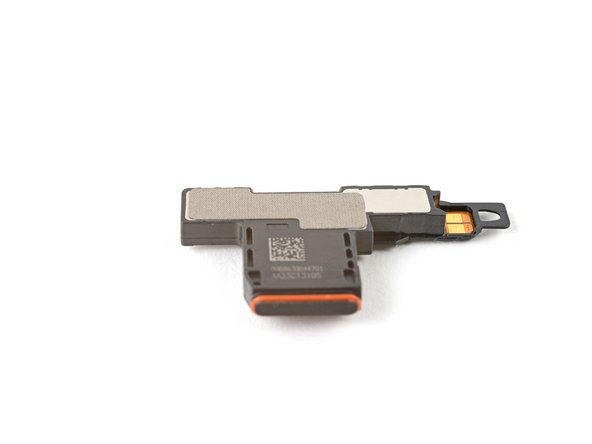
    2. How to Apply New Bottom Speaker Adhesive in Your Google Pixel Fold, Apply the adhesive: step 2, image 1 of 3 How to Apply New Bottom Speaker Adhesive in Your Google Pixel Fold, Apply the adhesive: step 2, image 2 of 3 How to Apply New Bottom Speaker Adhesive in Your Google Pixel Fold, Apply the adhesive: step 2, image 3 of 3
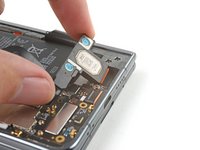
      • Peel off the new adhesive strip from its liner and apply the sticky side to the bottom speaker.

      • Use a spudger, or your fingers, to press down the adhesive and ensure a good seal.

      Ask FixBot

      Add Comment

    3. How to Apply New Bottom Speaker Adhesive in Your Google Pixel Fold, Expose the adhesive: step 3, image 1 of 2 How to Apply New Bottom Speaker Adhesive in Your Google Pixel Fold, Expose the adhesive: step 3, image 2 of 2
      • Use tweezers, or your fingers, to pull off the tab and expose the top layer of adhesive.

      Ask FixBot

      Add Comment

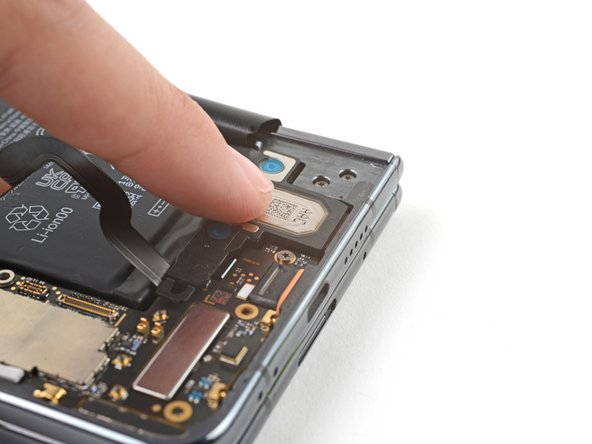
    4. How to Apply New Bottom Speaker Adhesive in Your Google Pixel Fold, Secure the bottom speaker: step 4, image 1 of 3 How to Apply New Bottom Speaker Adhesive in Your Google Pixel Fold, Secure the bottom speaker: step 4, image 2 of 3 How to Apply New Bottom Speaker Adhesive in Your Google Pixel Fold, Secure the bottom speaker: step 4, image 3 of 3
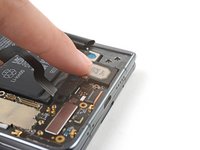
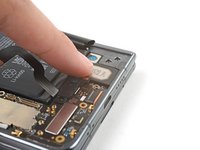
      • Insert the bottom speaker at a shallow angle into its recess in the frame.

      • Push the speaker towards the bottom edge of the phone until it sits flat in the frame.

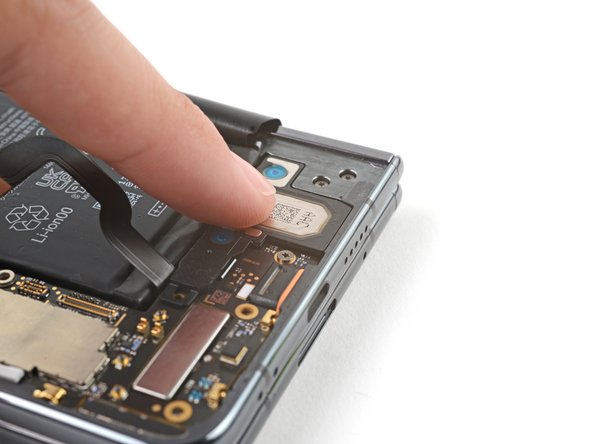
      • Push down on the speaker to ensure a good seal in the adhesive.

      Ask FixBot

      Add Comment

Conclusion

Repair didn’t go as planned? Try some basic troubleshooting, or ask our Google Pixel Fold Answers Community for help.

Cancel: I did not complete this guide.

Alex Diaz-Kokaisl

Member since: 01/16/22

250,615 Reputation

1,200 Guides authored

Team

Guide Team Member of Guide Team

Staff

10 Members

62,056 Guides authored

0 Guide Comments

Add Comment

View Statistics:

Past 24 Hours: 1

Past 7 Days: 18

Past 30 Days: 59

All Time: 554