Free Shipping on Domestic Orders $75+

How to Add an Extension to a Chain Bracelet

What you need

  1. How to Add an Extension to a Chain Bracelet, How to Add an Extension to a Chain Bracelet: step 1, image 1 of 2 How to Add an Extension to a Chain Bracelet, How to Add an Extension to a Chain Bracelet: step 1, image 2 of 2
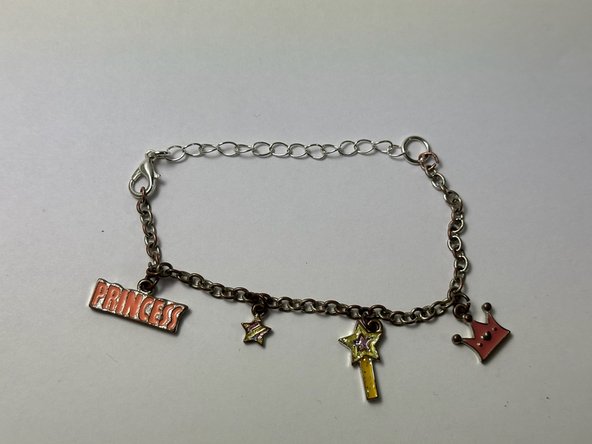
    • Unclasp the bracelet and lay it out flat.

    Ask FixBot

    Add Comment

  2. How to Add an Extension to a Chain Bracelet: step 2, image 1 of 3 How to Add an Extension to a Chain Bracelet: step 2, image 2 of 3 How to Add an Extension to a Chain Bracelet: step 2, image 3 of 3
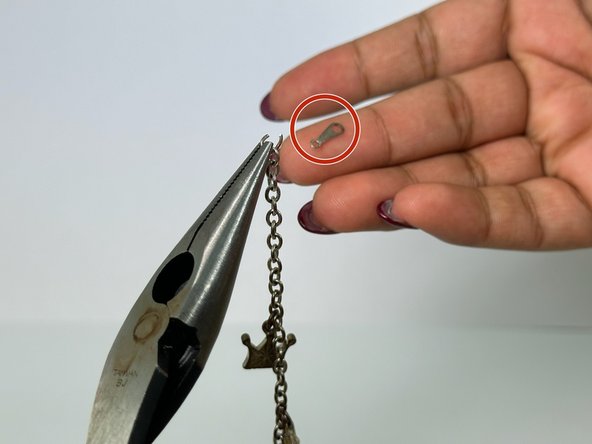
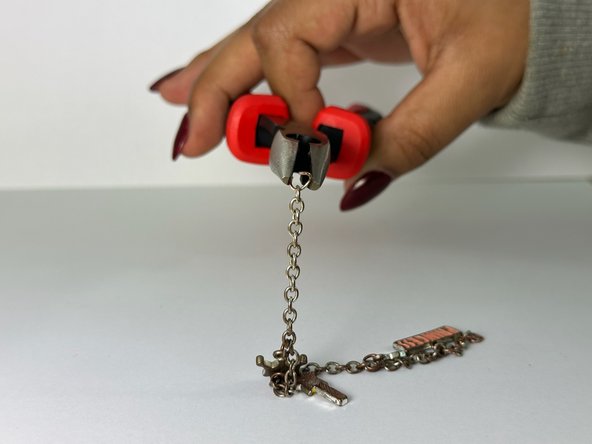
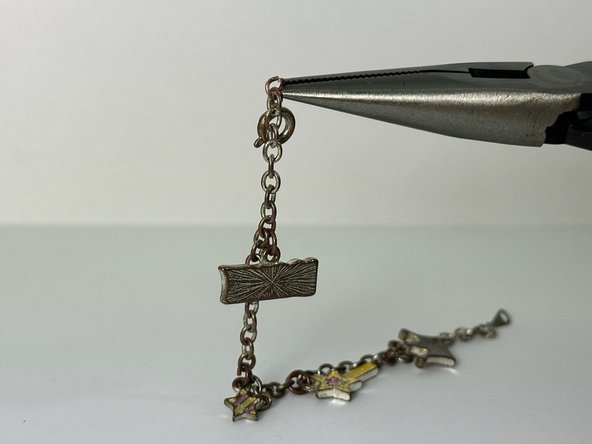
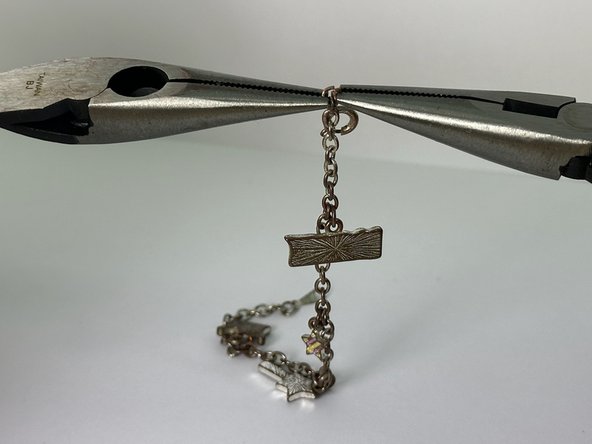
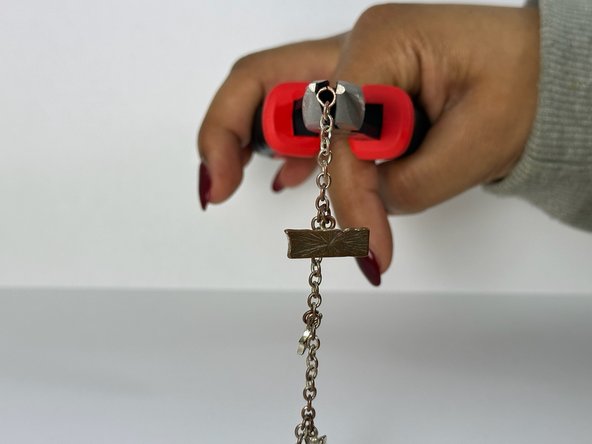
    • Locate the small opening on the last link of the bracelet.

    • Grip each side of the ring with a pair of pliers.

    • Slowly pull the link to expand the opening, with care not to snap it.

    Ask FixBot

    Add Comment

  3. How to Add an Extension to a Chain Bracelet: step 3, image 1 of 3 How to Add an Extension to a Chain Bracelet: step 3, image 2 of 3 How to Add an Extension to a Chain Bracelet: step 3, image 3 of 3
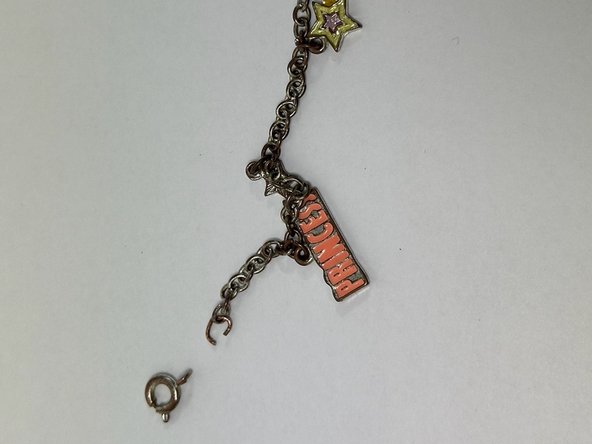
    • Remove the end most portion of the bracelet.

    • Use pliers to close the last link that your previously opened.

    Ask FixBot

    Add Comment

  4. How to Add an Extension to a Chain Bracelet: step 4, image 1 of 3 How to Add an Extension to a Chain Bracelet: step 4, image 2 of 3 How to Add an Extension to a Chain Bracelet: step 4, image 3 of 3
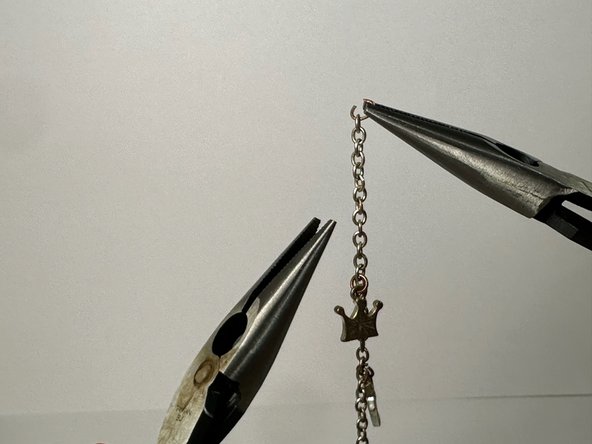
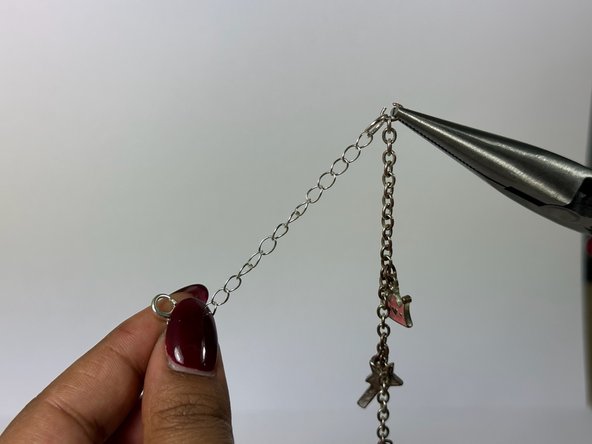
    • Find the piece that connects the clasp and the bracelet and locate the small opening in that piece.

    • Using 2 pliers, take the piece connecting the clasp and the bracelet and gently pull it apart to expand the opening.

    Ask FixBot

    Add Comment

  5. How to Add an Extension to a Chain Bracelet: step 5, image 1 of 3 How to Add an Extension to a Chain Bracelet: step 5, image 2 of 3 How to Add an Extension to a Chain Bracelet: step 5, image 3 of 3
    • Remove the clasp.

    • Using one of the two pliers, close the link that was separated by slowly pushing the sides back into place.
    Ask FixBot

    Add Comment

  6. How to Add an Extension to a Chain Bracelet: step 6, image 1 of 3 How to Add an Extension to a Chain Bracelet: step 6, image 2 of 3 How to Add an Extension to a Chain Bracelet: step 6, image 3 of 3
    • Lay out the bracelet flat and facing upright.

    • Reopen one side of the bracelet using the two pliers and attach the extender (on the side that did not have the clasp).

    Ask FixBot

    Add Comment

  7. How to Add an Extension to a Chain Bracelet: step 7, image 1 of 1
    • Close the ends of the chain connector using the 2 pliers again.

    Ask FixBot

    Add Comment

  8. How to Add an Extension to a Chain Bracelet: step 8, image 1 of 2 How to Add an Extension to a Chain Bracelet: step 8, image 2 of 2
    • Use the clasp side of the connector and connect the two ends of the bracelet.

    Ask FixBot

    Add Comment

Conclusion

Following these steps will be the more efficient way to add an extension to a bracelet. To detach the extension from the bracelet and return to its original state, follow these instructions in reverse order.

Cancel: I did not complete this guide.

Neha Bagepalli

Member since: 02/01/24

157 Reputation

1 Guide authored

Team

UC Davis, Team 2-8, Andersen Winter 2024 Member of UC Davis, Team 2-8, Andersen Winter 2024

UCD-ANDERSEN-W24S2G8

2 Members

1 Guide authored

0 Guide Comments

Add Comment

View Statistics:

Past 24 Hours: 3

Past 7 Days: 12

Past 30 Days: 60

All Time: 921