
How To Fix a Jammed Box Cutter

Yailene and 2 other contributors
Last updated on Dec 19, 2023
Views: 3.9K
View statistics:
- Past 24 Hours:
- 11
- Past 7 Days:
- 69
- Past 30 Days:
- 252
- All Time:
- 3,870
Comments: 0
No one has left comments on this guide. Will you be first?
Go to guide commentsCompleted: 0 1
No one has marked this guide "completed." Will you be the first?
1 person has marked this guide "completed." It's you — great job!
Favorites: 0 1
No one has favorited (and subscribed to) this guide. Will you be the first?
1 person has favorited (and subscribed to) this guide — and that's you!
Introduction
Go to step 1 ↓After being used multiple times a box cutter can become jammed. The blade becomes displaced inside of the box cutter which then makes it impossible to come out. This causes the box cutter to be jammed.
This guide demonstrates how to fix a jammed box cutter to make it usable again. You will be dealing with a sharp blade throughout this process so please be careful. All you need for this repair is a screwdriver. Once you have your screwdriver, you are ready to unjam a box cutter!
What you need
Tools

-
-
-
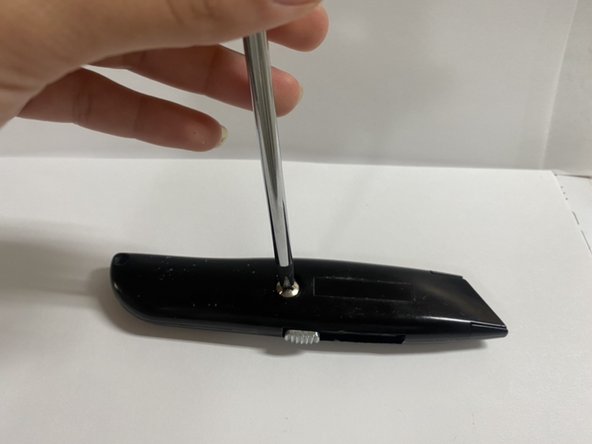
Using a Phillips head screwdriver, unscrew the screw on the box cutter.
-
Remove the top part of the box cutter.
 Ask FixBot
-
-
-
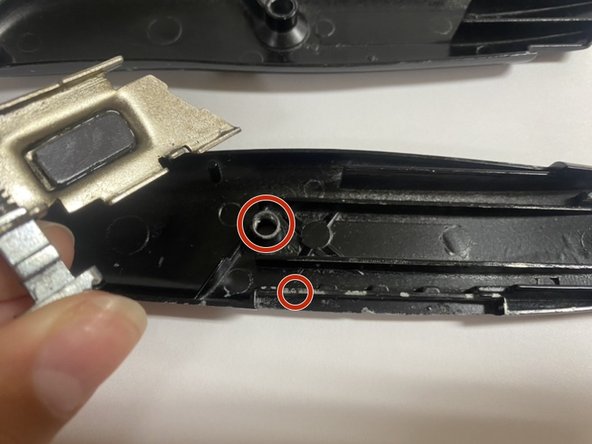
Look for the sliding bar and circle which will be located towards the end of the box cutter.
-
Place the trigger aligning with the sliding bar and the circle in the middle of the box cutter.
-
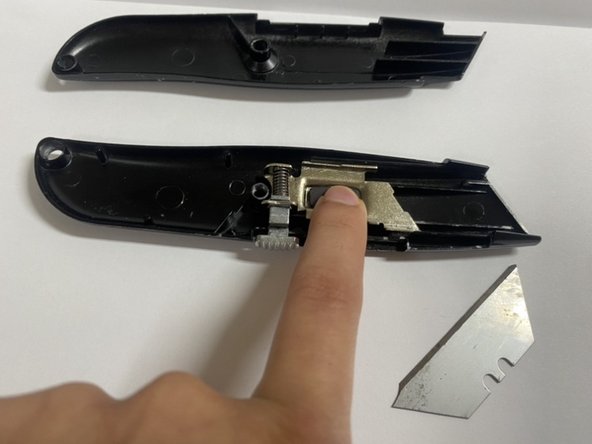
Apply pressure with your finger onto the magnetic part of the trigger to secure placement.
-
-
-
Carefully pick up the blade and identify the left hook of the blade and identify the hook of the trigger.
-
Align the hook from the blade on top of the trigger hook.
-
-
-
-
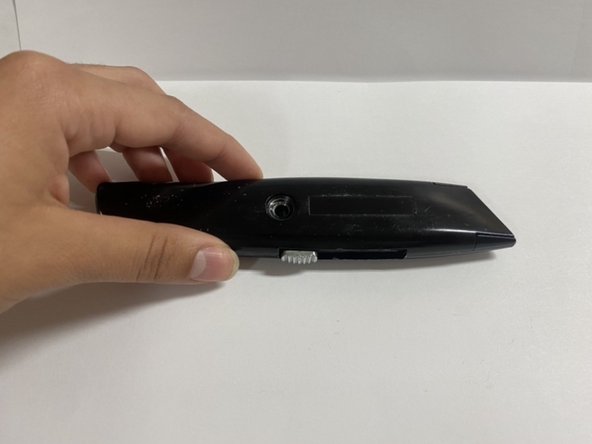
Hand tightly screw the screw back into the box cutter.
-
Finish off screwing the screw into the box cutter with the screw driver.
-
-









To reassemble your device, follow these instructions in reverse order.

Team

Sam Houston State, Team 1-2, Bennett Fall 2023 Member of Sam Houston State, Team 1-2, Bennett Fall 2023
SHSU-BENNETT-F23S1G2
2 Members
12 Guides authored
