Introduction
This guide will show you how to replace the power supply unit in the HITACHI CP-X440. All of the following necessary tools will be listed in the guide for your reference.
Before starting, make sure device is unplugged from power source. There are many wires involved in this replacement so there's a chance for getting hurt if the projector is turned on.
What you need
-
-
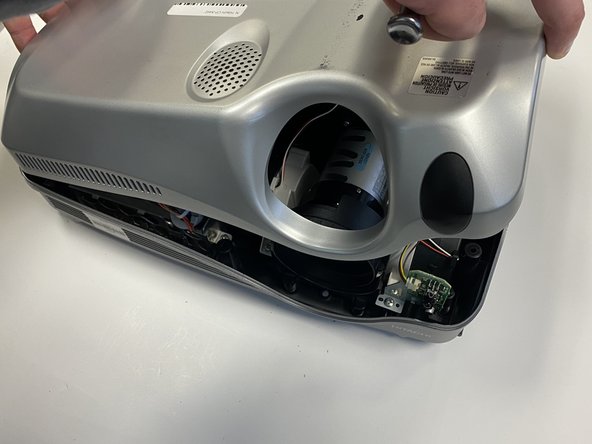
Turn the projector upside down so the bottom is facing up.
-
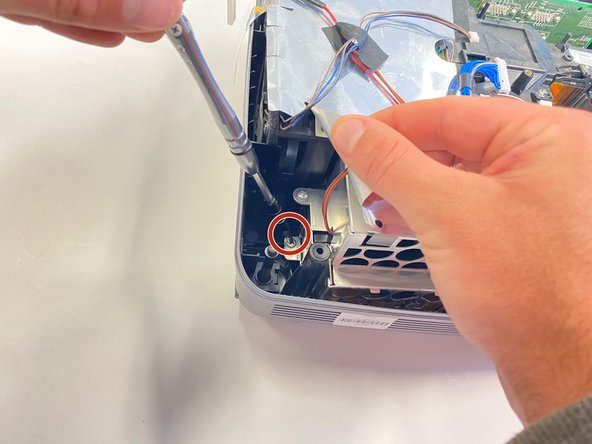
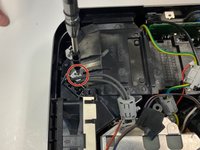
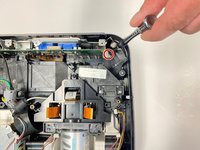
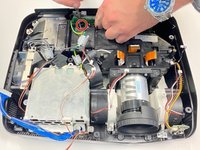
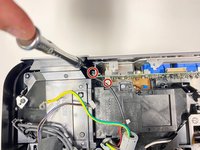
Using a Phillips #1 screwdriver remove the six black 2 mm screws.
-
-
-
-
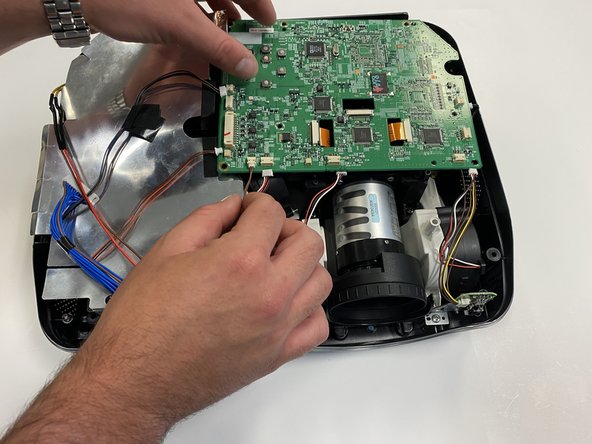
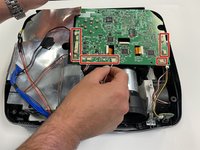
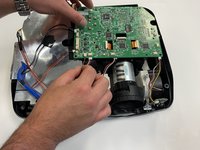
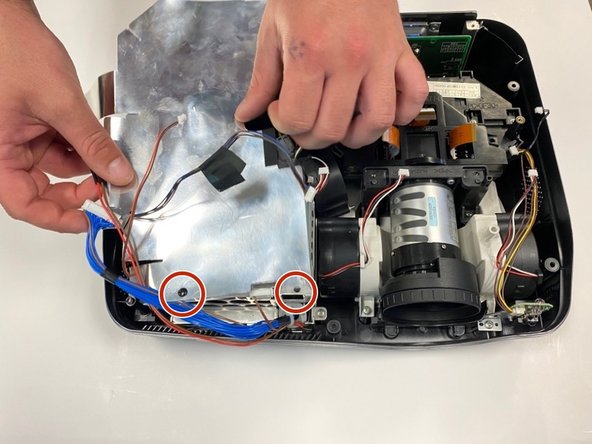
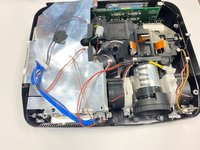
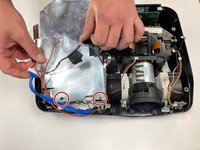
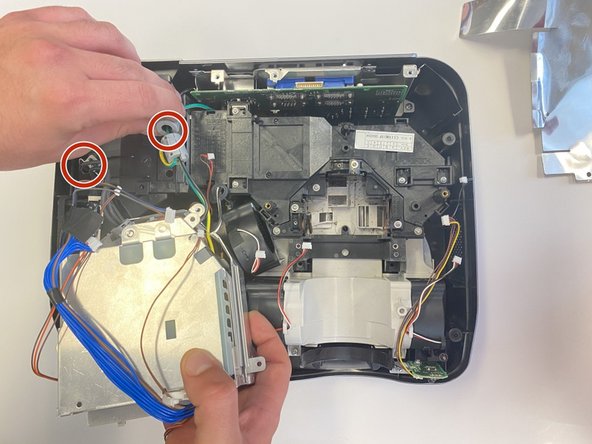
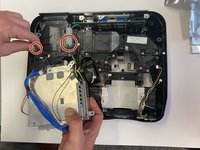
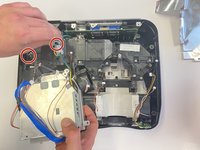
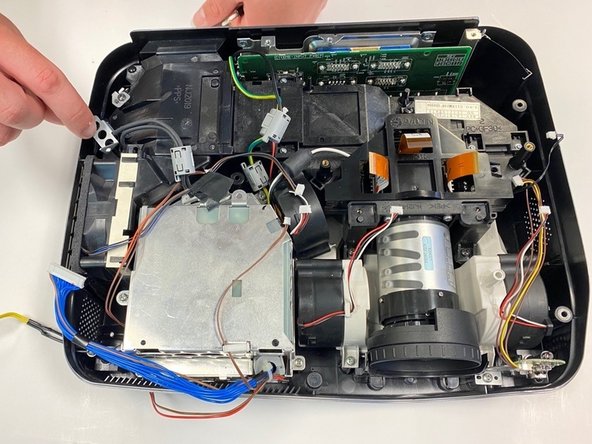
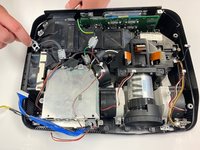
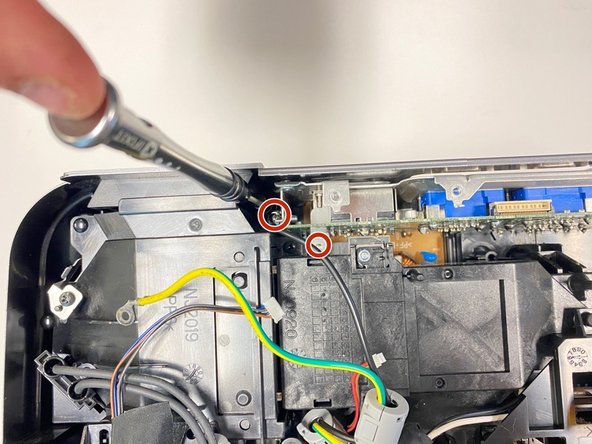
Remove the silver plastic protective piece from the top of the power supply unit.
-
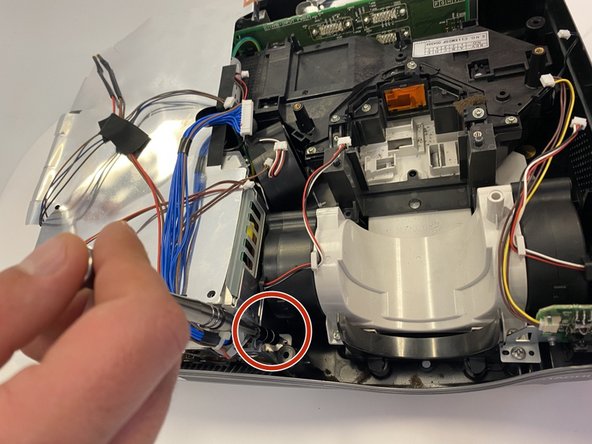
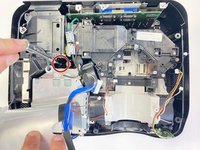
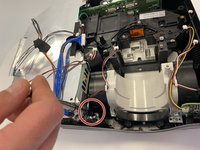
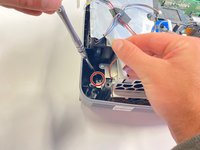
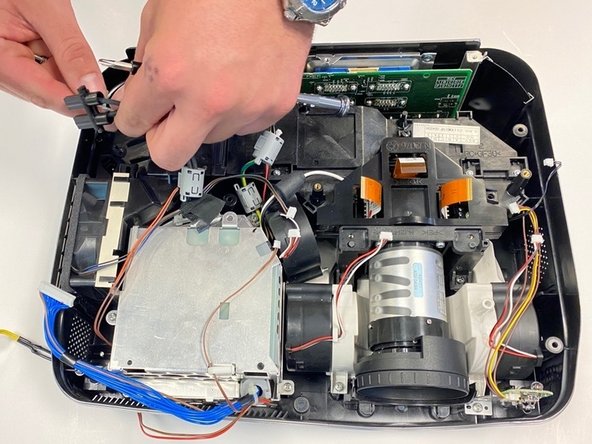
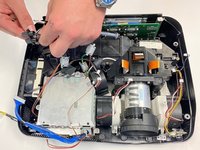
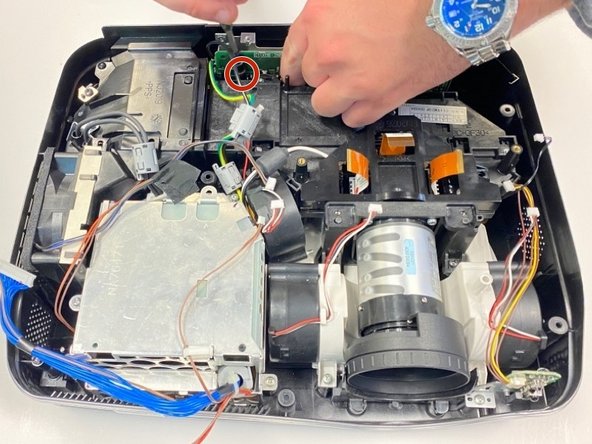
Remove the black pin holder by using the spudger.
-










To reassemble your device, follow these instructions in reverse order.



Team

University of Alabama, Team 2-2, Bedsole Spring 2022 Member of University of Alabama, Team 2-2, Bedsole Spring 2022
UA-BEDSOLE-S22S2G2
4 Members
6 Guides authored
