Introduction
In this guide, users will learn how to replace the lamp in the Hitachi CP-X440 Projector. If the Projector is not displaying an image when turned on, the lamp may need replacing.
What you need
-
-
-
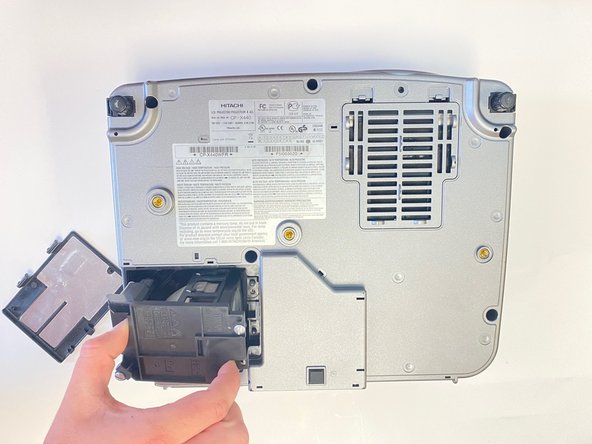
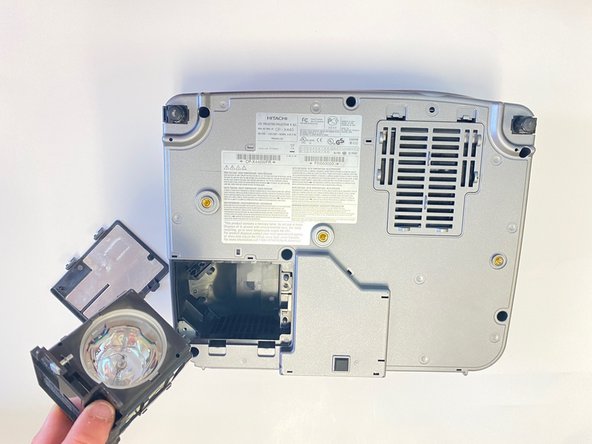
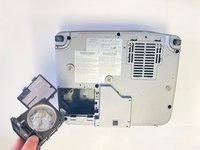
Flip the projector upside down so the bottom end is showing and press down the two tabs on the bottom left of the projector
-
Lift the lamp cover up and set to the side
 Ask FixBot
-
-
-
-
Use a Flathead #4 screwdriver to remove the two 1.0 cm silver screws from the back of the lamp piece.
-
-


Conclusion
To reassemble your device, follow these instructions in reverse order.

Team

University of Alabama, Team 2-2, Bedsole Spring 2022 Member of University of Alabama, Team 2-2, Bedsole Spring 2022
UA-BEDSOLE-S22S2G2
4 Members
72 Guides authored
