Hitachi CP-X2010N Top Panel Replacement

What you need

  1. Hitachi CP-X2010N Top Panel Replacement, Top Panel: step 1, image 1 of 3 Hitachi CP-X2010N Top Panel Replacement, Top Panel: step 1, image 2 of 3 Hitachi CP-X2010N Top Panel Replacement, Top Panel: step 1, image 3 of 3
    • Flip the projector upside down to expose the screws on the underside.

  2. Hitachi CP-X2010N Top Panel Replacement: step 2, image 1 of 3 Hitachi CP-X2010N Top Panel Replacement: step 2, image 2 of 3 Hitachi CP-X2010N Top Panel Replacement: step 2, image 3 of 3
    • Use a Phillips #2 screwdriver to remove eight black 14 mm screws holding the top panel to the main projector body.

  3. Hitachi CP-X2010N Top Panel Replacement: step 3, image 1 of 1
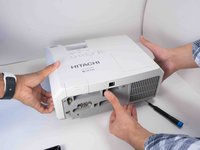
    • Flip projector right side up and orient it so you are facing the rear panel.

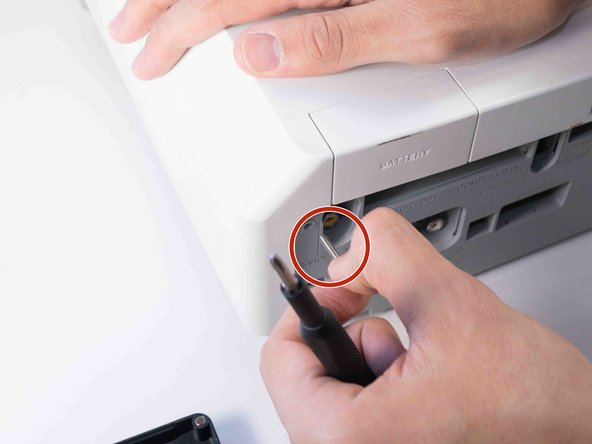
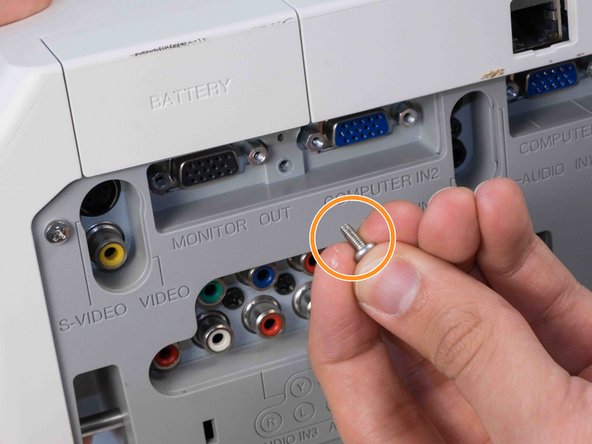
  4. Hitachi CP-X2010N Top Panel Replacement: step 4, image 1 of 3 Hitachi CP-X2010N Top Panel Replacement: step 4, image 2 of 3 Hitachi CP-X2010N Top Panel Replacement: step 4, image 3 of 3
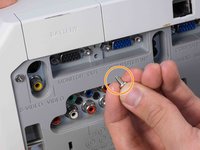
    • Use a Phillips #2 screwdriver to remove two silver 22 mm long screws.

    • Use a Phillips #2 screwdriver to remove the short silver 10 mm screw.

  5. Hitachi CP-X2010N Top Panel Replacement: step 5, image 1 of 3 Hitachi CP-X2010N Top Panel Replacement: step 5, image 2 of 3 Hitachi CP-X2010N Top Panel Replacement: step 5, image 3 of 3
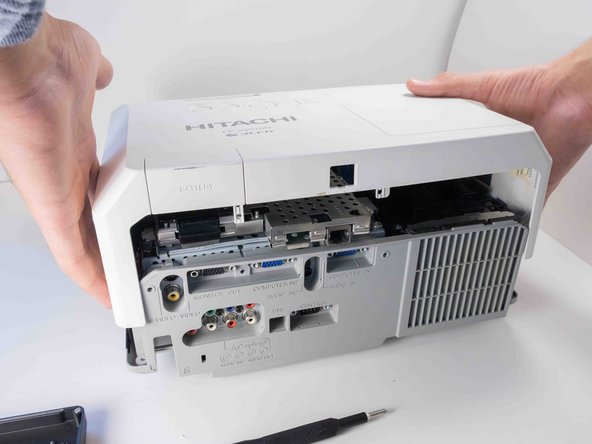
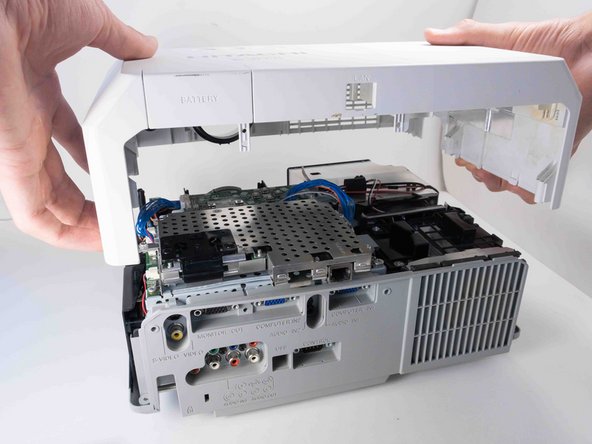
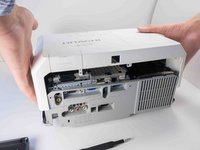
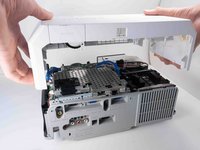
    • Carefully lift the top panel from the body of the projector, making sure it doesn't catch on anything.

    • Remove the panel from the body of the projector.

Conclusion

To reassemble your device, follow these instructions in reverse order.

3 other people completed this guide.

Chance Kidd

Member since: 09/20/22

1,184 Reputation

6 Guides authored

0 Guide Comments

Add Comment

View Statistics:

Past 24 Hours: 0

Past 7 Days: 1

Past 30 Days: 12

All Time: 185