Introduction
Before beginning this repair, you should be familiar with soldering a circuit board. The soldering skills needed aren't very in-depth, but you'll be working very close to some other components.
What you need
-
-
-
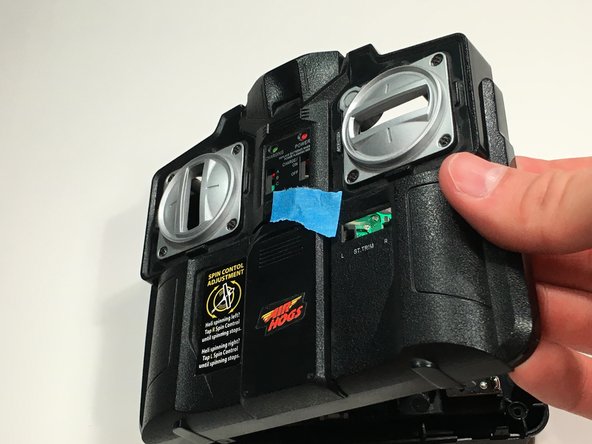
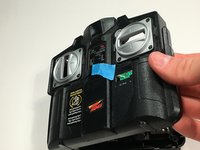
Place a small piece of tape over the Light button to prevent it from falling out in later steps.
-
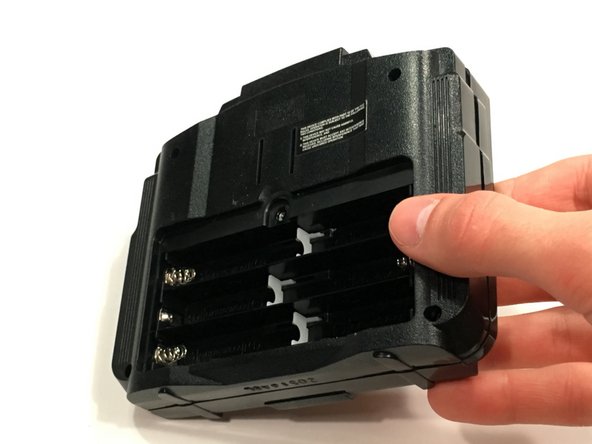
Flip the controller over so the back is facing up.
 Ask FixBot
-
-
-
Remove the battery compartment screw with a small Phillips screw driver.
-
Lift off the battery cover.
-
Remove the six AA batteries from the compartment.
-
-
-
-
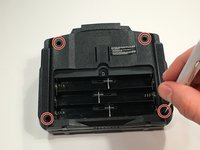
Remove the remaining four screws with a small Phillips screw driver.
-
Flip the device over so the front is facing up.
-
Remove the front cover and place it to the left side.
-
-
-
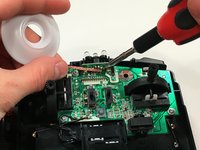
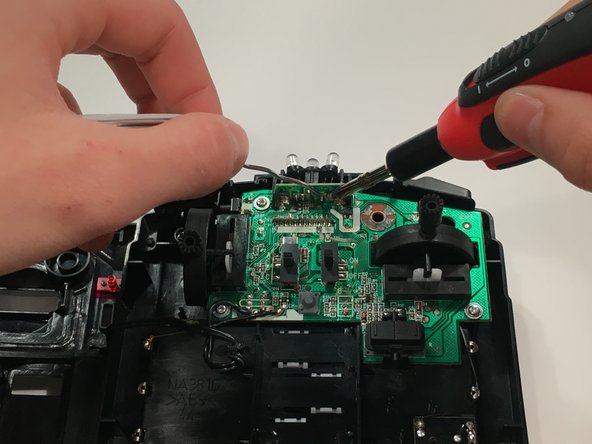
Use the soldering iron and solder wick to remove the solder from the IR LED you're replacing.
-
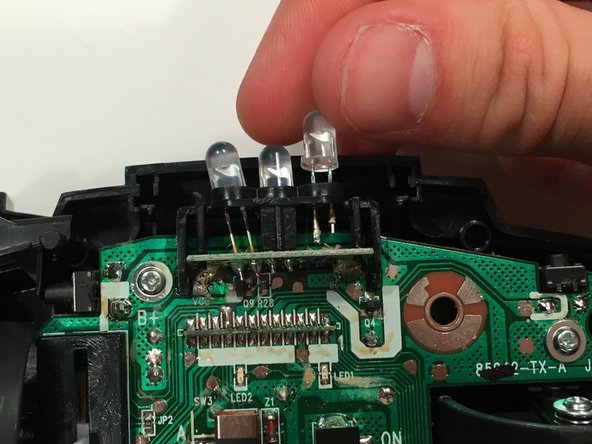
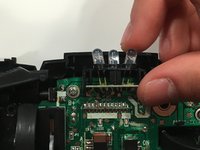
Pull the LED out through the top.
-
-
-
Insert the new LED into the slot.
-
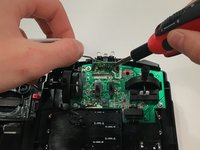
Use the soldering iron and solder to connect the new LED.
-
-





To reassemble your device, follow these instructions in reverse order.
Cancel: I did not complete this guide.
One other person completed this guide.

Team

Michigan Tech, Team 1-13, Lauer Fall 2016 Member of Michigan Tech, Team 1-13, Lauer Fall 2016
MTU-LAUER-F16S1G13
1 Member
12 Guides authored
