This translation was generated by a machine and has not been reviewed by a person yet. Speak this language? Review it.
-
-
-
Use your hand or a screwdriver to unscrew the right screw.
 Ask FixBot
-
-
-
-
You will need a screwdriver that fits Phillips 6-32 screws.
-
You can also try using a flat-head screwdriver of an appropriate size to remove them.
-
-
-
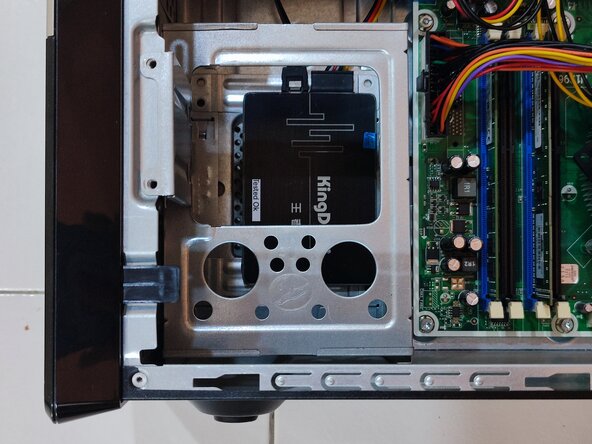
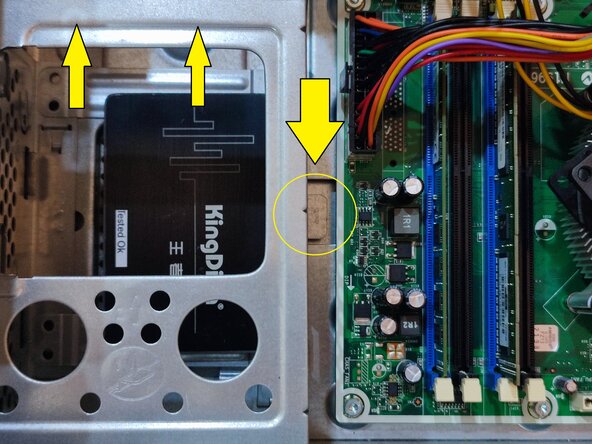
Press and hold the clip on the right side while pushing in the direction of the arrow on the left.
-
Finally, remove the four screws on the left and right sides of the hard drive bracket to remove the hard drive.
-
-




Conclusion
When reassembling your device, follow the instructions in reverse order.

